How to Track QR Code Scans
Turn every scan into a data point you can use.
IMQRScan is a QR code platform where you create free static QR codes, Smart codes you can edit after printing, and mobile landing pages, then track every scan in one dashboard.
Use it for menus, business cards, packaging, reviews, payments, and campaigns. Start free, with no credit card, and upgrade only when you need Smart codes and analytics.
Links, WiFi, menus, cards, files
On free static codes, no expiry
With Smart codes
By date, city, and device
IMQRScan is an online QR code platform made for businesses: one place to create, design, track, and manage every QR code you print or share. It runs in the browser on any computer or phone, so there is nothing to install.
75 QR code types, from a simple link to a full mobile page.
Templates, shapes, logos, frames, and print-ready files.
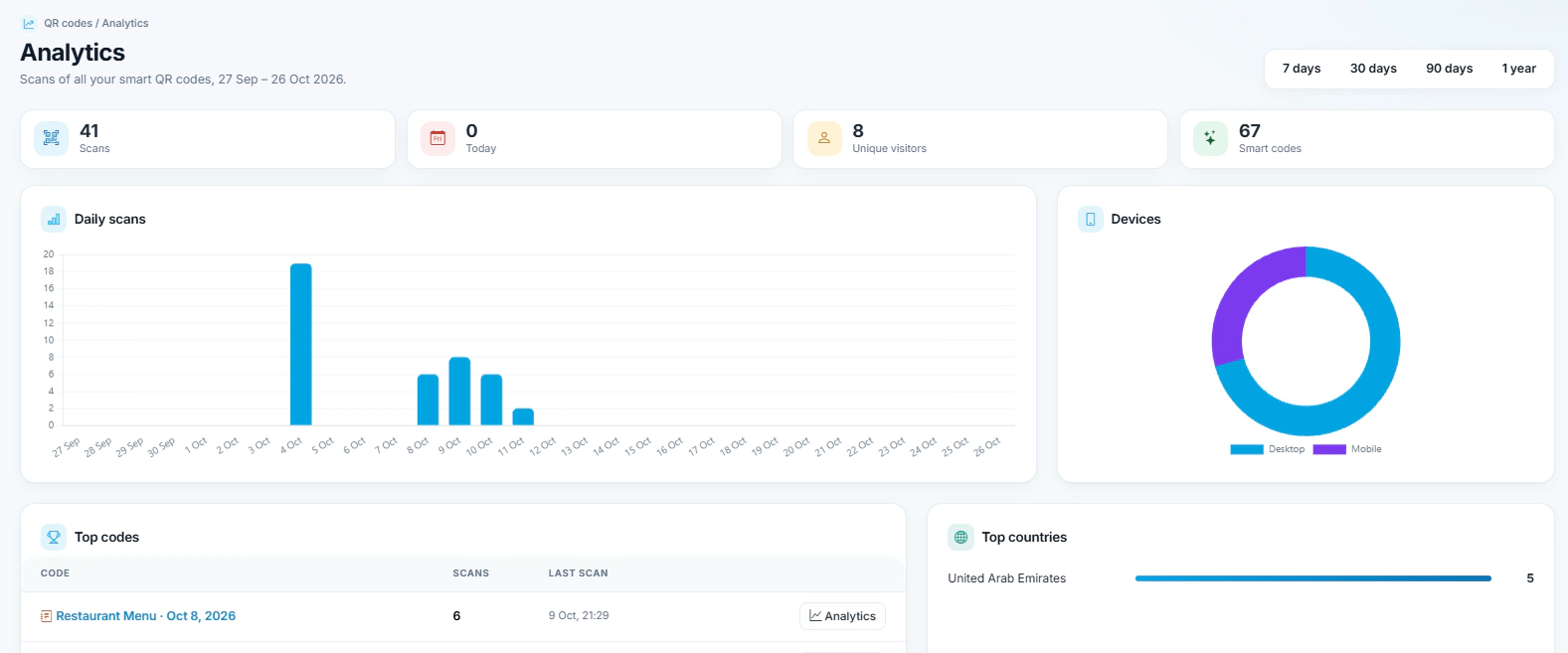
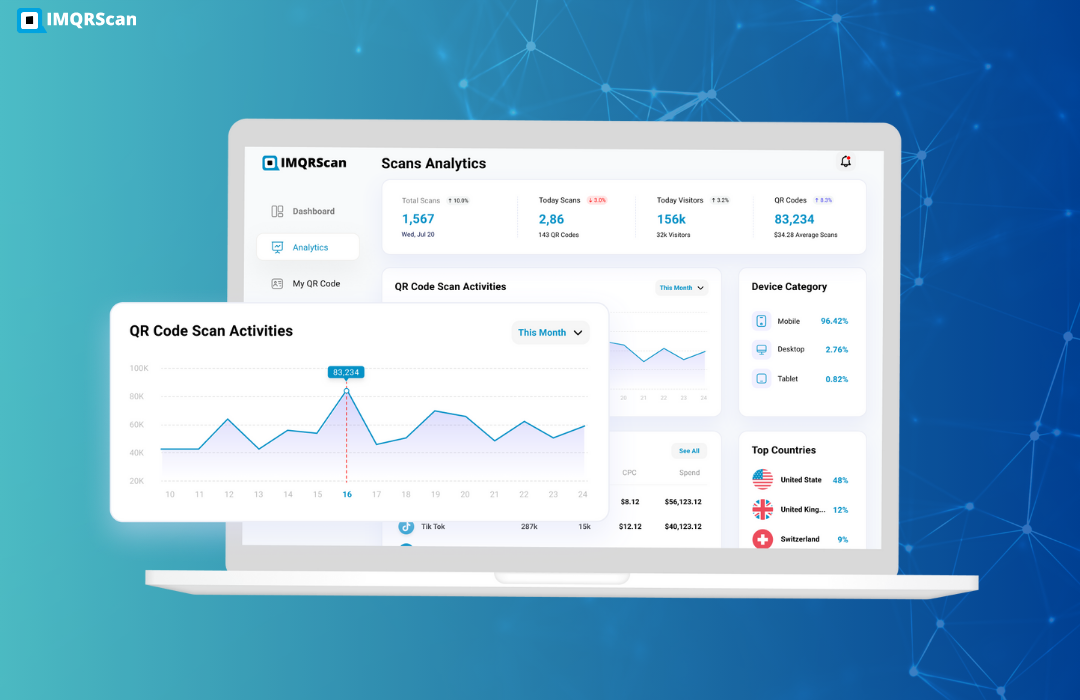
Scans by date, city, country, and device for Smart codes.
Folders, teams, roles, rules, and your own domain.
Looking for the free tool itself? Open the free QR code generator.
Choose a step to see what IMQRScan does at each stage of a QR code’s life.
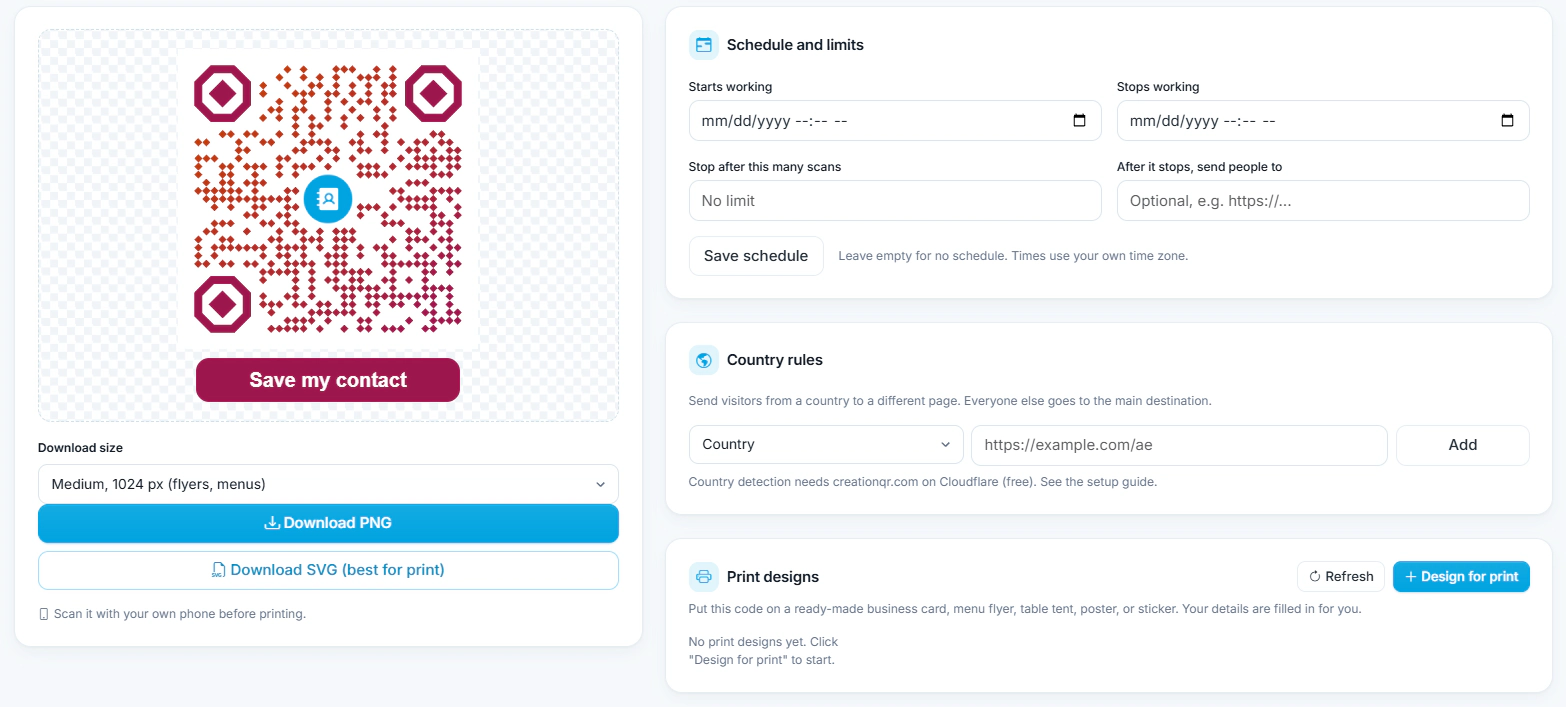
Platform metrics as of October 2026
The types businesses use most. Every type has its own guide, and the generator holds all 75.
From idea to printed code in about two minutes.
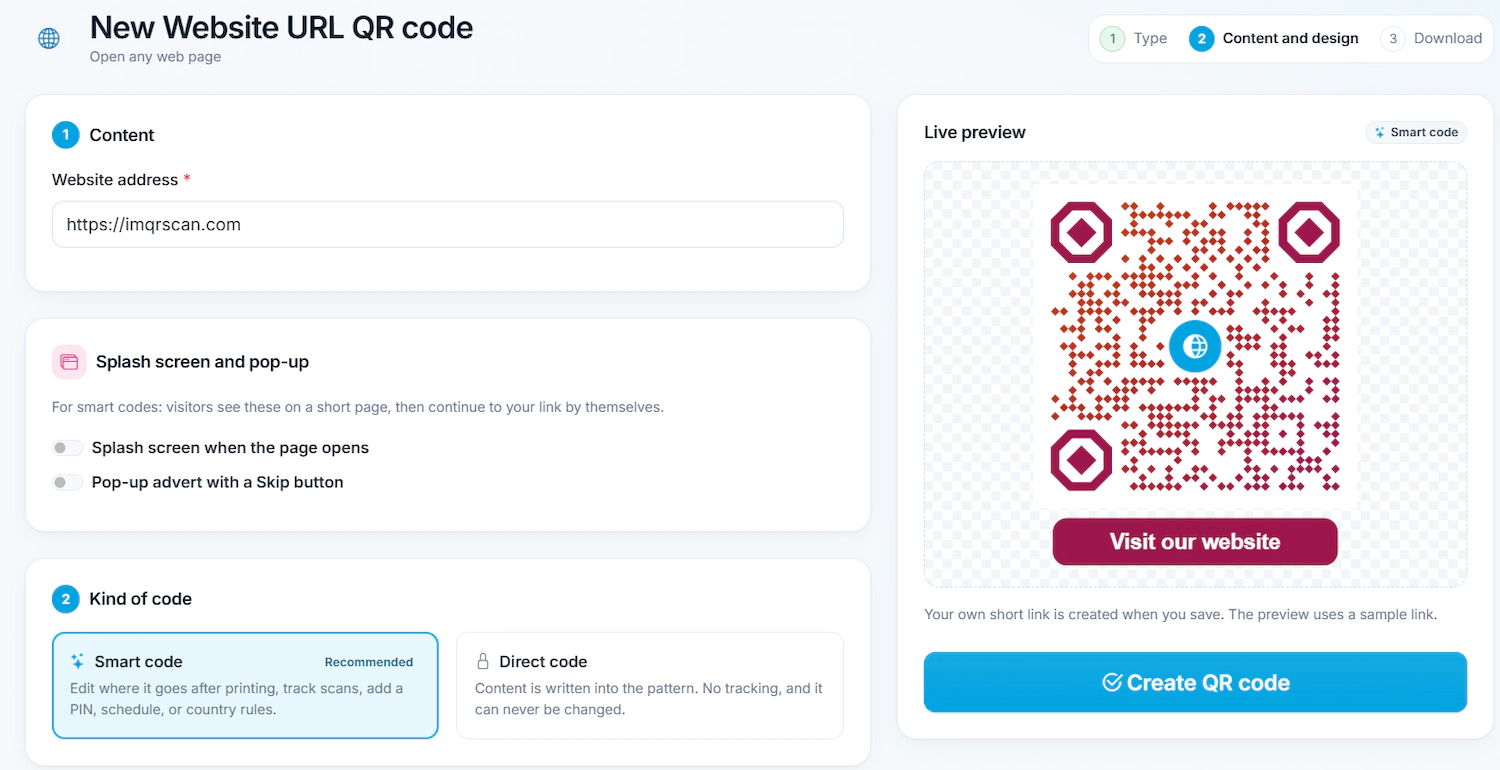
Pick a QR code type and add your link, details, or page content. The preview updates as you type.
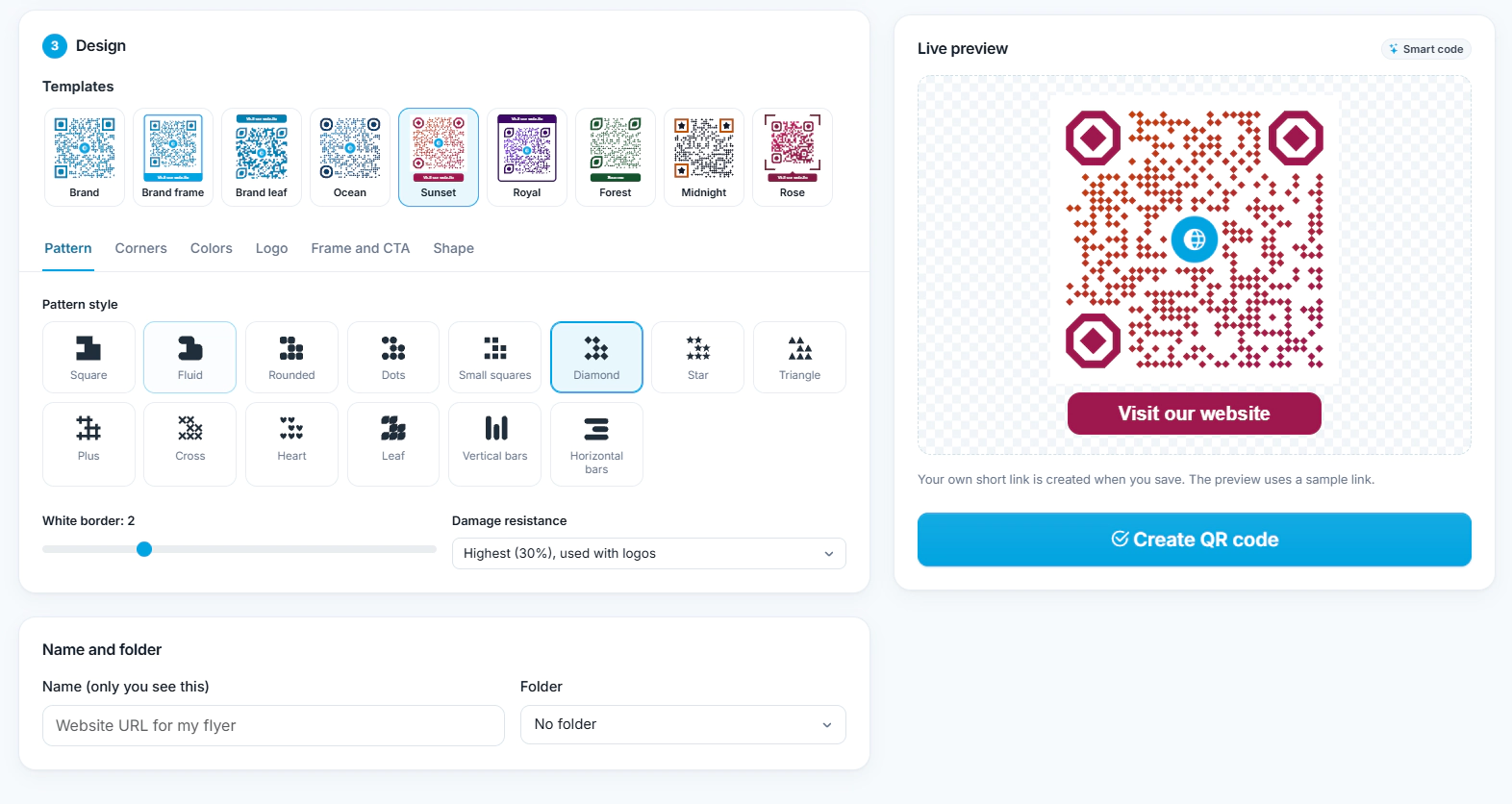
Add your logo and colors, pick a template, and download PNG or SVG with a free account.
Print the code. With a Smart code, change the content any time and watch scans come in.
Plain facts, so you know exactly what you get.
Static codes keep working with unlimited scans, even if you never pay or a paid plan ends. Many free generators switch codes off after a trial; IMQRScan static codes stay on.
Downloaded codes are clean and print-ready in PNG and SVG. Your brand stays in front, not ours.
Paid plans start at $3 a month, billed yearly, and a one-time Lifetime plan is available. Every plan is listed openly on the pricing page.
Codes, landing pages, analytics, forms, teams, and print files live in one dashboard, so you do not need a separate tool for each job.
Every IMQRScan account gets free design and print tools. Smart codes add rules that decide who opens a code, where they go, and when it works.
Built-in QR Templates
Ready-made designs with colors, frames, and logo placement set.
Multiple QR Shapes
Dot, corner, and frame shapes that match your brand and still scan.
Free Print Templates
Flyers, posters, and table tents with your code already placed.
QR Stickers
Sticker-ready designs for labels, packaging, doors, and windows.
Multi-Language Pages
Show hosted landing pages in the languages your visitors read.
Schedule and Scan Limits
Set start and end dates, or cap the number of scans.
Country Rules
Send each country to a different destination from one code.
Retargeting Pixels
Meta, GA4, Google Ads, TikTok, and LinkedIn pixels on every scan.
PIN Protection
Ask for a PIN before the content opens.
Custom Domain
Use your own domain for the short link behind the code.
Team and Users
Invite teammates and give each one a role.
QR Code API
Create and manage codes from your own software.
Real setups by industry, with the codes each business uses.
Where marketers put IMQRScan codes to turn print and ads into measurable results.
Real feedback from businesses using IMQRScan dynamic QR codes.
"We switched our restaurant menu to IMQRScan dynamic QR codes. Being able to update daily specials without reprinting saved us around $400 a month in print costs. Scan tracking showed us which table placements performed best."
"The Google Review QR code doubled our review volume in 6 weeks. We stuck it on receipts and at the checkout counter. Analytics showed 62% of scans came from mobile iOS, useful for our marketing decisions."
"We printed 25,000 product labels with dynamic QR codes for our European launch. Two weeks in, we realized a broken URL. One click in the IMQRScan dashboard fixed every label. That alone paid for the subscription for 10 years."
Names of users and companies shown with permission. Read more on our Google Business profile.
Security matters when QR codes handle customer data, payments, or internal documents. IMQRScan uses HTTPS redirects for dynamic QR codes and supports password-protected access for sensitive content.
Static QR codes are free on every plan. Upgrade only when you need Smart codes, analytics, and team tools.
Try IMQRScan and make free codes
For individuals, billed yearly
Most Popular
For growing teams, billed yearly
For larger brands, billed yearly
Create a free static QR code in two minutes, or try Smart codes with scan tracking on the Free plan.
Create QR Code FreeShort answers about the platform, plans, and support.
Practical guides from the IMQRScan team.
 Guide
Guide
 Guide
Guide
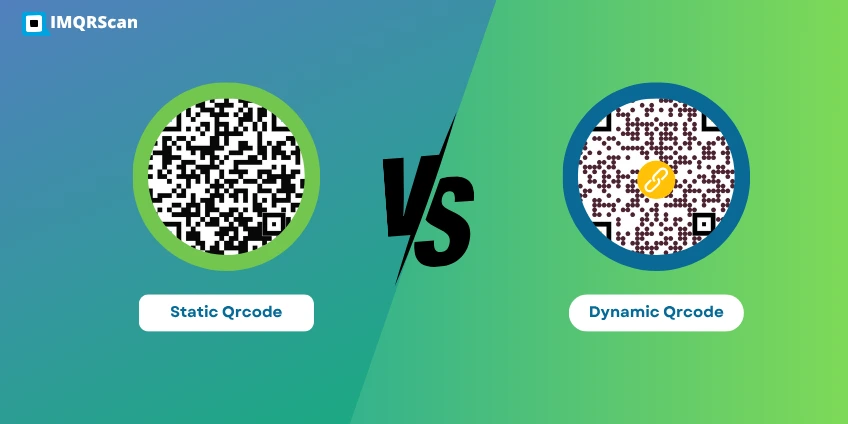 Comparison





You will experience great benefits from the new revolution of QR codes. Within one minute
Create Free QR Code