Event QR Code Generator for Calendar Invites and Registration
An event QR code generator creates a code that opens your event page, with the date, time zone, venue, map and an Add to calendar button. Attendees scan once to save the date, register or reach the ticket page. Create your event QR code below.
Free plan • No credit card required • Edit event details after printing
1
Scan to save the date
3
Calendar apps supported
24/7
Edit details after printing
Live
Scan analytics
What Is an Event QR Code?
Definition: An event QR code is a scannable code that opens a mobile event page. Attendees see the date, time, venue and map, save the event to their calendar, and follow one link to tickets or registration.
An event QR code generator replaces long links and crowded print with one scan. The IMQRScan Event page includes:
- Event name, cover image, description and organizer
- Start and end time with the right time zone
- Venue, address and a map link
- An Add to calendar button for Google Calendar, Apple Calendar and Outlook
- One main button you name, such as Get tickets, Register or Join online
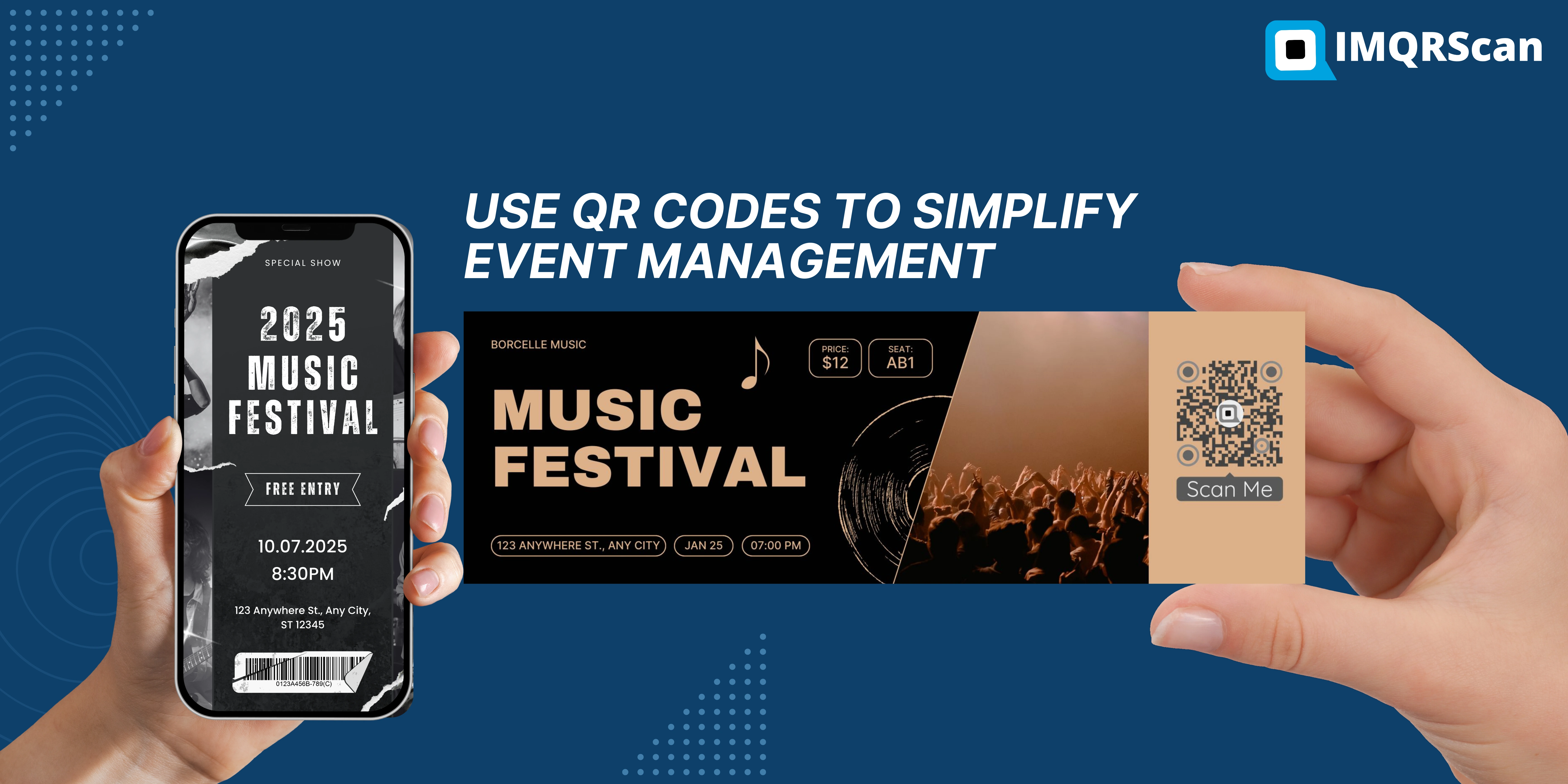
Static Calendar QR Code vs Dynamic Event QR Code
Many free tools make a static calendar QR code that stores the event (in the iCalendar format) inside the code. A dynamic event QR code opens an event page instead. Both add the event to a calendar, but they behave very differently after printing. For every other code type, such as a website link or a WiFi network, use the main QR code generator.
| Feature | Static calendar QR code | Dynamic event QR code |
|---|---|---|
| Add to calendar | Yes, straight from the scan | Yes, with one tap on the event page |
| Change time or venue after printing | No, you must reprint | Yes, edit it in your dashboard |
| Map, description and tickets button | Basic text only | Full event page |
| Scan tracking | No | Yes, by date, device and location |
| Best for | Fixed one-off meetings | Events promoted for weeks, with details that may change |
If there is any chance the date, room or link will change, choose a dynamic QR code. Reprinting posters costs far more than the code.
Which Event QR Code Do You Need?
Pick by what attendees should do after they scan.
| Goal | Best QR code | Notes |
|---|---|---|
| Save the date and see details | Event QR code | Includes Add to calendar and a map |
| Register for a free event | Lead Form QR code or Google Form QR code | Collect names, emails and answers |
| Sell tickets on Eventbrite | Eventbrite QR code | Eventbrite issues and scans the tickets |
| Check guests in | Your ticketing app scanner, or a Google Form sign-in | See Google Form attendance |
| Join the venue Wi-Fi | WiFi QR code | Put it on badges and table cards |
| Collect wedding photos | Wedding photo QR code | Guests upload to one album |
| Collect photos at other events | Photo sharing QR code | See QR codes for event photos |
Calendar Event QR Codes: Add to Calendar in One Scan
Most people forget an event they did not save. With a calendar event QR code, the attendee scans, taps Add to calendar, and the event lands in their own calendar with the time, place and description.
| Calendar app | How it opens | Good to know |
|---|---|---|
| Google Calendar | A Google Calendar link opens with the event filled in | Works on Android and in any browser |
| Apple Calendar | A calendar file opens and the attendee taps Add | Works on iPhone, iPad and Mac |
| Outlook | The same calendar file imports into Outlook | Useful for work events and conferences |
Set the time zone carefully. It decides the time every attendee sees. For online events with a global audience, each calendar converts the start time to the guest's own time zone.
QR Code Generator for Event Registration
For free events, a registration QR code is often the fastest way to fill seats. Choose the form that fits your team.
| Registration option | Best for | What you get |
|---|---|---|
| IMQRScan Lead Form | Workshops, open days, small conferences | Names, emails and custom answers, with an email for each sign-up |
| Google Form | Teams already on Google Workspace | Responses in a Google Sheet |
| Ticketing platform | Paid events and large audiences | Tickets with check-in codes, payments and reminders |

Link the form from your event page button, or print a second code just for registration, so people who only want to sign up can do it in one step.
Event Ticket QR Codes, Passes and Check-In
Ticket QR codes and promotional QR codes do different jobs, and it helps to keep them apart.
- Ticket QR codes are unique for each attendee and checked at the door. Ticketing platforms create and validate them. Eventbrite, for example, adds one to every ticket and scans it with its Organizer app; see the Eventbrite QR code guide.
- Event QR codes are the same for everyone. They promote the event and send people to the ticket or registration page.
- Event passes and badges can carry their own codes. With bulk creation, a spreadsheet becomes many codes at once, for example one per badge that opens that person's schedule or contact card.
- For small free events, a sign-in form works as a check-in list: guests scan on arrival and enter their name.

Event QR Codes for Virtual and Hybrid Events
Set the main button to your Zoom, Microsoft Teams or livestream link. Attendees save the date and join from the same page, and the calendar entry keeps the link one tap away.
For hybrid events, keep one code: in-person guests see the venue and map, online guests use the Join online button. Show the code on your last slide so viewers can save the next session.
Using Event QR Codes Before, During and After the Event
| Stage | Where to use the event QR code | What it opens |
|---|---|---|
| Before | Flyers, posters, invitations, email and social posts | Event page with Add to calendar and tickets |
| During | Badges, signs, slides and table cards | Agenda, venue Wi-Fi, feedback form or photo sharing |
| After | Thank-you email and follow-up posts | Slides, recordings, photos or the next event |
One dynamic code can serve every stage: change what it opens as the event moves along. For planning codes, signs and sponsor reports across a whole event, read QR codes for event organizers.
Event QR Code Best Practices
- Size it for the distance. About 3 cm on badges and flyers, and roughly one tenth of the scanning distance on posters and banners; see minimum QR code size.
- Say what the scan does. Scan to save the date or Scan for tickets gets more scans than a code on its own.
- Check the date and time zone on the event page before anything is printed.
- Use a separate code per channel, such as posters and email, so scan counts show what works; see how to track QR code scans.
- Keep strong contrast when you add colors and a logo, and leave a clear border around the code.
Example: A One-Day Business Conference
Here is how one organizer could use event QR codes from start to finish.
- Six weeks before, posters and LinkedIn posts carry an event QR code that opens the event page with Add to calendar and a Register button.
- Registration runs through a Lead Form QR code, and each sign-up arrives by email.
- Badges are made with bulk creation, and the venue signs carry a WiFi QR code.
- On the day, the event QR code opens the agenda and room map.
- Afterwards, the same printed code opens the slides and a feedback form, without reprinting anything.
What an Event QR Code Generator Should Include
The Event type builds a mobile event page behind your code, so one scan gives attendees everything they need.
Event page
Event name, cover image, description and organizer on one mobile page.
Add to calendar
One tap saves the event to Google Calendar, Apple Calendar or Outlook.
Venue and map
Address and a map link, so attendees find the place without searching.
Tickets or registration button
One main button for tickets, a registration form or a livestream.
Edit after printing
Change the time, venue or button link, and every printed code updates.
Scan tracking and bulk creation
See scans by date, device and location, and create codes in bulk from a spreadsheet.
How to Create a Code With the Event QR Code Generator
Use the generator at the top of this page. Setup takes about five minutes.
Choose the Event type
In the generator above, choose Event. It creates a mobile event page behind your QR code.
Add the event details
Enter the event name, start and end time, time zone, venue, address and a map link, plus a short description and the organizer.
Add your main button
Link the button to tickets, a registration form or a livestream, and name it, for example Get tickets or Register.
Design the QR code
Add your logo and event colors, and a frame with a call to action such as Scan to save the date.
Test it on two phones
Scan with an iPhone and an Android phone, tap Add to calendar, and check the time shows in the right time zone.
Print and share
Download SVG for print and PNG for screens, then add the code to flyers, posters, badges and slides.
What Else Can an Event QR Code Do?
Event codes often need more control than a normal link. These IMQRScan tools help before, during and after the event.
Schedule and Scan Limits
Switch the code on and off on set dates, or cap scans (Professional).
Bulk Creation
Turn a spreadsheet into many codes, one per badge or session.
Free Print Templates
Posters, badges and table cards with your code placed.
Multi-Language Pages
Show the event page in the language of your audience.
Country Rules
Send visitors from each country to a different page (Professional).
Retargeting Pixels
Add Meta, GA4 or LinkedIn pixels to reach visitors later (Professional).
Team and Users
Share event codes with colleagues, with roles for managers.
QR Code API
Create event codes from your own software (Professional).
Free on every plan
- Built-in QR templates
- Multiple QR shapes
- Free print templates
- QR stickers
- Multi-language landing pages
Free plan includes
- Unlimited static QR codes
- 5 Smart (dynamic) QR codes
- 15 tracked scans
- 14 days of scan analytics
- Bulk creation, 5 per upload
- File uploads up to 5 MB
Professional plan and up
- PIN protection
- Schedule and scan limits
- Country rules
- Retargeting pixels
- QR Code API
- Team management and roles
- Custom domain add-on from Starter ($10/month)
Summary
- An event QR code opens a mobile event page with Add to calendar.
- It works with Google Calendar, Apple Calendar and Outlook.
- Link the main button to tickets, a registration form or a livestream.
- It is dynamic, so you can change the time or venue after printing.
- IMQRScan does not sell tickets or validate them at the door.
An event QR code generator is the fastest way to turn printed promotion into saved dates and sign-ups. Use the event page for details and calendar, a form for registration, and your ticketing platform for paid entry and check-in.
Create Your Event QR Code
Add the details, link your tickets or registration, and test the calendar on two phones before you print.
Create an Event QR CodeFree plan • No credit card required