Call QR Code Generator: Scan to Call Any Phone Number
A call QR code opens the phone dialer with your number ready, so people call you with one scan and one tap. Enter your phone number with its country code in the generator below, style the code, and download it as PNG or SVG.
It works on every iPhone and Android phone without an app. For other code types, open the main QR code generator.
What Is a Call QR Code?
A call QR code is a QR code that holds a phone number in the standard tel: format, so scanning it opens the phone dialer with the number filled in. The person then taps the call button. Nothing dials by itself.
People also call it a phone number QR code, a scan to call QR code, or a click to call QR code. All of them do the same job: they remove typing, so callers cannot get a digit wrong.
A call QR code works with mobile numbers, landlines, and toll-free numbers. Print it on a shop window, a flyer, a vehicle, or a product label, wherever someone may want to call you right away.
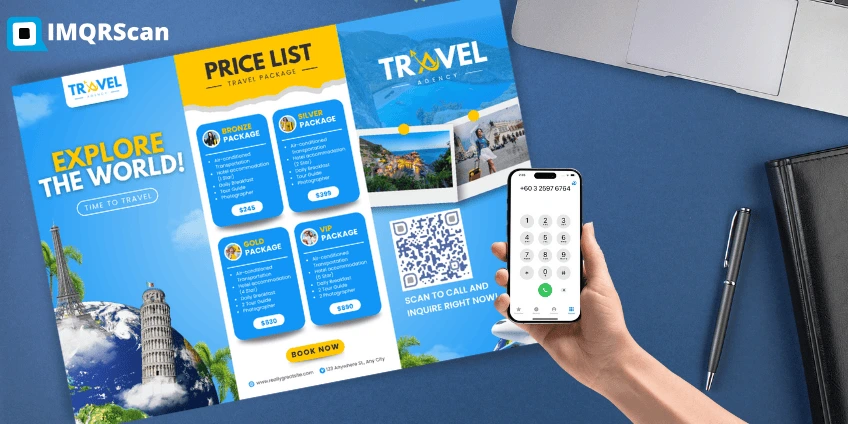
How to Create a Call QR Code in 4 Steps
Use the generator at the top of this page. The steps match its buttons.
-
Step 1
Choose Call
Open the generator above. The Call tab is already selected for you.
-
Step 2
Enter your phone number
Type the number with its country code, such as +971 50 123 4567. Spaces are fine.
-
Step 3
Design your QR code
Open Design to pick a template, colors, shapes, a logo, and a frame such as Scan to call.
-
Step 4
Download QR code
Press Download QR code, create a free account if you have none, and save it as PNG or SVG.
What Happens When Someone Scans a Call QR Code?
The phone shows the number and asks before calling, on both iPhone and Android.
On iPhone
The Camera shows a yellow banner with the number. Tapping it asks Call, with the number shown. One more tap starts the call.
On Android
The Camera or Google Lens shows the number. Tapping it opens the Phone app with the number already typed. The person taps call.
Because the person always confirms the call, a call QR code is safe to print in public places.
How to Write the Phone Number for a Call QR Code
Always include the country code with a plus sign, so the call QR code works for visitors from other countries too. Drop the leading zero of the local number.
| Country | Local number | Enter in the generator |
|---|---|---|
| United Arab Emirates | 050 123 4567 | +971 50 123 4567 |
| United States | (212) 555 0100 | +1 212 555 0100 |
| United Kingdom | 020 7946 0000 | +44 20 7946 0000 |
| India | 098765 43210 | +91 98765 43210 |
Extensions are not supported by every phone, so print the extension next to the code if callers need one.
Can You Make a Call QR Code on Your Phone?
Yes. The generator on this page works in Safari and Chrome on any phone, so you can create a call QR code without installing an app. Open this page on your phone, enter the number, and press Download QR code.
The file saves to your photos or downloads. From there you can send it to a print shop, add it to a social post, or set it as the image on a sign template. Download SVG when the code goes to print, and PNG for screens and messages.
Who Uses Call QR Codes?
Any business that wins customers by phone can use a call QR code. These are the most common.
- Restaurants and takeaways: a code on menus and bags for phone orders.
- Clinics and salons: a code on appointment cards to book or reschedule.
- Real estate agents: a code on for sale signs that reaches the agent from the street.
- Tradespeople: plumbers, electricians, and movers put a code on vans and leaflets.
- Hotels: a code in rooms that calls reception or room service.
Call QR Codes for Emergency Contacts
A call QR code can dial an emergency contact, such as a parent or a caretaker, from a bag tag, a helmet, or a key ring. It only shows one number, though, and the finder still taps call.
For a person’s medical details or several contacts, a call QR code is not enough. Use a code that opens a page with that information, and keep sensitive details off anything that strangers can scan without a reason.
Call QR Code vs WhatsApp and Contact QR Codes
A call QR code starts a phone call. If you want people to save your details or chat instead, another type fits better.
| You want people to | Best code type |
|---|---|
| Call you right now | Call QR code (this page) |
| Save your name, number, and email | vCard Plus QR code, a contact card |
| Chat with a ready message | WhatsApp QR code |
| Send a text message | SMS QR code |
Looking for contact info in a QR code, so people add you to their contacts? Use the vCard Plus QR code. A call QR code dials, but does not save a contact.
Where a Call QR Code Works Best
Use a call QR code wherever a person needs you now, not later.
Shop windows and doors
After-hours customers call to book or ask a question.
Service vehicles
Plumbers, movers, and taxis get calls from people who see the van.
Flyers and property signs
Real estate agents and event organizers take calls on the spot.
Product labels and manuals
Customers reach the support line without searching for it.
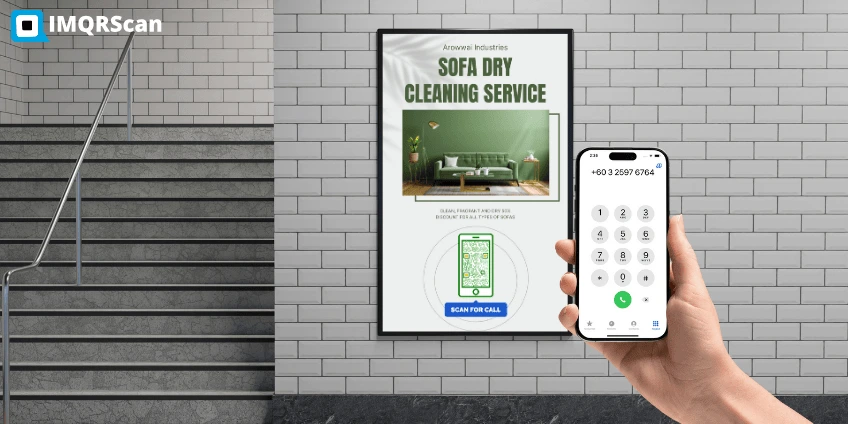
How a Plumber Gets More Calls From One Van
A plumber can print one call QR code on the van and turn parked minutes into booked jobs. Here is a typical setup.
- The van shows a large call QR code, about 15 cm wide, with the frame Scan to call for a quote.
- Neighbors who see the van scan it from the street. The dialer opens with the business number.
- The plumber makes it a Smart code, so the code can point to a new number if the business changes lines.
- Scan numbers in the dashboard show which area brings the most calls.
Static or Smart Call QR Code?
A static call QR code is free and never expires, but the number stays fixed. A Smart call QR code can switch to a new number later and counts scans.
If you print on vehicles, signs, or packaging that last for years, a Smart code protects you from a number change. Read more about static QR codes and the dynamic QR code generator.
Tips for a Call QR Code That Gets Calls
Say what the call is for, make the code easy to scan, and test it first.
- Add a call to action. Scan to call or Call for a free quote tells people what happens.
- Print the number too. Some people prefer to type, and it builds trust.
- Size it for the distance. 2 x 2 cm on cards, 3 to 4 cm on flyers, and larger on vans and windows.
- Keep strong contrast. A dark code on a light background scans best.
- Test from two phones. Check that the dialer opens with the right number on iPhone and Android.
What a Call QR Code Cannot Do
A call QR code opens the dialer. It does not dial on its own, hide your number, or work on devices that cannot make calls.
- The caller always taps call. That is a phone safety rule, not a limit of the generator.
- Your number is visible to everyone who scans. Use a business line for public places.
- Tablets and laptops without a phone plan may not place the call.
- It does not save a contact. For that, use a vCard Plus QR code.
Is the Call QR Code Generator Free?
Yes. A static call QR code is free, with unlimited scans and no expiry. Smart codes, which you can edit after printing and track, are on the paid plans.
| Plan | Free | Starter | Professional | Plus |
|---|---|---|---|---|
| Price (billed yearly) | $0 | $3 / month | $10 / month | $33.33 / month |
| Static QR codes | Unlimited | Unlimited | Unlimited | Unlimited |
| Smart (dynamic) QR codes | 5 | 50 | 250 | 500 |
| Tracked scans | 15 | 500,000 a year | 1,000,000 a year | 2,000,000 a year |
| Scan analytics history | 14 days | 60 days | 90 days | 180 days |
See every detail on the pricing page.
What Else Can a Call QR Code Do?
A call QR code starts a phone call in one scan. IMQRScan adds tools that send callers to the right team, control when the code works, and make it easy to print.
Country Rules
Send callers from each country to your local office number from one printed call QR code.
Schedule and Scan Limits
Let a Smart call QR code work only during a campaign, then stop on the end date you choose.
Free Print Templates
Download a free flyer, door sign, or table tent with your call QR code already placed.
More Tools for Every Call QR Code
Built-in QR Templates
Ready-made designs with colors, frames, and logo placement set.
Multiple QR Shapes
Dot, corner, and frame shapes that match your brand and still scan.
QR Stickers
Sticker-ready designs for labels, packaging, doors, and windows.
Retargeting Pixels
Meta, GA4, Google Ads, TikTok, and LinkedIn pixels on every scan.
PIN Protection
Ask for a PIN before the content opens.
Custom Domain
Use your own domain for the short link behind the code.
Team and Users
Invite teammates and give each one a role.
QR Code API
Create and manage codes from your own software.
Free on every plan
- Built-in QR templates
- Multiple QR shapes
- Free print templates
- QR stickers
Free plan includes
- Unlimited static QR codes
- 5 Smart (dynamic) QR codes
- 15 tracked scans
- 14 days of scan analytics
- Bulk creation, 5 per upload
- File uploads up to 5 MB
Professional plan and up
- PIN protection
- Schedule and scan limits
- Country rules
- Retargeting pixels
- QR Code API
- Team management and roles
- Custom domain add-on from Starter ($10/month)