UPI QR Code Generator
Create QR codes to receive UPI payments instantly.
Create and customize your PayPal QR Code instantly with IMQRScan's PayPal QR Code Generator for fast, secure, and contactless payments. Accept PayPal payments in-store or online within seconds. No setup fees, no hassle, just scan and pay every transaction safely.
Accept secure PayPal payments anywhere, instantly. Generate your custom QR code in seconds and start receiving money. Looking for other payment options too? Explore our Payment QR Code Generator.
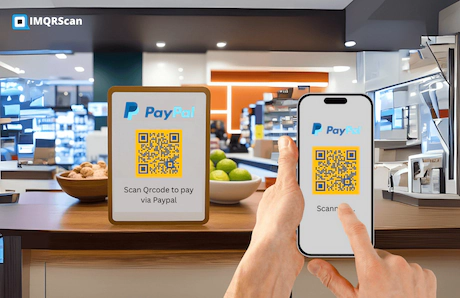
Definition: A PayPal QR code is a scannable code that opens a PayPal payment screen (PayPal QR, PayPal.Me, or a donation/payment link). Customers scan it with the PayPal app or browser and complete payment without typing your details. This makes it part of the wider payment QR code ecosystem used for contactless checkout, invoices, and donation flows. PayPal helps boost your online business and make cashless transactions easier. It also allows the merchants to sell products using QR code with fast checkout.
Disclaimer: IMQRScan is not affiliated with PayPal. PayPal is a trademark of PayPal, Inc.
Many users ask, "How does PayPal QR code work?" In simple terms, it lets buyers scan your QR code using the PayPal QR code scanner in their app, automatically opening a secure payment screen without typing details.
To understand the difference between fixed and editable QR setups, you can also read What Is a Static QR Code? and What Is a Dynamic QR Code?. If you want editable links and scan insights, see our Dynamic QR Code Generator.
Welcome to the new era, PayPal QR code payments enablet your online business and make cashless transactions easier. The primary purpose of QR code pay is to assist small businesses. Such as farmer markets and restaurants recovering from the financial issues. Learn More about QR Code for Small Business.
Introducing QR codes as a contactless payment option into their payment mix. The QR code Payments has a feature in its software that allows consumers to complete transactions quickly. Without having to search for a PayPal.Me link. Your smartphone's camera software supports QR code detection. It will speed up the procedure. Sellers can use the QR code system as a digital payment mechanism by printing a QR code or displaying it on another screen for buyers to scan using the PayPal app.
You can use the same QR code to make in-store transactions. Less hassle, and fewer checkout errors. PayPal QR codes typically don’t have a fixed expiry, but they can stop working if your account/link changes or if PayPal changes availability. Clients will require a PayPal account to pay you. This is a wise move for Paypal. Touch-free payments have become increasingly vital since the pandemic, and for good cause. The adoption of QR codes in financial technology benefits both buyers and sellers.
Create PayPal QR Code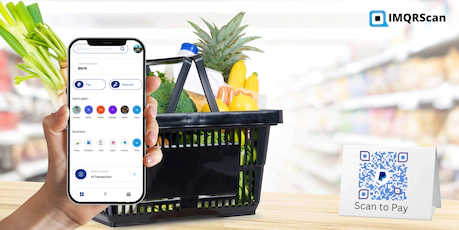
If you already have a PayPal.Me link, you can turn it into a scannable PayPal QR code so customers can pay you instantly without typing anything. This is perfect for freelancers, pop-up shops, and invoices, just scan the code and it opens your PayPal.Me payment screen.
This works especially well alongside a URL QR Code Generator if your payment flow is based on a PayPal.Me URL rather than a native in-app QR. For broader payment use cases, also see our Payment QR Code Generator.
A PayPal donation QR code makes it easy for supporters to contribute in seconds, ideal for charities, fundraisers, creators, mosques/churches, school events, and community drives. Place the QR on donation boxes, event banners, livestream overlays, or social posts so donors can scan and give instantly.
Donation campaigns often perform better when the QR code is easy to print and display clearly. You can improve visibility with QR code stickers and better scan reliability using our guide to QR codes in print.
If you need a print-ready PayPal QR with branding and optional scan insights, IMQRScan is built for marketing and in-person checkout. Always confirm the recipient name on the PayPal confirmation screen before sending money.
A PayPal QR code payment allows you to receive money instantly, simply show your code to a customer or client, and they can scan it to pay you within seconds. You can easily generate a PayPal QR code using either the PayPal Business App or your PayPal web dashboard. If you want a broader step-by-step workflow beyond PayPal, read how to create a QR code for payment. It covers payment QR creation for invoices, counters, events, and digital checkout.
You can also create a custom PayPal QR code using a IMQRScan's Payment QR Code Generator or a URL QR Code Generator when your payment flow is based on a PayPal.Me link.
Wondering how to create or find your PayPal QR code easily? You can use the built-in PayPal option or generate it instantly through IMQRScan, an advanced PayPal QR code generator for business and personal use.
You can then share or print QR code online. Customers simply scan it with their phones to pay you instantly via PayPal, secure, contactless, and instant through your IMQRScan dashboard.This makes it ideal for freelancers, small businesses, and shops that want a branded, easy way to receive PayPal payments securely and contactlessly.
| Feature | PayPal App QR | IMQRScan PayPal QR |
|---|---|---|
| Branding | Limited styling | Custom colors, logo, CTA label (branded look) |
| Print formats | Typically image/share options | PNG / SVG / PDF (print-ready) |
| Use-case options | Standard PayPal flow | PayPal.Me / Link, Donate, Buy Now (use-case focused) |
| Scan tracking | Limited/varies | QR scan insights via IMQRScan dashboard (plan-based) |
| Update destination | Depends on PayPal settings | Dynamic options available (plan-based) to update link without reprinting |
Note: PayPal features and availability vary by country and account type. IMQRScan is a third-party QR generator and not affiliated with PayPal. Need editable payment destinations or scan analytics? Compare with our Dynamic QR Code Generator and QR Code Tracking tools.
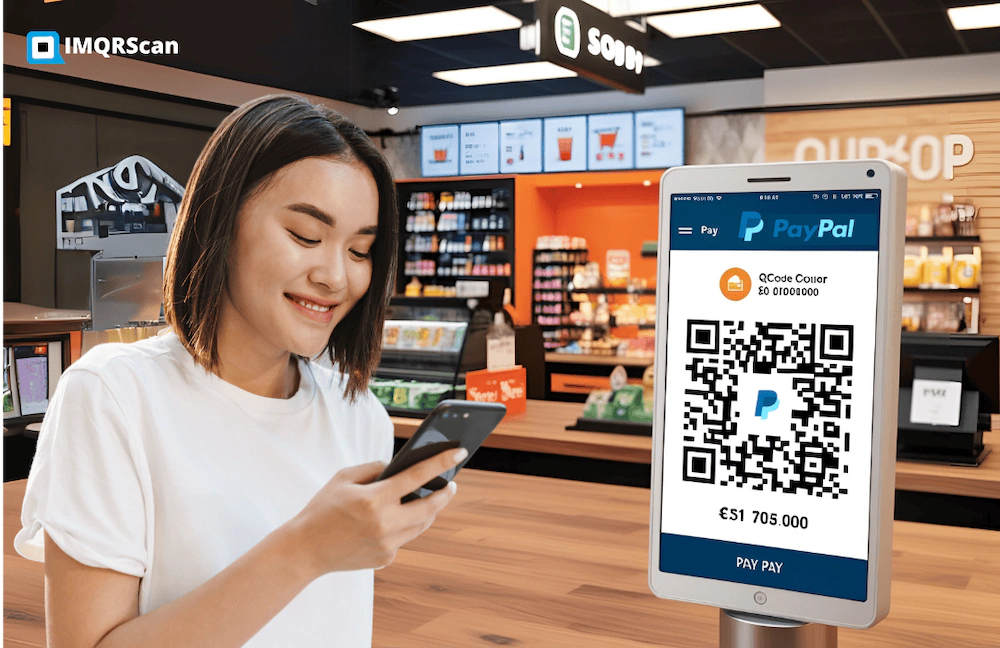
Customers prefer them because cashless transactions guarantee convenience, security, and higher levels of safety.
Customers find QR codes easy since they remove the need to enter their pins into the payment terminal and use their cards. This results in a satisfying shopping experience. You can pay quickly by quick PayPal code scan.
When you buy something online while at home. You can save the QR code on your phone and utilize it for a more convenient transaction. Eliminating the need to copy and paste your account number and verify the details every time. After paying without using paper. You will then automatically obtain the receipt, making it paypal QR code payment both safe and environmentally friendly. Not only QR code secure payments save you time, but they also save you energy.
If you want to use similar contactless flows across other payment platforms, explore our Cash App QR Code Generator, UPI QR Code Generator, and Zelle QR code guide.
Customers wish for safe cashless transactions along with convenience. QR payments reduce typing errors and can be safer when customers verify the payee name on the PayPal confirmation screen. The biggest real-world risk is QR tampering (sticker-over-sticker), so always label your QR clearly and verify the recipient.
A dynamic QR code is a kind of QR code that: Increases security. Enables financial institutions to modify the information using the account user who created it. These kinds of QR codes are provided by the majority of Paypal QR code generators. Additionally, the information shared via QR codes is encrypted, including payment transaction details.
Some users also wonder if there are PayPal QR code scams or risks of someone hacking PayPal using a QR code. While scanning a code itself is safe, you should only use codes from trusted sources or verified PayPal merchants to avoid phishing scams.
According to a survey by PayPal and PYMNTS. Consumers choose touch-free payments for peace of mind. Customers spend less time at payment terminals and in line when using touchless payments. Reduce physical interaction. You and your clients don't need to touch cash or credit cards. Just a quick scan or tap on your smartphone will do the trick.
Today, many stores use PayPal QR codes as part of a wider QR code for small business strategy. For business owners, a PayPal payment QR can support counters, invoices, stickers, packaging, and quick in-person checkout.
Its digital wallet-enabled scan-and-pay experiences combined with contactless QR code payments can assist struggling SMEs with local marketing campaigns and cash flow. Paying using a QR code would encourage customers to return to their stores.
Customer behavior is important in every business. That is why predicting what they like and how they transact payment is key. Because of the rapidity and outstanding end-to-end customer experience that the QR code payment system delivers, small businesses can keep their doors open, and more customers would appreciate this innovation.
Sellers can simply monitor transactions when using QR code-backed payments. As part of any payment combination. The QR code payment method also allows business owners to see data trails and transaction histories.
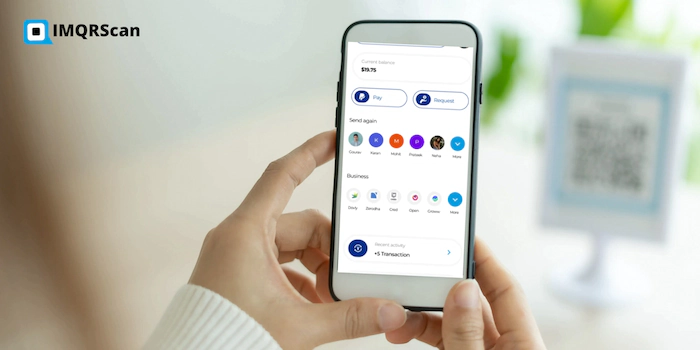
More than a million merchants had previously signed up for PayPal. When it introduced QR code payments for business use. According to PayPal officials, QR code-based payments will continue to grow from 2021. And they are hoping for a positive outcome.
A new study by Juniper Research has projected that global QR code payment transactions will grow by 50%, reaching $8trn by 2029, up from $5.4trn in 2025. SOURCE
Scanning a QR code is generally safe, but scammers can replace codes to redirect payments. Use this checklist to protect yourself and your customers:
Curious about how much PayPal charges for QR code transactions? Generally, PayPal applies a small seller fee per transaction depending on your region and business account type. Personal QR payments between friends or family usually have no fees.
In a nutshell, PayPal QR code is the new future. Streamline Your Payments Today..!!
Create QR Code NowGenerate your custom PayPal QR code in seconds and start receiving secure, contactless payments. Perfect for businesses, freelancers, charities, and personal use.
No technical skills needed. Just enter your PayPal details, customize your design, and download your QR code ready for print or digital use.
Create PayPal QR Code Now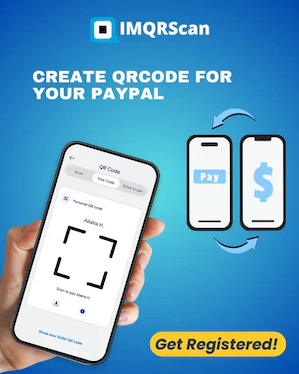
Accept payments faster by sharing QR codes for popular payment platforms and digital wallets.

Edit your destination anytime and track scans with IMQRScan dynamic QR codes.
Want a non-editable QR? Use Static QR Codes. Need campaign ideas? Explore QR Code Marketing.