Email QR Code Generator: Make a QR Code for Email
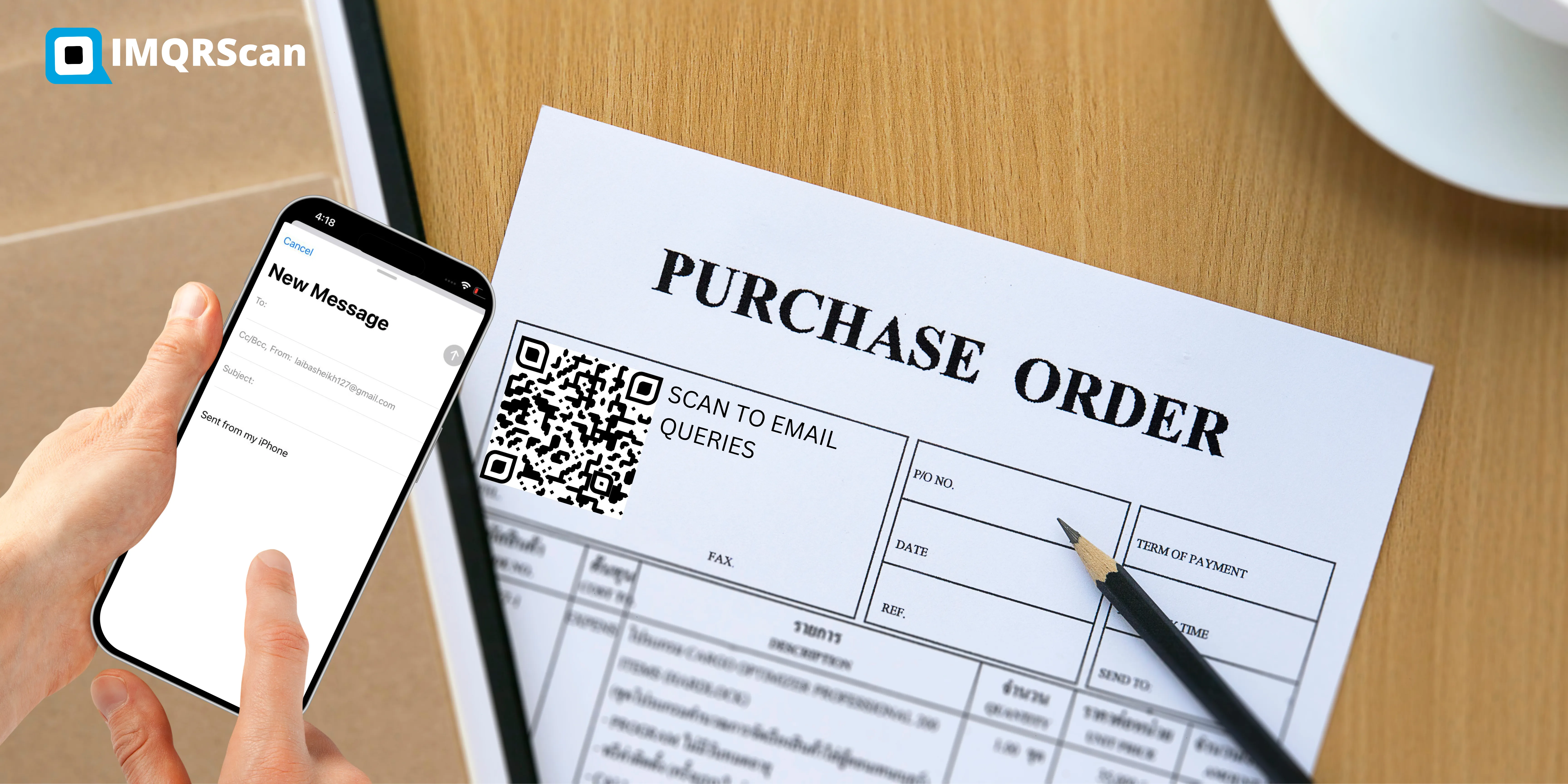
An email QR code opens a new email to your address when someone scans it, with the subject and a short message already filled in. Nobody has to type your address or guess how it is spelled. Enter your address below, style the code, and download it.
Put it on a business card, a flyer, a product box, an invoice, or a shop window. Every scan becomes a message in your inbox, ready to send. For a link, contact card, or WiFi code instead, use the main QR code generator.
Quick Answer: How Do You Make a QR Code for an Email Address?
Choose Email in the generator, type the address, add a subject and an optional message, then download the code. Scanning it opens a ready email in the phone's mail app. The person still taps Send, so nothing is ever sent automatically.
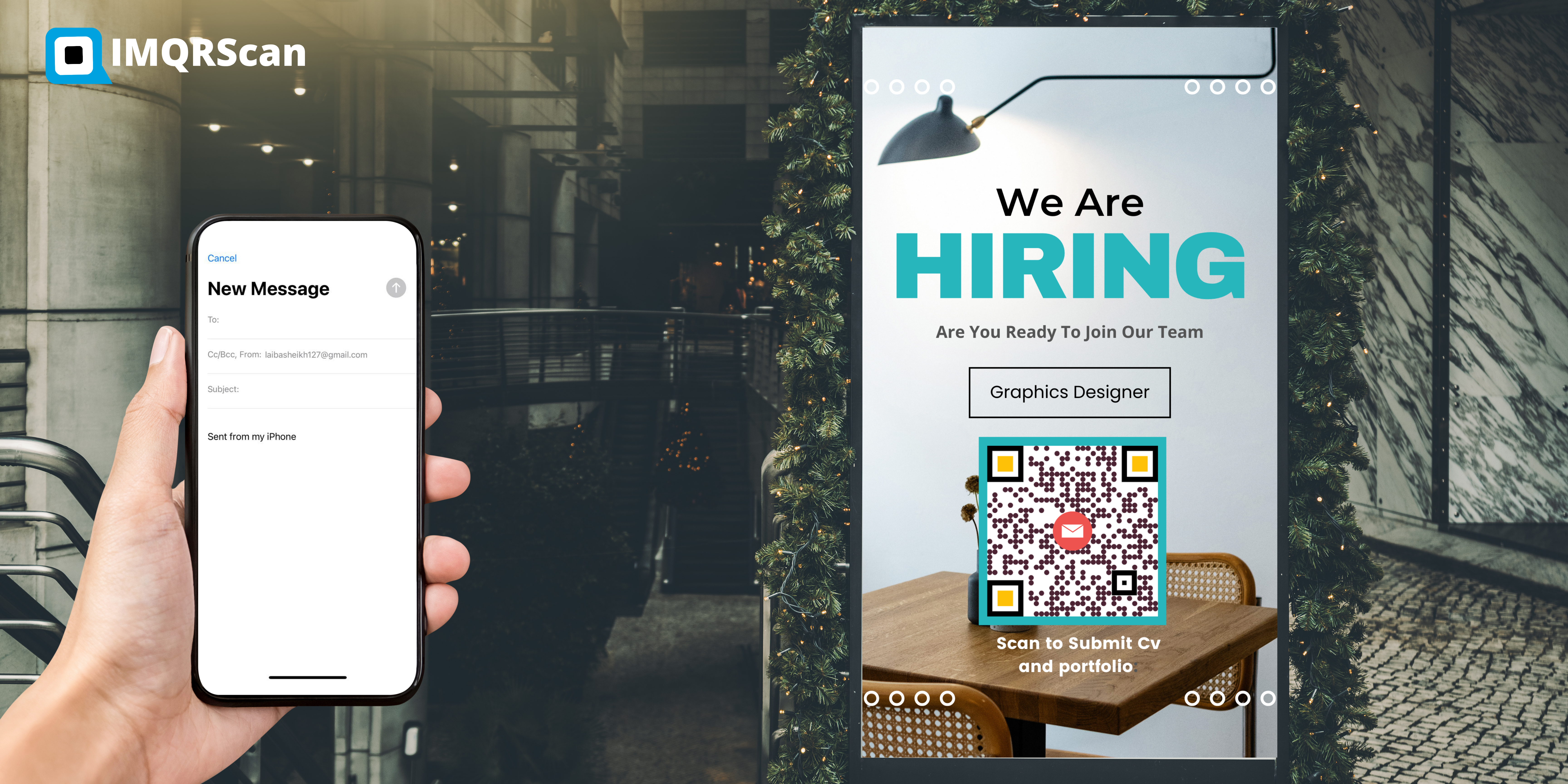
TL;DR: An email QR code is a mailto link printed as a square.
- Holds: an address, plus an optional subject and message
- Opens: the default mail app with a ready draft
- Sends: nothing until the person taps Send
What Is an Email QR Code?
Also searched as QR code for email, email address QR code, mail to QR code, and email to QR code.
Definition: An email QR code is a QR code that stores a mailto: link. When a phone camera scans it, the phone opens its mail app with a new message addressed to you, and fills in any subject and body text you added.
The link inside follows the mailto format defined in RFC 6068, the internet standard every mail app understands. A simple one looks like this:
mailto:hello@yourshop.com?subject=Quote%20request
The QR code is only the carrier. Your address, the subject, and the message are what make it useful, so it is worth a minute to get them right.
How an Email QR Code Works
Three short steps take someone from a printed square to a ready email in their outbox.
1. You set the email
You enter the address, a subject, and an optional message. The generator writes them into one mailto link.
2. The link becomes a pattern
The link is drawn as black and white modules. A Smart code stores a short web link instead, which forwards to the mailto link.
3. The mail app opens
The phone opens Apple Mail, Gmail, Outlook, or whichever app is set as the default, with your draft ready to send.
No scanner app needed
The camera apps on iPhone and on most Android phones read QR codes directly. The email opens in whatever mail app the person already uses, so they reply from their own account.
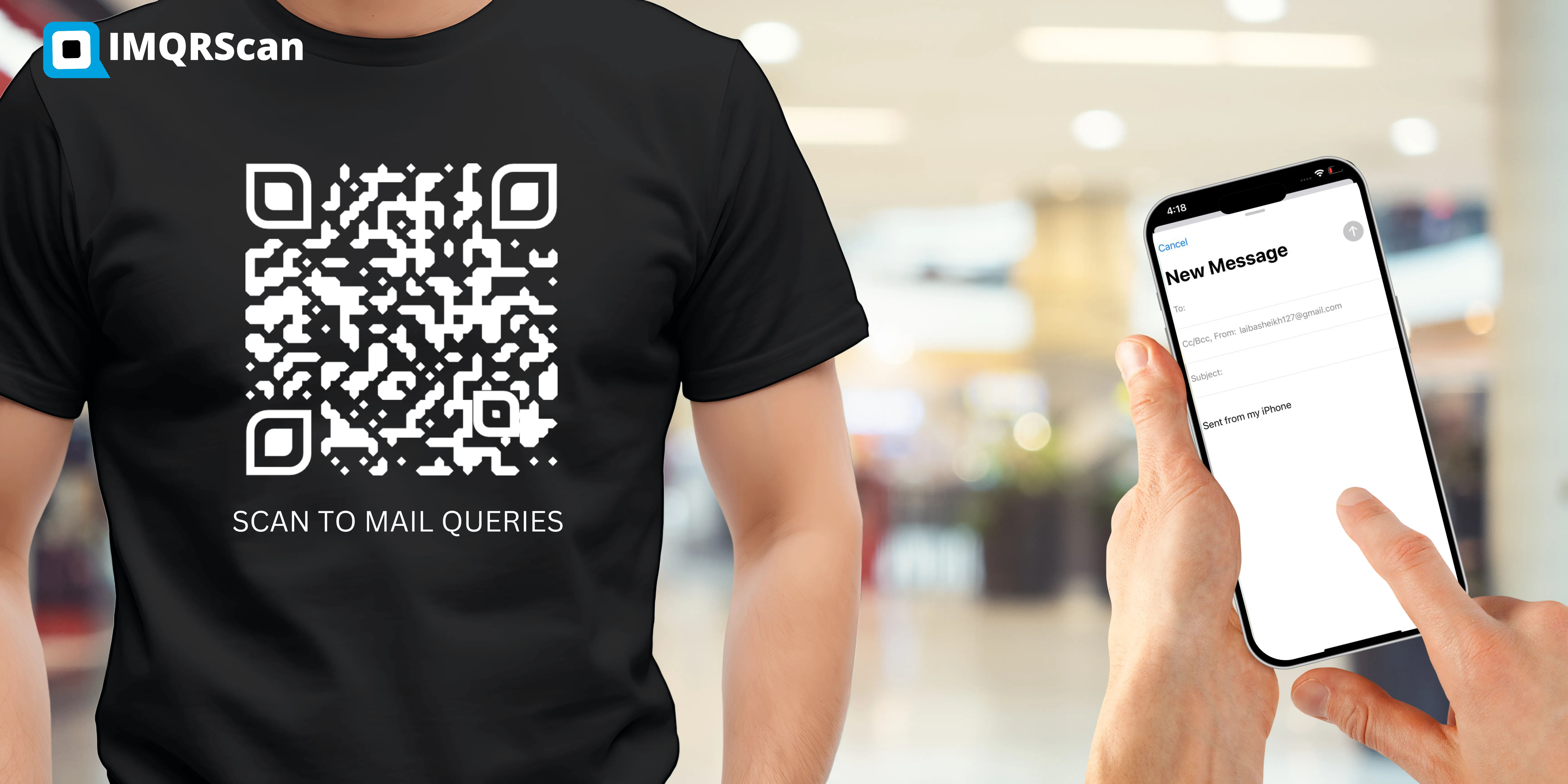
Email QR Code or Another Way to Reach You?
An email QR code is the right tool when you want a written message. For other goals, a different code fits better.
| You want people to | Best code | What happens after the scan |
|---|---|---|
| Send you a written message | Email QR code (this page) | A ready email opens, they tap Send |
| Save your contact details | vCard Plus QR code | Your card opens with Save contact |
| Join your mailing list | Lead Form QR code | A short form collects their email address |
| Message you on WhatsApp | WhatsApp QR code | A chat opens with your number |
| Call you right away | Call QR code | The phone dials your number |
What You Can Put in an Email QR Code
| Field | Limit | Good example |
|---|---|---|
| Send to (required) | One address | quotes@brightplumbing.com |
| Subject | Up to 200 characters | Quote request from your van |
| Message | Up to 1,000 characters | Hi, my name is ... and I need help with ... |
Three rules that make people actually press Send
- Use a clear subject. It tells the person what the email is for, and it sorts your inbox for you.
- Leave gaps to fill in. A starter line like My name is ... and I need ... gets better replies than a long finished message.
- Keep it short. In a Direct code every character lives inside the pattern, so a long message makes the code denser and harder to scan at small sizes.
How to Create an Email QR Code in 6 Steps
About two minutes with the generator at the top of this page.
Choose Email in the generator
Open the generator above. The Email type is already selected. Pick Smart for an editable, tracked code, or Direct for a free static code.
Enter the email address
Type the address that should receive the messages in Send to. A shared inbox such as hello@ or support@ is usually better than a personal address.
Add a subject line
Write a short subject such as Quote request or Event question, so every message arrives easy to sort. Up to 200 characters.
Add a starter message (optional)
Add a line or two the person can edit, such as their name and what they need. Keep it short so the email QR code stays easy to scan.
Style and test the code
Add your logo, a dark pattern on a light background, and frame text like Email us. Scan it with an iPhone and an Android phone.
Download and place it
Download SVG for print and PNG for screens. Put the email QR code on cards, flyers, packaging, signs, or invoices.
Direct or Smart Email QR Code?
A Direct email QR code stores the mailto link inside the pattern. It is free, never expires, and works even without internet until the email is sent. It can never be changed.
A Smart email QR code stores a short web link that forwards to your mailto link. The printed pattern stays the same while you change the address, subject, or message, and every scan is counted.
Side by side
| Feature | Direct | Smart |
|---|---|---|
| Change the address later | ||
| Scan tracking | ||
| Opens without internet | Needs a connection | |
| Pattern stays light with a long message | ||
| Expires | Never | While your account is active |
| Price | Free | 5 free, then from $2.99 a month |
Is It Safe to Put Your Email in a QR Code?
Mostly yes, with one thing to know: anyone who scans an email QR code can see the address, exactly as if you had printed it. A code on a public poster can bring some spam over time.
- Use a shared or role inbox, such as hello@ or quotes@, with your provider's spam filter turned on.
- Use a Smart code for public places. If an address starts getting spam, change it in your dashboard and the printed code follows.
- Collect details with a form instead when you do not want to show an address at all. A Lead Form QR code sends answers to you without revealing your inbox.
Why Is My Email QR Code Not Working?
Work down this list. The first two causes explain most failures.
No mail app is set up
The phone has no default mail app, so nothing opens. The person can pick Gmail or Outlook when the phone asks, or install one.
Scanned on a computer
On a laptop, the browser needs to know which mail service to use. Webmail users may see a prompt to choose Gmail or Outlook first.
The wrong account opens
The draft opens in the phone default mail app. People with several accounts can switch the From address before sending.
A typo in the address
One wrong letter sends every message nowhere. Send yourself a test email from the printed code before you order a run.
The message is too long
A long message makes a Direct code very dense. Shorten it, or switch to a Smart code so the pattern stays light.
Printed too small
Keep the code at least 2 by 2 cm, and larger on posters. See the minimum QR code size guide.
Weak contrast
Pale colours on white look good on screen and fail on paper. Keep the pattern much darker than the background.
Smart code with no signal
A Smart code opens a short link first, so it needs data or Wi-Fi. A Direct code opens the draft offline.
Example: A Plumber's Van That Brings In Quote Requests
A small plumbing business had its phone number on the van. People saw it in traffic, meant to call later, and forgot. Many also preferred to explain the problem in writing, with a photo.
- They made a Smart email QR code to quotes@ with the subject Quote request from your van.
- The message read: Hi, my name is ... I need help with ... My area is ...
- They added the frame text Scan to get a quote and printed the code 20 cm wide on both sides of the van.
- They tested it from 2 metres away on two phones, and sent themselves a test email.
- The subject line made every van enquiry easy to find, and the scan count showed which days the van was seen most.
This is an illustration of a common setup, not a named client result. The same pattern works for shop windows, invoices, and product inserts.
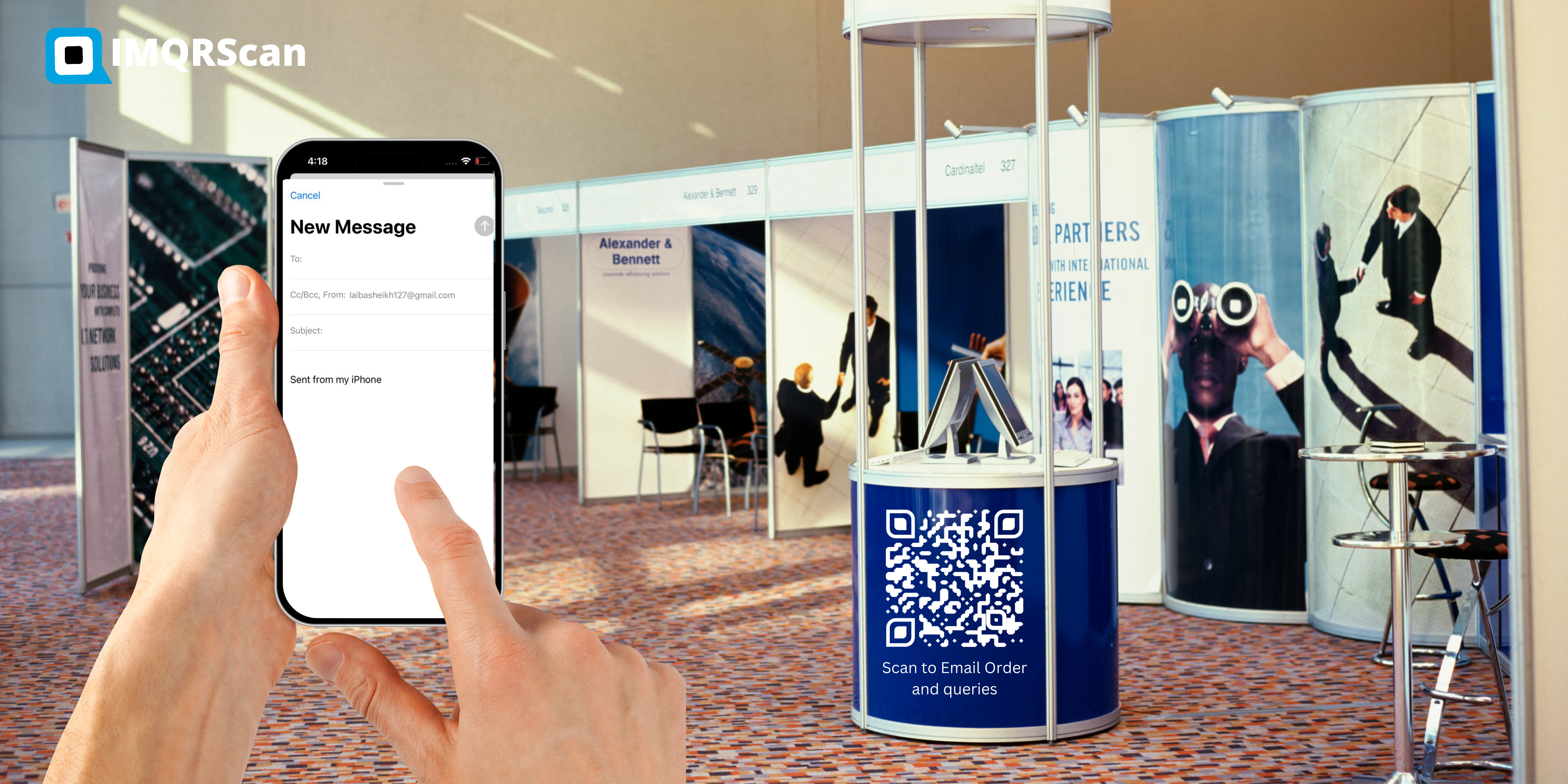
Print size guide
| Where it goes | Minimum size |
|---|---|
| Business card | 2.5 by 2.5 cm |
| Flyer or invoice | 3 by 3 cm |
| Shop window or poster | 8 by 8 cm |
| Vehicle, seen from 2 metres or more | 20 by 20 cm |
Where an Email QR Code Works Best
The best spots are places where people want to ask something in writing, often later, from their own phone.
Business cards
A code next to your address starts an email with your name in the subject, so the message is easy to spot.
Invoices and receipts
A Billing question subject sends questions to the right inbox, with the invoice number typed in by the customer.
Packaging and manuals
A Support request code gives buyers a direct line to your support inbox, without searching your website.
Shop windows
After-hours visitors can ask about stock, bookings, or prices, and you reply in the morning.
Vehicles and site signs
People in traffic or passing a site can request a quote later, with a subject that tells you where they saw you.
Events and stands
A Send me the slides or Brochure please subject turns a quick chat into a follow-up email.
Property and rentals
An enquiry code on a For Rent sign starts an email that already names the property.
Schools and clinics
Parents and patients email the office with the right subject, instead of calling at busy times.
Email QR Code Best Practices: Good vs Risky Choices
| Good choice | Risky choice |
|---|---|
| Frame text such as Email us for a quote | A bare square with no explanation |
| A shared inbox such as hello@ | A personal address on a public poster |
| A short subject and a starter line | A long, finished message |
| Dark pattern on a light background | Light grey on white |
| Smart code on packaging and vehicles | Direct code on 10,000 printed boxes |
| SVG sent to the printer | A stretched screenshot |
| A test email sent from the final print | Printing the full run untested |
What Is Free With the Email QR Code Generator
Direct codes cost nothing to run, because there is no redirect to keep alive. That is why they stay free.
- Free account with no card required
- Unlimited Direct email QR codes
- No expiry date and no scan limit on Direct codes
- No watermark on any download
- PNG and SVG downloads
- Logo, colours, and frame text
- 5 Smart codes on the free plan, with 15 tracked scans
Who uses an email QR code
Make Emailing You Effortless
An email QR code removes the slowest part of getting in touch: typing your address correctly. Give it a clear subject, keep the message short, and test it before you print.
Ready to start?
Enter your address, add a subject, and download in under two minutes.
How This Page Is Checked
RFC 6068
The internet standard for mailto links: how the address, subject, and body are written and encoded. Every email QR code we create follows it. Read RFC 6068.
ISO/IEC 18004
The international QR code standard, which defines error correction levels and the quiet zone around every code. See the ISO page.
Denso Wave
The company that invented the QR code in 1994. Their guidance sits behind our contrast and size advice. See qrcode.com.
What Else Can an Email QR Code Do?
Smart email QR codes can do more than open a draft. These IMQRScan tools help you control and measure them.
Schedule and Scan Limits
Turn a code on and off on set dates, or cap scans (Professional).
Bulk Creation
One email QR code per branch, staff member or product from a CSV.
Free Print Templates
Posters, cards and stickers with your code placed.
Built-in QR Templates
Ready-made designs with colours and frames.
Country Rules
Send each country to a different inbox (Professional).
Team and Users
Share codes with colleagues, with roles.
Custom Domain
Use your own domain for the short link.
QR Code API
Create codes from your own software (Professional).
Free on every plan
- Built-in QR templates
- Multiple QR shapes
- Free print templates
- QR stickers
- Multi-language landing pages
Free plan includes
- Unlimited static QR codes
- 5 Smart (dynamic) QR codes
- 15 tracked scans
- 14 days of scan analytics
- Bulk creation, 5 per upload
- File uploads up to 5 MB
Professional plan and up
- PIN protection
- Schedule and scan limits
- Country rules
- Retargeting pixels
- QR Code API
- Team management and roles
- Custom domain add-on from Starter ($10/month)
Email QR Code FAQs
Short answers to what people ask most about making and scanning a QR code for email.
Create a Free Email QR Code Now
Enter your address, add a subject and message, test the scan, then download PNG or SVG. Free signup and no watermark.
Generate Email QR Code