Dynamic QR Code Generator
Edit destinations and track scans
Learn how to create and use a QR code for small business websites, reviews, menus, payments, contact details, and marketing campaigns.
A QR code for business connects customers to your website, menu, Google review page, payment link, contact details, app, file, or special offer. To create one, choose what it should open, select a QR type, add your information, customize and test the design, then download it. Choose a dynamic QR code if you want to edit the destination or track scans after printing.
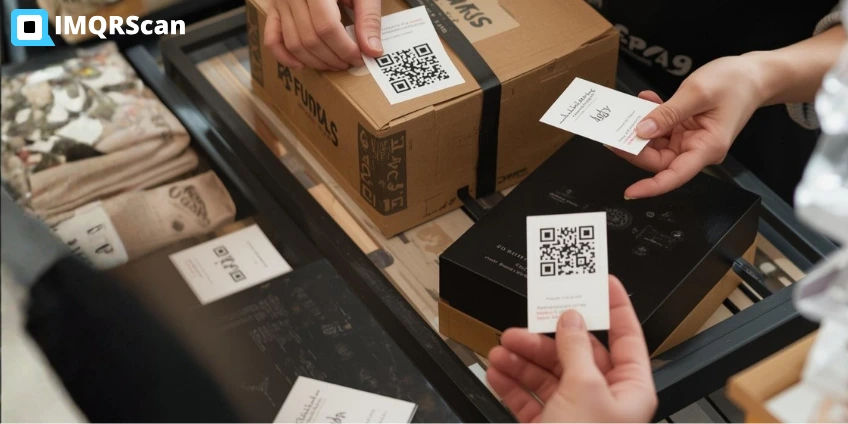
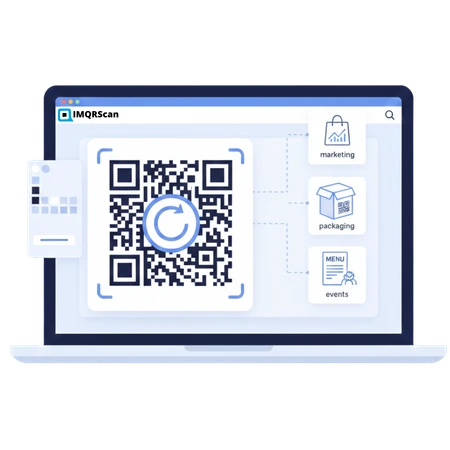
A business can use one square code to move a customer from a printed item to a useful digital action. The customer scans with a phone camera and opens the information without typing a long web address. This simple step works on packaging, counters, receipts, menus, signs, business cards, brochures, and event displays.
The right code depends on the goal. A restaurant may send customers to a menu. A shop may open a product page. A consultant may share a digital contact card. A local service may request a Google review. A market seller may open a secure payment page. The printed pattern looks similar, but the customer journey can be very different.
Start with one clear customer action. A code labeled “Scan for our menu” is easier to understand and measure than a code with no explanation.
A business QR code is a scannable code used by a company to connect a physical touchpoint with a digital destination or action. It may open a website, form, menu, review page, contact card, payment link, social profile, file, app, map, or Wi-Fi network.
A QR code stores information in a grid of dark and light modules. A phone camera reads the grid and performs the encoded action. A static code stores the final information inside the pattern. A dynamic code usually stores a short redirect link, so the destination can be managed without changing the printed design.
That difference matters for a company. If a permanent Wi-Fi password will not change, a static code may be enough. If a campaign link, menu, offer, or event page may change, a dynamic QR code gives the business more control.
You can create a QR code for your business in a few minutes. Complete these five steps before you print or publish it.
First, decide what the customer should do after scanning. Do not begin with colors or shapes. Begin with the action. Common goals include visiting a website, viewing a menu, leaving a review, making a payment, saving contact details, joining a mailing list, or getting directions.
Write the goal as one short sentence: “I want customers at checkout to leave a Google review.” This makes the next choices much easier. It also helps you write a useful call to action.
Match the code type to the goal. Use a URL QR code for a website or landing page. Use a Google Review QR code for direct review requests. Use a menu QR code for food and drink choices. Use a vCard Plus QR code to share business contact details.
If you want one mobile page with several links, use a multi-link QR code. This works well for social profiles, booking pages, product collections, branch details, and support links.
Enter the destination URL or required details. Check the spelling, phone number, email address, price, location, and opening hours. For a payment code, confirm the merchant and payment details. For a review code, use the direct review form instead of a general search page.
Keep the destination mobile-friendly. A customer who scans a code is usually using a phone. The page should load quickly, use readable text, show a clear next action, and avoid large forms with unnecessary fields.
Add your logo, brand colors, frame, and call to action. Keep a strong contrast between the QR pattern and its background. Leave a clear quiet zone around the code. Avoid stretching, cropping, blurring, or placing important design elements over the corner markers.
Test the code on an iPhone and an Android phone if possible. Scan from different angles and distances. Test it on the actual printed material, not only on a computer screen.
Download PNG for many digital uses and everyday printing. Choose QR code SVG for sharp and scalable printing on signs, banners, packaging, and large displays. Place the code where people can stop, see it, understand the benefit, and scan safely.
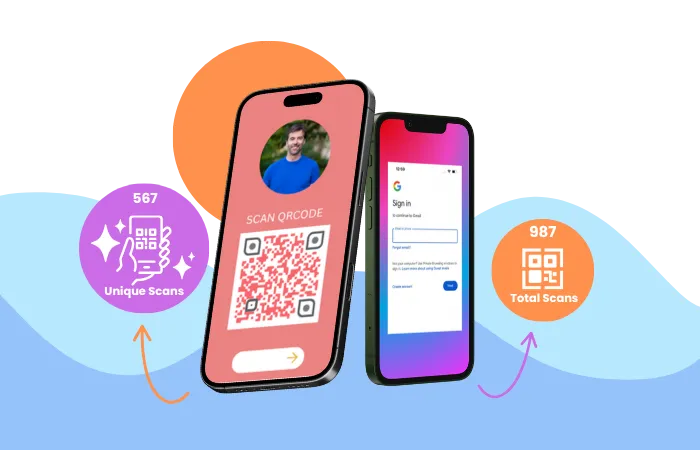
If you use a dynamic code, review its QR code tracking data. Total scans show attention. Unique scans give a better view of reach. The landing-page action shows whether the campaign produced a useful result.
Create a separate dynamic QR code for each placement. One code for receipts and another for the shop window will show which location gets more scans.
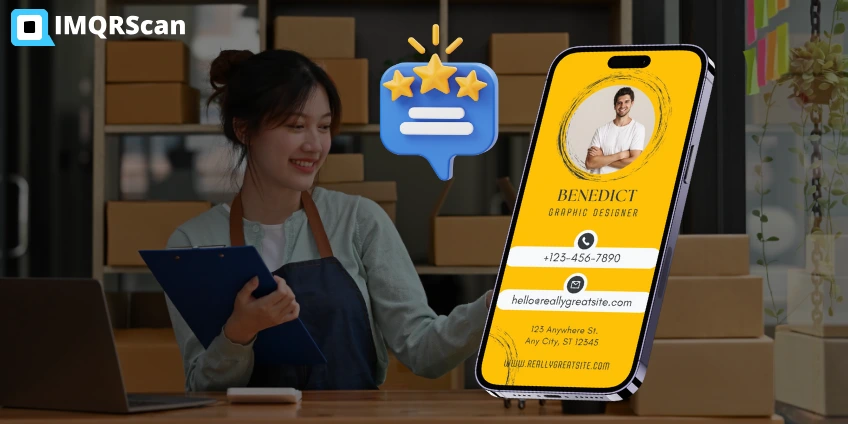
Use the table below to match a business goal with the most useful code type and placement.
| Business goal | Recommended QR type | Good placement | Static or dynamic? |
|---|---|---|---|
| Open a website | URL QR | Flyers, signs, packaging | Dynamic |
| Collect Google reviews | Google Review QR | Counter, receipt, table card | Dynamic |
| Show a food menu | Menu QR | Tables, windows, takeaway packs | Dynamic |
| Share contact details | vCard Plus QR | Business cards, badges, proposals | Dynamic |
| Accept payment | Payment or URL QR | Checkout, invoice, market stall | Depends on provider |
| Connect to Wi-Fi | Wi-Fi QR | Tables, reception, meeting rooms | Static |
| Collect an enquiry | Lead Form QR | Events, counters, brochures | Dynamic |
| Share several links | Multi-link QR | Storefront, packaging, profiles | Dynamic |
A static code is simple and permanent. The final information is built into the QR pattern. You cannot replace that information after printing. Static codes suit fixed text, an email address, a phone number, or Wi-Fi details that are unlikely to change.
A dynamic code gives the business more control. You can change the destination in the dashboard while keeping the same printed QR image. Dynamic codes may also support scan analytics, passwords, expiry dates, campaign schedules, folders, and team access.
| Feature | Static QR code | Dynamic QR code |
|---|---|---|
| Edit destination after printing | No | Yes |
| Scan analytics | No | Yes |
| Works without a subscription | Usually yes | Depends on the provider |
| Best for | Permanent information | Marketing and changing content |
| Campaign controls | No | May include expiry and scheduling |
Read the complete static vs dynamic QR code comparison before printing a large batch. Choosing the wrong type can force you to reprint material later.
A business QR code works best when it removes a real customer step. These ten uses cover common needs for shops, restaurants, consultants, clinics, agencies, event teams, and local service companies.
Place a URL QR code on brochures, packaging, vehicles, signs, or printed ads. Link to the most relevant page, not always the homepage. A product flyer should open the product page. A service brochure should open the booking or enquiry page.
For online retailers, this may also involve coordinating QR campaigns with an ecommerce seo agency to keep product destinations useful for both shoppers and search engines
Create a direct review journey so customers do not need to search for your listing. Place the code at checkout, on receipts, in thank-you cards, or in post-service emails. Ask every customer honestly and do not offer rewards only for positive feedback.
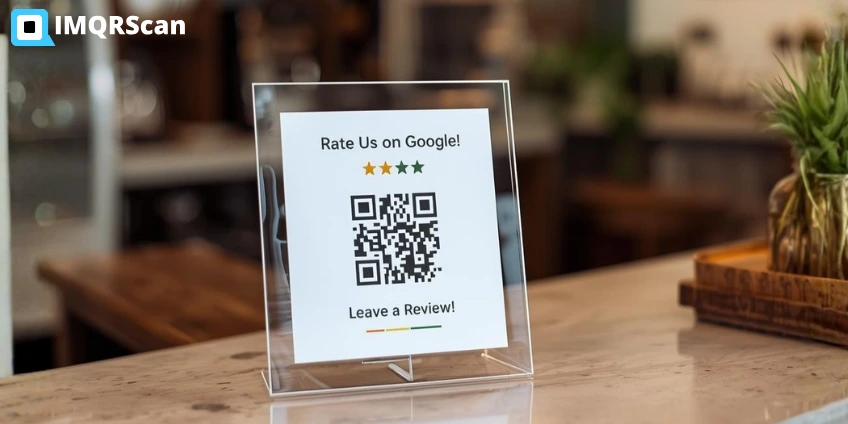
Restaurants, cafes, bakeries, salons, and service businesses can update prices or availability without replacing every printed card. Link to a fast mobile menu. Include clear item names, prices, dietary information, photos only where useful, and a direct order or booking action.
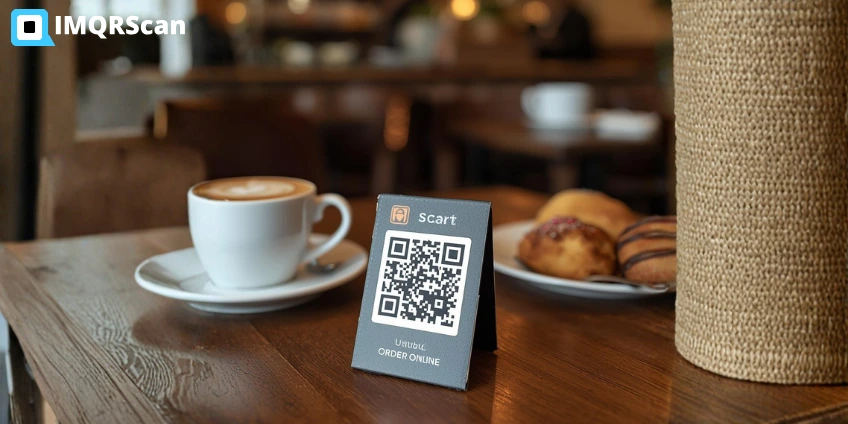
A vCard Plus QR code can share a name, company, job title, phone number, email, website, address, and social links. Add it to printed business cards, event badges, presentation slides, proposals, and email signatures. The scanner can save the details instead of typing them.
A payment QR code can open a secure page from a known payment provider. This can help at counters, market stalls, invoices, and service locations. The payment provider handles the transaction. The QR code only starts the journey, so confirm the merchant details and use HTTPS.
A Wi-Fi code can store the network name, security type, and password. It helps cafes, hotels, offices, clinics, salons, waiting rooms, and meeting spaces. Place it where approved guests can see it, but keep staff or private networks separate.
Link to a short form that asks only for information you truly need. A real estate agent might request a name, phone number, and preferred viewing time. An event booth might request an email address and product interest. Explain how the information will be used.
Packaging has limited space. A QR code can open instructions, ingredients, warranty registration, care details, assembly videos, certificates, or support information. Use a separate code for each product when you need product-level analytics or different destinations.
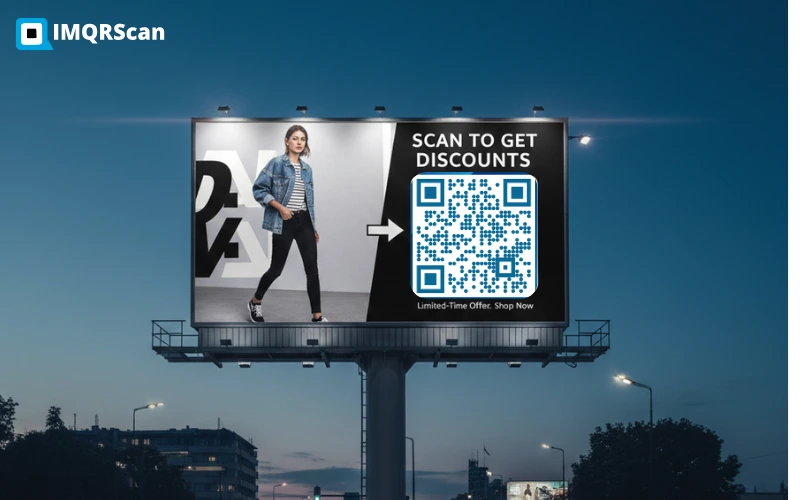
Put a dynamic QR code on posters, table cards, window displays, and event material. Link it to the current offer. When the promotion ends, change the destination to a new campaign, a newsletter signup, or an evergreen service page.
Create separate codes for a brochure, window, counter, package, and business card. Even when every code opens the same page, individual scan totals show which physical touchpoints receive attention. Add web analytics and conversion events to measure what happens after the scan.
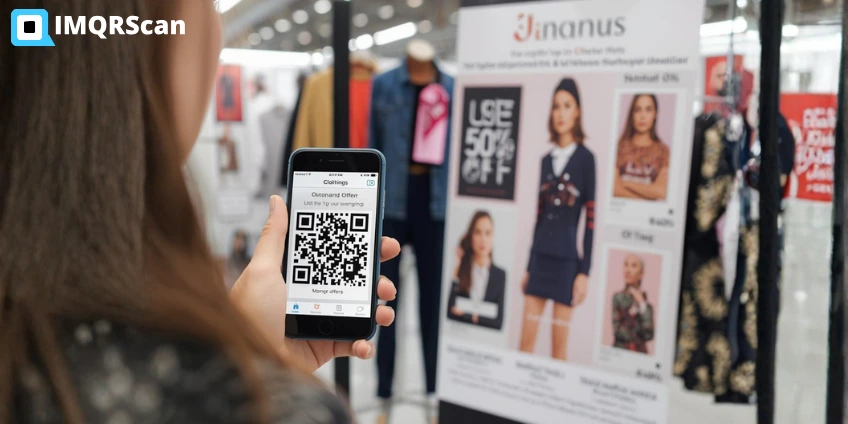
Placement affects results as much as design. A code should be visible at the moment a customer understands why scanning will help. Keep it away from moving objects, sharp folds, reflective glare, damaged surfaces, and locations where stopping would be unsafe.
Place a short benefit beside the code. “Scan to book a free consultation” is clearer than “Scan me.” The customer should know what will open.
A static QR code can be free because it stores fixed information and does not need a managed redirect. A dynamic QR code normally uses an online service to manage its destination, analytics, security, and campaign controls. The provider may charge a subscription based on features, code limits, analytics history, team size, or scan allowance.
IMQRScan offers free static QR codes and a free plan with limited dynamic use. The Starter plan begins at $2.99 per month when billed annually. Before choosing a plan, check the current IMQRScan pricing and limits. Select a plan for the features you need, not only the number of QR codes.
A small business should consider the full cost of a campaign. Include design, printing, display stands, landing-page work, staff training, and reprints. A dynamic code can reduce reprint risk because the destination can change, but it should remain active for as long as printed material is in use.
Branding can help a code feel connected to the business. Use your logo, a simple frame, and approved colors. Do not make the code difficult to scan just to make it look different. Function comes first.
For a business card, about 1 by 1 inch, or 2.5 by 2.5 cm, is a useful starting point. The correct size still depends on data density, print quality, scanning distance, and surface. Large posters need a larger code. Test the actual item before production.
Use the custom QR code generator to add brand colors, frames, shapes, text, and a logo while keeping the code readable.
A QR code for small business should solve one clear customer problem. Restaurants can share menus, consultants can share contact details, retailers can open product pages, and local services can request reviews or bookings. Start with the customer action that provides the most value.
For founders in India planning to start a new business, company registration, brand setup, and a clear customer contact path should come before printing QR code materials.
Small businesses should avoid publishing many codes without a plan. Create a separate dynamic QR code for each placement, add a clear call to action, and measure completed reviews, bookings, payments, leads, or orders. This shows whether the campaign supports a real business goal.
QR codes are useful, but they are not a complete marketing strategy. Review both sides before adding them to every customer touchpoint.
| Advantages | Limitations |
|---|---|
| Low creation and printing cost | The customer needs a camera-enabled device |
| Connects printed material to digital content | A poor call to action may produce few scans |
| Dynamic destinations can be updated | Dynamic features may require a paid plan |
| Campaign scans can be measured | A scan does not always become a sale or lead |
| Works across many business materials | Bad size, contrast, or placement can stop scanning |
| Reduces manual typing for customers | Users may avoid unfamiliar or suspicious codes |
Scan totals are useful, but they are only the first measure. The business goal should decide the main success metric. A review code should produce completed reviews. A lead code should produce valid enquiries. A menu code should help customers view items or place orders. A booking code should produce scheduled appointments.
Do not treat location or device analytics as personal identity. Most QR analytics show aggregate or technical data. If your landing page collects names, emails, phone numbers, or payment information, explain that collection in a clear privacy notice.
Imagine a local cafe using three dynamic codes. The first appears on tables and opens the menu. The second appears on receipts and opens the Google review form. The third appears in the front window and opens online ordering.
After one month, the owner compares scans and completed actions. The table code receives many menu views during lunch. The receipt code receives fewer scans but produces more reviews. The window code receives evening scans but few completed orders. The owner keeps the first two campaigns and improves the ordering page before changing the window display.
This example shows why separate codes matter. One general code would hide the source of each scan. Separate campaign names and destinations make the data easier to act on.
A QR code is only a route to information. Its safety depends on the destination, placement, account security, and customer expectations. Use this checklist before publishing.
A branded code is not proof that a destination is safe. Businesses should control the printed placement and customers should check the domain before entering sensitive information.
Do not launch ten campaigns on the first day. Start with three codes tied to clear goals. This setup works for many local businesses and is easy to measure.
Name every code by placement, such as “Receipt Review QR” or “Front Window Booking QR.” Test every destination once a month. Remove codes from damaged or outdated material. When the first three campaigns produce useful results, add product, event, payment, Wi-Fi, or lead-generation codes.
IMQRScan supports static and dynamic QR codes for websites, reviews, menus, business profiles, contact cards, files, apps, social links, payments, locations, Wi-Fi, and other business needs. Available features depend on the selected plan and may include customization, editable destinations, scan analytics, folders, passwords, expiry controls, bulk creation, team access, and API access.
This page explains how to create and use a QR code for business. If you are comparing platforms, features, and pricing, read the separate guide to the best QR code generators. Keeping the comparison on that page helps you choose a platform without interrupting this practical setup guide.
Choose what the code should open, add your information, customize the design, and test it before publishing.
Short answers to common setup, cost, printing, tracking, and security questions.
Choose the right QR type, improve the design, and measure campaign performance.
Start with the generator that matches your customer’s next action.
You will experience great benefits from the new revolution of QR codes. Within one minute
Create Free QR Code