Static QR Code Generator
Create static QR codes instantly
Static and dynamic QR codes may look similar, but they work very differently. A static QR code stores fixed information that cannot be changed later. A dynamic QR code uses a short redirect link, so you can update the destination, track scans, and manage campaigns without reprinting. This guide explains the exact difference between static and dynamic QR codes, when to use each one, and which type is better for marketing, tracking, and long-term business use.
In short: choose static QR codes for fixed information and dynamic QR codes for editable, trackable, business-focused campaigns.
Create Dynamic QR CodeUse a dynamic QR code when the link may change after printing.
Create Dynamic QR Code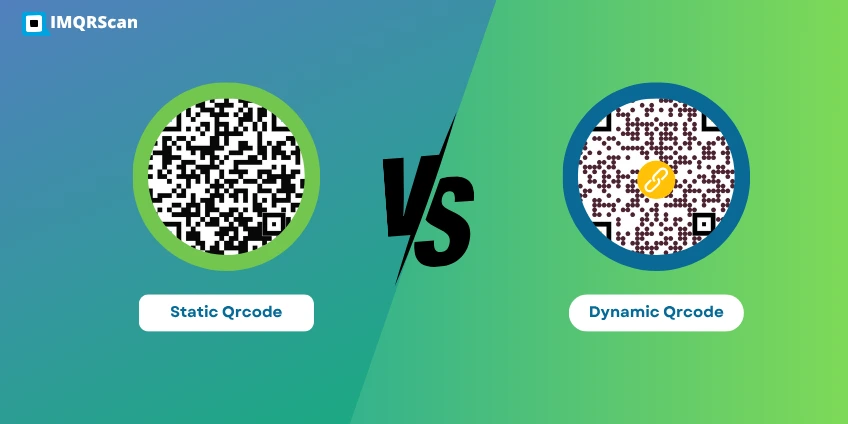
The main difference is simple: a static QR code is fixed after creation, while a dynamic QR code can be edited and tracked later. Static QR codes work best for permanent information. Dynamic QR codes are better for business, campaigns, analytics, and situations where the destination may change.
Here is the fastest way to understand the difference between static and dynamic QR codes:
| Feature | Static QR Code | Dynamic QR Code |
|---|---|---|
| Edit destination after printing | No | Yes |
| Built-in QR scan tracking | No | Yes |
| QR Analytics support | No | Yes |
| Best for marketing campaigns | Limited | Excellent |
| Best for permanent fixed data | Excellent | Good |
| Reprint needed after content change | Yes | No |
| Use for QR code tracking | No | Yes |
| Business flexibility | Low | High |
| Redirect or short URL | No redirect layer; data is stored directly | Uses a short redirect URL that can be managed later |
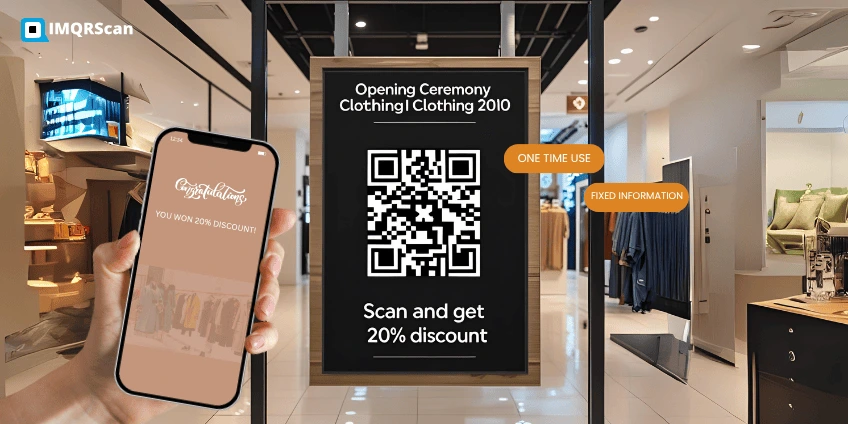
A static QR code stores its final data directly in the QR pattern. Its encoded content cannot be changed after creation. Read the complete explanation of what a static QR code is.
A dynamic QR code stores a managed redirect URL instead of the final destination. This allows the destination to be updated and scans to be measured. Learn more about what a dynamic QR code is and how it works.
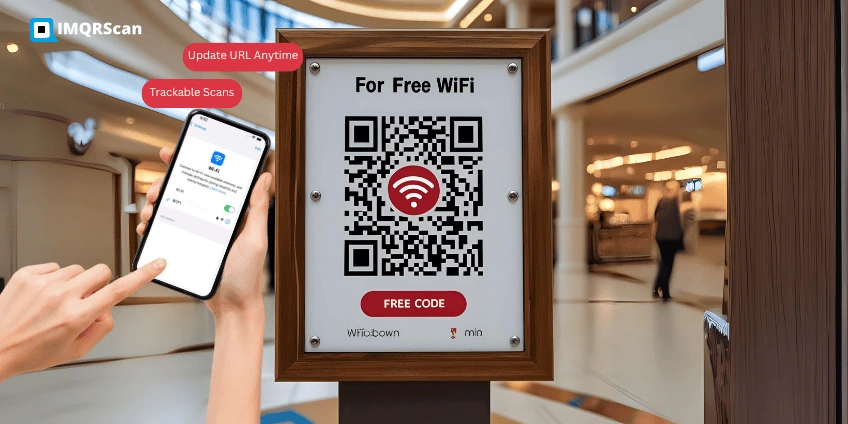
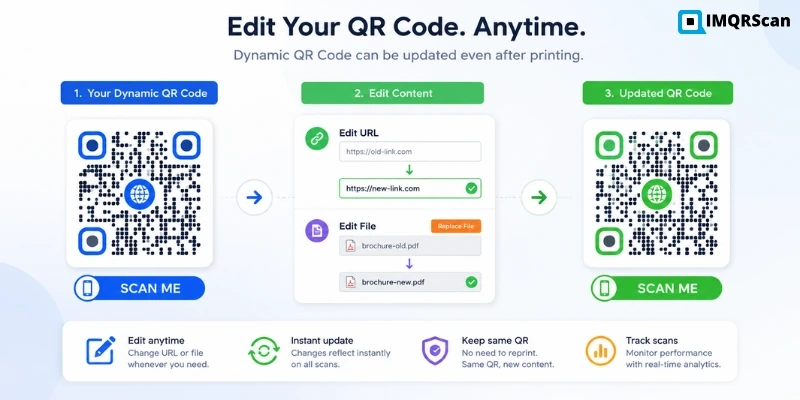
The biggest difference is editability. Static QR codes cannot be edited after creation. Dynamic QR codes can be updated later without changing the printed code.
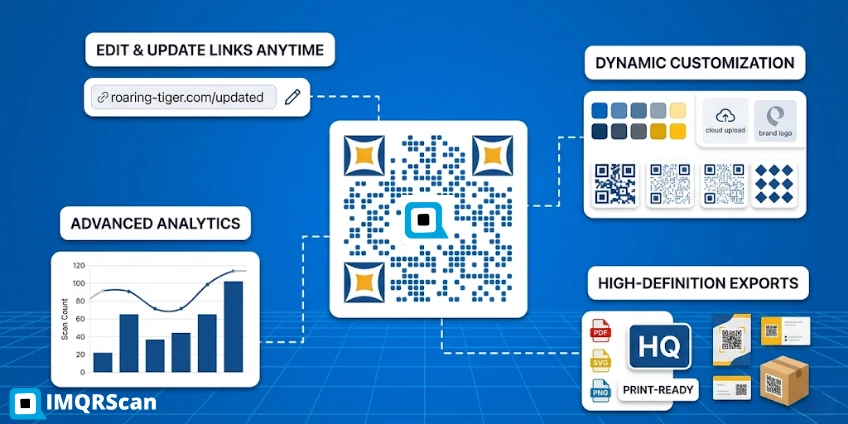
Static QR codes generally do not provide built-in QR scan analytics. Dynamic QR codes can support QR code tracking, allowing businesses to measure scan activity and evaluate campaign performance.
Static QR codes are better for permanent content. Dynamic QR codes are better for active campaigns, marketing, business workflows, menus, downloadable files, lead forms, and editable URLs. Dynamic QR codes are especially useful for QR code marketing because they let businesses track scans, update destinations, and optimize campaigns without reprinting.
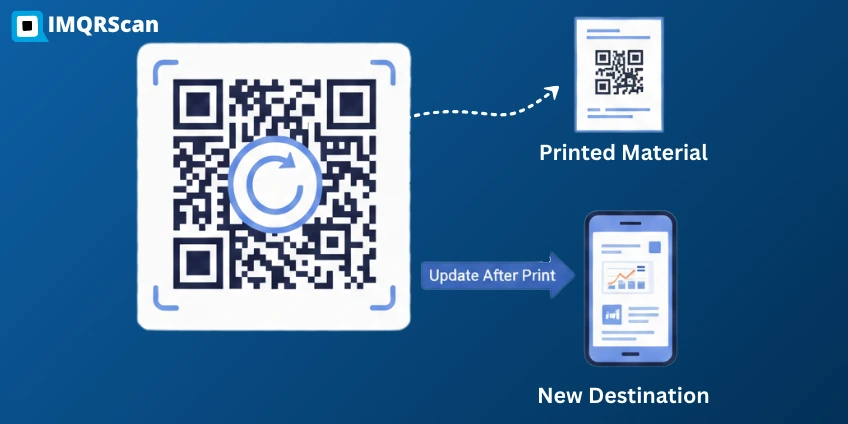
If you print a static QR code and later need to change the content, you must create a new QR code and reprint everything. With a dynamic QR code, you update the link and keep using the same printed code.
If you already printed your QR code and need to update the destination, read our guide on how to edit a QR code after printing.
Dynamic QR codes usually offer more long-term value because they reduce reprinting costs, improve campaign control, and help businesses learn what is working through scan insights.
QR code adoption has grown strongly across restaurants, retail, packaging, events, and marketing campaigns. These trends explain why businesses often prefer dynamic QR codes for printed materials, campaigns, and customer engagement. For deeper data, see our full QR code statistics report.
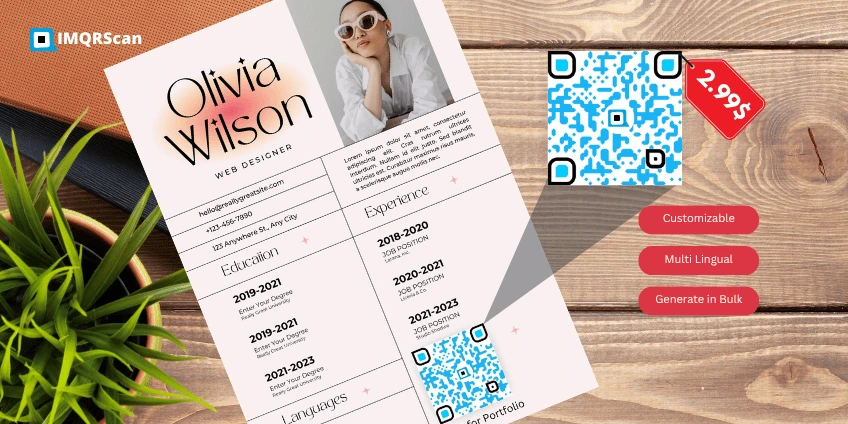
Choose a static QR code when your content is fixed and you do not need tracking. It is a good choice for:
Choose a dynamic QR code when you need flexibility, business control, or analytics. It is the better choice for:
Need editable links and performance data? Start with a dynamic QR code generator and measure scans with QR code tracking.
Choose a static QR code if your information is permanent, simple, and does not need tracking. Choose a dynamic QR code if your link may change, if the QR code will be printed at scale, or if you need scan analytics, campaign control, password protection, or expiry settings.
| Situation | Best QR code type | Reason |
|---|---|---|
| Permanent WiFi details | Static QR code | The information is fixed and usually does not need analytics. |
| Restaurant menu | Dynamic QR code | Menus, prices, and seasonal items can change. |
| Marketing flyer | Dynamic QR code | You can update the campaign link and track scans. |
| Product packaging label | Dynamic QR code | You can update manuals, offers, warranty pages, or product information later. |
| Plain text or fixed contact details | Static QR code | The content is simple and unlikely to change. |
Quick rule:
For most businesses, dynamic QR codes are the smarter long-term option because they give you control after printing. For simple and fixed use cases, static QR codes are still valuable and efficient. For many local brands and startups, choosing the right QR type is part of a broader QR code for small business strategy.
Restaurants are a strong example because menus, offers, and opening hours can change often. A QR code for restaurant usually works best when it is dynamic and easy to update, especially when paired with a restaurant menu QR code generator. That is why many brands use static QR codes for utility and dynamic QR codes for growth.
For packaging labels, dynamic QR codes are usually the safer choice because product pages, warranty links, manuals, safety instructions, promotions, and support pages can change after packaging has already been printed. A static QR code can work for permanent information, but it becomes risky if the destination may change later.
| Packaging use case | Recommended QR type | Pros | Cons |
|---|---|---|---|
| Permanent product instructions | Static QR code | Simple and does not need a dashboard | Cannot be edited if instructions change |
| Warranty registration | Dynamic QR code | Can update forms and track engagement | Requires dashboard-based management |
| Promotional offer | Dynamic QR code | Can change campaigns after printing | Needs active destination management |
| Product manual or PDF | Dynamic QR code | Can replace outdated files later | Depends on the dynamic QR platform staying active |
Static QR codes are best when the information is permanent and simplicity matters most. Dynamic QR codes are best when you need editability, analytics, campaign control, and better long-term business value. Learn more about how static codes work in our detailed guide on what a static QR code is.
So if your goal is flexibility, marketing performance, and scan measurement, dynamic QR codes usually win. If your goal is one-time setup with no future changes, static QR codes are still a strong option.
Need a fixed code for permanent information? Use a static QR code. Need editable, trackable, business-ready QR codes? Use a dynamic QR code with IMQRScan.
Clear answers to common questions before you choose the right QR code type.
Learn how static and dynamic QR codes work, how they differ, and how to create, edit, and manage the right QR code type.