What Is a Static QR Code? Meaning, Examples & How It Works
A static QR code is a QR code that stores the final information directly inside the code. Once created, the content cannot be edited. Static QR codes are commonly used for fixed links, contact details, WiFi access, packaging, posters, and other content that does not need to change later.
In simple words: a static QR code is a permanent QR code for fixed information.
See Static QR Code ToolTable of Contents
What Is a Static QR Code? Quick Answer
A static QR code is a QR code that stores final content directly inside the QR pattern. It does not depend on an editable redirect link. Because of that, the content stays fixed after creation, which makes static QR codes useful for permanent information like WiFi access, contact details, fixed website links, and printed materials that do not need future updates.
Static QR Code Meaning
The word static means fixed or unchanging. In QR codes, that means the final information is directly encoded into the QR code itself.
So when someone asks what is a static QR code or what is static QR code meaning, the clearest definition is this:
Static QR code definition
A static QR code is a QR code with fixed content that cannot be edited after it is created.
This is the biggest difference between a static QR code and an editable QR code. If the content needs to stay the same, static is often enough. If the content might change later, static is usually the wrong choice.
How a Static QR Code Works
A static QR code works by storing the final data directly inside the QR code pattern. There is no extra redirect layer between the QR code and the destination.
- You create the QR code with a fixed URL, text, phone number, email, WiFi setup, or other data.
- That exact data is encoded directly into the QR image.
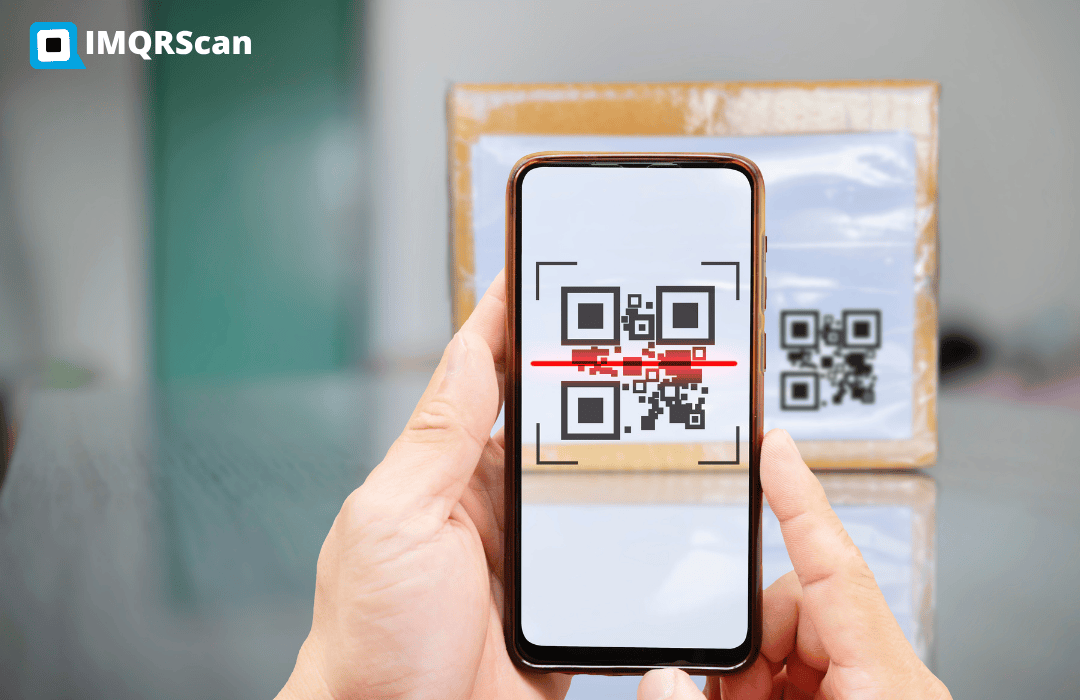
- When someone scans the code, the phone reads the stored content immediately.
- The scanner opens the final content directly.
If you want broader technical background, read our guide on how a QR code works.
Static QR Code Example
Looking at a static QR code example makes the concept easier to understand. Here are a few common examples:
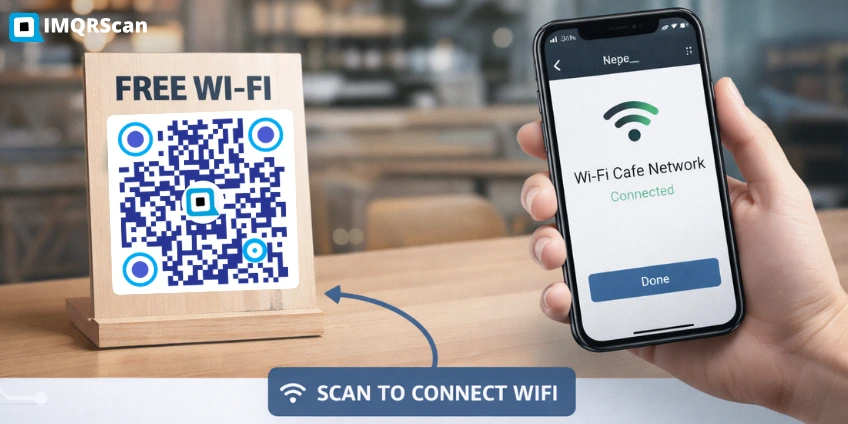
WiFi QR code
A cafe prints a QR code for guests to join the WiFi network instantly. Many cafes and hotels create these using a WiFi QR code generator. If the network name and password stay the same, a static QR code works well.
Business card QR code
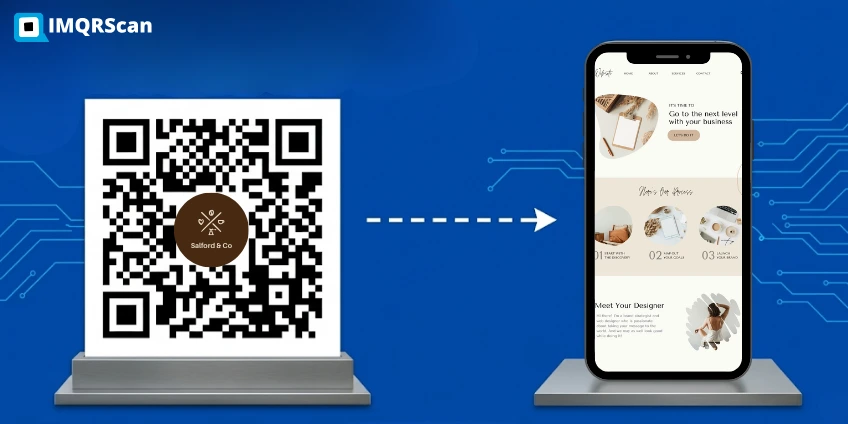
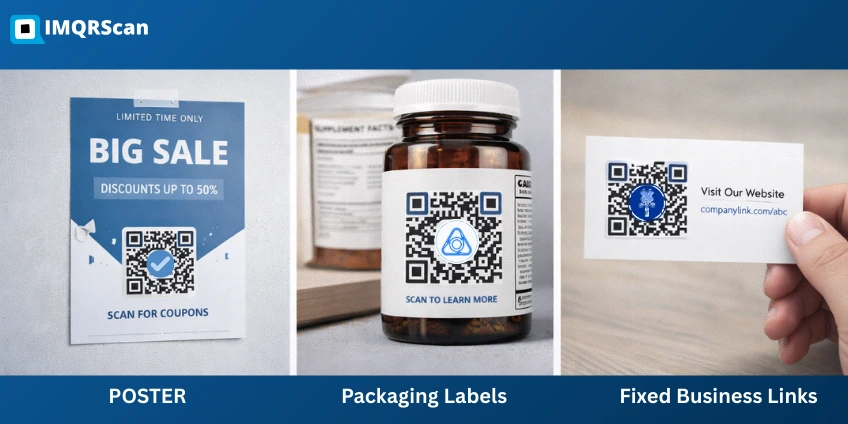
A person adds a QR code to a business card linking to a fixed contact page or portfolio. Many businesses use a vCard QR code generator or a business profile QR code so people can quickly save contact details on their phone. If the destination does not need to change later, a static QR code may be enough.
Poster with fixed website link
A printed poster can send visitors to a website homepage or landing page using a URL QR code generator. If the destination page will remain the same for a long time, a static QR code is often sufficient.
Product instruction link
A product label links to a permanent PDF, guide, or instruction page that is not expected to move.
These are examples of static QR codes because the final content is fixed after creation.
Do Static QR Codes Expire?
One of the most common questions is: do static QR codes expire?
The short answer is no. Static QR codes do not expire by themselves because they do not rely on an editable dashboard or redirect layer.
However, the destination behind the QR code still matters. A static QR code can stop being useful if:
- the linked webpage is deleted,
- the file is removed,
- the phone number changes,
- the email address is no longer active.
So the QR code itself does not expire, but the destination can become outdated. For a broader guide, see do QR codes expire.
Easy rule: static QR codes do not expire on their own, but they only stay useful if the destination stays available.
Can Static QR Codes Be Tracked?
Usually, static QR codes cannot be tracked in the same way dynamic QR codes can.
That is because static QR codes do not normally pass through a redirect system that logs scan data. Since the content is encoded directly, there is often no built-in layer to collect analytics such as:
- number of scans
- scan location
- device type
- scan time
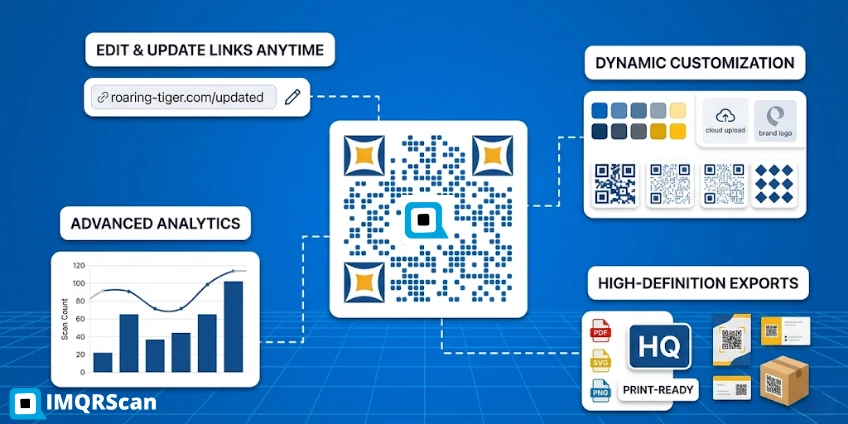
If you need analytics, editable links, or campaign reporting, you usually need a dynamic QR code and often a platform that supports QR code tracking.
When Static QR Codes Make Sense
Static QR codes make the most sense when the information is unlikely to change. Good use cases include:
- WiFi access details
- fixed website URLs
- permanent contact details
- labels and packaging with stable links
- classroom resources that do not change
If you already know the content will stay the same for a long time, static QR codes can be simple and reliable. See permanent QR code examples.
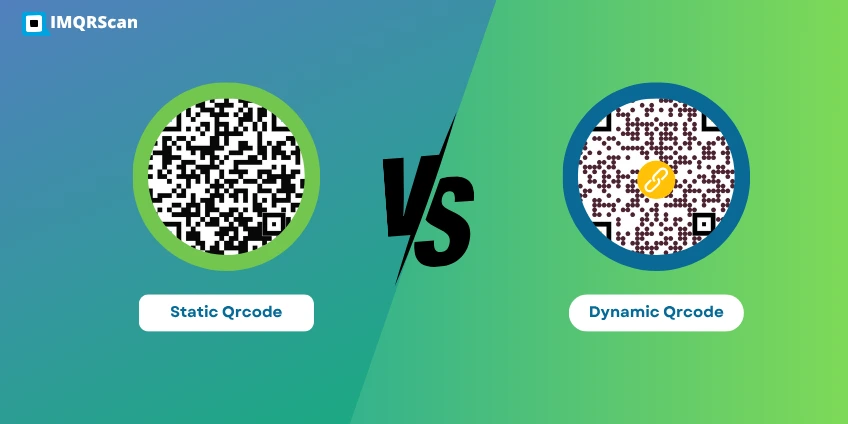
Static vs Dynamic QR Code
A static QR code and a dynamic QR code may look similar on paper, but they work differently.
| Feature | Static QR Code | Dynamic QR Code |
|---|---|---|
| Content after creation | Fixed | Editable |
| Scan tracking | Usually no | Usually yes |
| Best for | Permanent information | Changing content and campaigns |
| Redirect layer | No | Yes |
If you want the full side-by-side explanation, read our guide on static vs dynamic QR code.
Final Answer: What Is a Static QR Code?
A static QR code is a QR code with fixed content that is stored directly inside the code. It cannot be edited after creation, usually does not support built-in tracking, and does not expire on its own as long as the destination remains available. If you want to create a permanent QR code for fixed information, you can generate one using the IMQRScan static QR code generator.
That is the practical meaning of a static QR code: simple, permanent, and best for information that does not need to change.
Need a Static QR Code?
If you want a fixed QR code for a website, contact details, WiFi access, or other permanent content, explore the IMQRScan static QR page.
What Is a Static QR Code? FAQs
Clear answers to common questions about static QR codes.
Create a Dynamic QR Code
Edit your destination anytime and track scans with IMQRScan dynamic QR codes.
Want a non-editable QR? Use Static QR Codes. Need campaign ideas? Explore QR Code Marketing.