Do QR Codes Expire? Are QR Codes Permanent? (2026 Guide)
Static QR codes do not expire. They are permanent because the data is stored inside the pattern. Dynamic QR codes can stop working when a free trial ends, a plan lapses, a scan limit is reached or the provider shuts down. This guide explains exactly when QR codes expire, how long they last, and how to make one that works for good.
Quick answer: if you want a QR code that never expires, create a static QR code.
Create a Permanent QR CodeFirst published February 21, 2025 · Reading time about 10 minutes
Table of Contents
Quick Answer: Do QR Codes Expire?
No, static QR codes do not expire. The data is stored inside the black and white pattern, so the code keeps working as long as its destination is live. Dynamic QR codes can expire because every scan passes through the provider's server. If the trial ends, the plan lapses, the scan limit runs out or the provider shuts down, the code stops working. For a QR code that is truly permanent, use a static QR code.
Part of our Permanent QR Code guide
You are here
Do QR codes expire?
When codes stop working and why.
See it in practice
25 permanent QR code examples
Real uses and the right QR type for each.
Make one now
Static QR code generator
Free codes that never expire.
Understanding QR Codes: The 60-Second Primer
A QR (Quick Response) code is a square barcode that stores information such as a website link, WiFi password, contact card, phone number or plain text. Denso Wave invented it in 1994, and the format is set out in the international standard ISO/IEC 18004. You scan one with a phone camera to open the content.
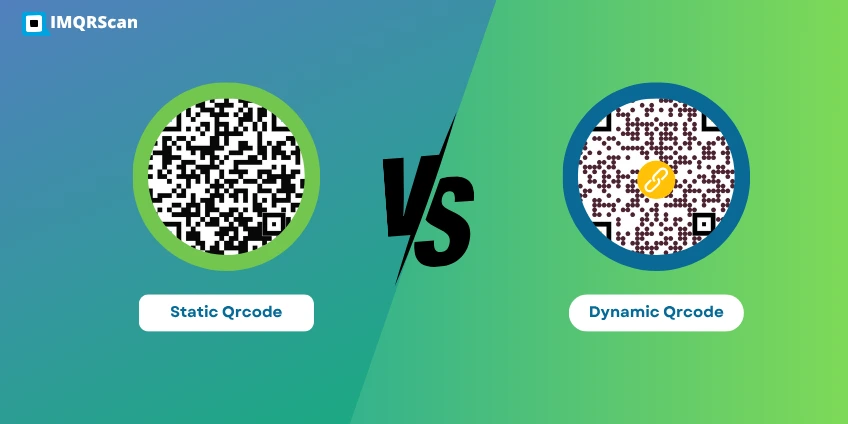
There are two types of QR codes. They look the same, but they behave very differently when it comes to expiring:
- Static QR codes: the data is stored in the pattern. They never expire.
- Dynamic QR codes: the pattern holds a short link that redirects through a server. They can expire with the plan.
For the full technical breakdown, read what is a static QR code.
Static vs Dynamic QR Codes: Which Ones Expire?
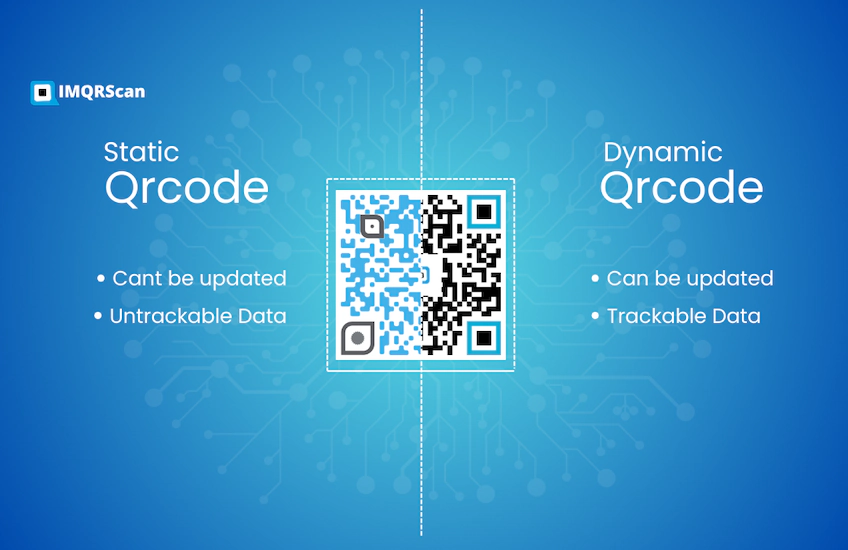
The type of QR code decides everything about expiry. Here is the side-by-side view:
| Question | Static QR code | Dynamic QR code |
|---|---|---|
| Does it expire? | No | Yes, if the trial or plan ends |
| Is it permanent? | Yes | Only while the service stays active |
| Needs a subscription? | No | Usually yes |
| Scan limit? | None | Depends on the plan |
| Works offline? | Yes for WiFi, vCard and text | No, needs internet |
| Editable after printing? | No | Yes |
| Scan tracking? | No | Yes |
Learn more about static vs dynamic QR codes.
Static QR codes: the data lives in the pattern
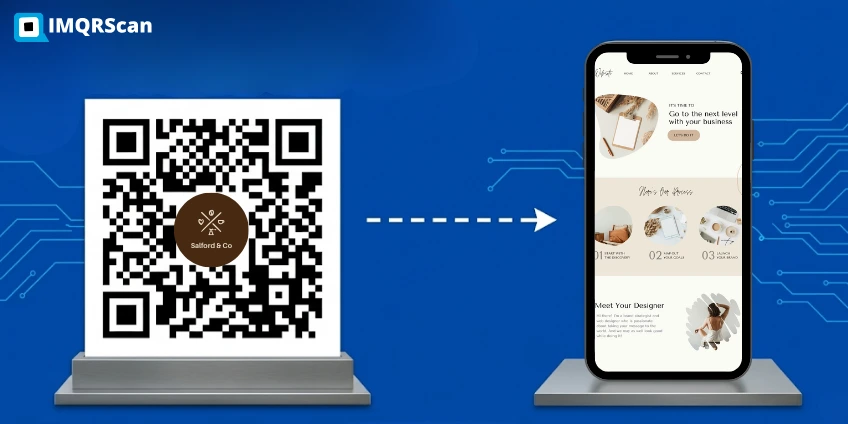
A static QR code stores your final link, text or WiFi details directly in the black and white squares. There is no server in the middle. The phone reads the pattern and goes straight to the content.
Because nothing can break on the provider's side, static QR codes do not expire. The only ways they stop working are if the page they point to disappears, the domain expires, or the printed code gets too damaged to read.
Dynamic QR codes: the data lives on a server
A dynamic QR code stores a short link that belongs to the QR code provider. When someone scans it, the phone visits the provider's server, the server looks up your real destination, and then sends the phone there. That redirect is what lets you edit the link and count scans.
The same redirect is what can break. If the trial ends, the subscription lapses, the scan limit runs out or the provider closes, the server stops sending people on. That is why dynamic QR codes can expire.
Are QR Codes Permanent? The Honest Answer
Yes, static QR codes are permanent. The pattern has no built-in expiry date and does not depend on any company staying in business. A static code printed today will still open the same link years from now, as long as that link still works.
Dynamic QR codes are only conditionally permanent. They keep working only while the provider stays in business and your plan stays active. That is a very different promise.
What makes a QR code truly permanent?
Three things must all be true:
- The data is stored in the pattern itself. It must be a static QR code, not a dynamic one.
- The destination is on a domain you control. Not a short link from a service that could disappear.
- The printed code can survive its setting. Use UV-resistant ink, lamination, or engraving on metal or stone for outdoor and long-life uses.
The three types of "permanent" in QR code marketing
Some QR code providers use the word permanent loosely. Only one type deserves it without an asterisk:
| What providers call "permanent" | What it really is | Truly permanent? |
|---|---|---|
| Static QR code (data in the pattern) | No server, no expiry, works offline for some types | Yes |
| Dynamic QR code on a "lifetime plan" | Works only while the provider stays in business | Only if the provider survives |
| Dynamic QR code on a monthly plan or trial | Works only while you keep paying | No |
When "permanent" really matters
For some uses, permanence is not optional. If you are printing QR codes on any of these, use a static QR code:
- Memorials and headstones: they must work for generations.
- Books and publications: you cannot reprint for a link change.
- Museum plaques and fixed signs: they are expected to last many years.
- WiFi access signs: network details rarely change.
- Business cards: contact details are usually stable.
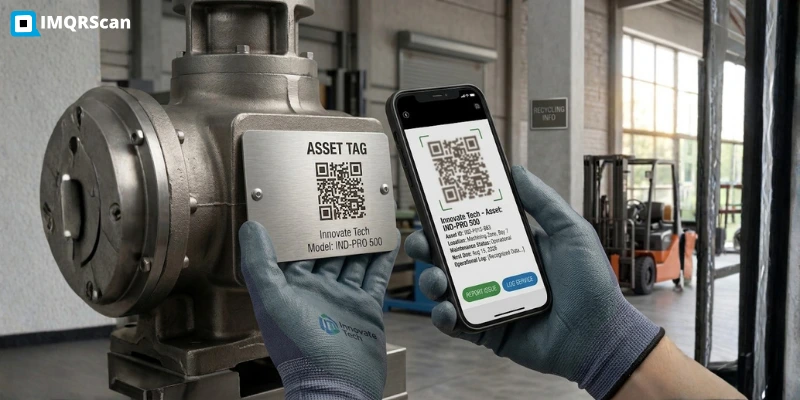
- Equipment and asset tags: they stay on machines for years.
For 25 full examples with the right QR type for each, read our guide to permanent QR code examples.
Easy rule: if the QR code needs to outlive any company, use a static QR code that points to your own domain.

How Long Do QR Codes Last?
How long a QR code lasts depends on two things: the type of code, and how well the printed code survives where you put it.
| QR code type | How long it works | Good for |
|---|---|---|
| Static QR code | No time limit | Books, memorials, packaging, signs, business cards |
| Dynamic QR code (paid plan) | While the plan is active | Campaigns, menus, event materials |
| Dynamic QR code (free trial) | Days to a few weeks, or until the scan limit | Testing only. Never print trial codes. |
The printed code matters too. Paper left in direct sun can fade, and outdoor stickers can crack or peel. For codes that must last, use UV-resistant ink, lamination, engraved metal or etched stone, and keep the code large enough to scan even after some wear.
Why Do Some QR Codes Stop Working?
There are five common reasons. Knowing them helps you avoid every one:
1. The destination was changed or deleted
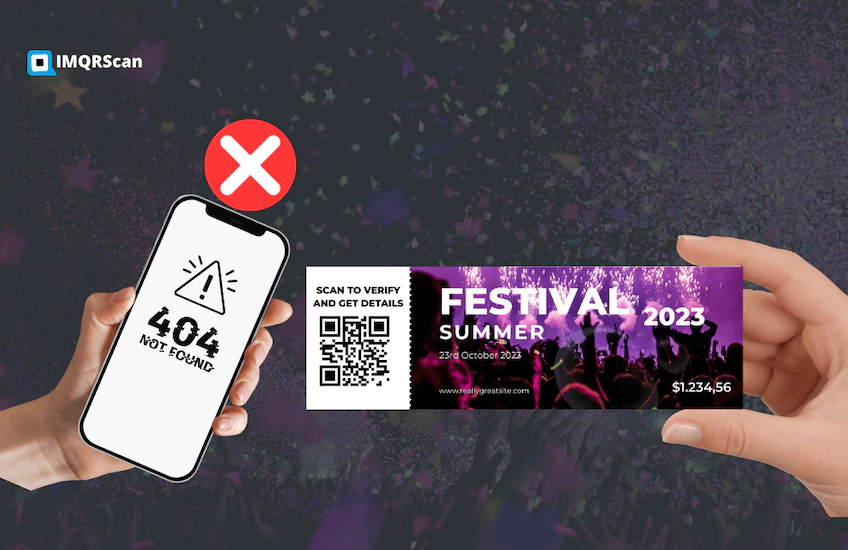
This affects static codes. If the page the code points to is removed, the scan still opens, but to a "404 not found" error. The pattern is fine. The link behind it is broken.
2. The free trial or subscription ended
This affects dynamic codes. When a trial ends or a bill goes unpaid, the provider switches off the redirect. People who scan see an error, a provider page or a payment prompt.
3. The scan limit was reached
Many dynamic plans limit scans. For example, QRCodeKIT's free plan allows 100 scans per code each month, and the IMQRScan trial allows 15 scans in total. Past the limit, the redirect stops until the limit resets or you upgrade.
4. The provider went out of business
If a dynamic QR code provider shuts down, every dynamic code it ever made can stop working at once. This is the hidden risk behind "lifetime plans."
5. The printed code is damaged
Fading, tears, scratches or a logo that covers too much of the pattern can stop a code from scanning. Error correction level H lets a QR code recover from roughly 30 percent damage, which is why it is used when a logo is added.

Why Did My QR Code Stop Working After Two Weeks?
This is the most common "expired QR code" story, and the cause is almost always the same: the code was a dynamic QR code on a free trial. Many generators give you a dynamic code by default, even if you only wanted a simple link, and switch it off when the trial ends.
How to check which type you have: scan the code and watch the link that opens. If it starts with the generator's own short domain before landing on your page, it is dynamic. If it goes straight to your own website, it is static.
How to fix it: either pay the provider to switch the code back on, or create a new static QR code that points straight to your page and replace the printed codes. If you reprint anyway, a static code means you will never face this again.
Do Canva, Adobe & Google QR Codes Expire?
Three big-brand QR code tools come up again and again in search. Here is the honest, up-to-date answer for each, checked in September 2026.
Do Canva QR codes expire?
Not unless you set an expiry date. Many older articles say Canva only makes static codes. That is no longer true. Canva's help center now lists both static and dynamic QR codes. It says a Canva QR code never expires unless you set an expiry date, and only Canva Business, Enterprise and Nonprofit users can set one on a dynamic code. (Source: Canva Help Center)
Do Adobe Express QR codes expire?
No. Adobe staff have confirmed on the Adobe community forum that Adobe Express QR codes are static and do not expire. They keep working as long as the linked page is live. The trade-off is that you cannot edit the link or track scans after the code is made. (Source: Adobe Community)
Are Google QR codes permanent?
Yes. The QR codes that Google Chrome creates with its built-in QR code option are static. The page link is stored inside the pattern, so they do not expire as long as the page stays online.
Do IMQRScan QR Codes Expire?
We think you should get the same honest answer about us that we give about everyone else.
| IMQRScan code | Expires? | Details |
|---|---|---|
| Static QR code | Never | Free and unlimited with a free account. No scan limit and no subscription. |
| Dynamic QR code (trial) | Yes | The free 7-day trial includes 5 dynamic codes and 15 scans. Codes stop working at the scan limit or when the trial ends without a paid plan. |
| Dynamic QR code (paid) | If the plan ends | Works while your plan is active and within its scan limit. |
Our advice: never print a trial QR code on anything that needs to last. Use a static code for permanent print, and move to a paid plan before printing dynamic codes. Compare plans on our pricing page.
How to Make a QR Code That Never Expires
Creating a permanent QR code on IMQRScan takes about two minutes:
- Sign in to your free account and open the IMQRScan static QR code generator.
- Choose a content type: URL, WiFi, vCard, text, email, phone or SMS.
- Enter your final data. Double-check it, because a static code cannot be edited later.
- Customize colors, corner style and a center logo. Adding a logo uses error correction level H.
- Generate the code. Your data is stored directly inside the pattern.
- Download and test. Use SVG for print and PNG for screens, then scan it with two different phones before printing.
5 Tips to Avoid an Expired QR Code
- Pick the right type from day one. Static for permanent information, dynamic only if you need editing or tracking.
- Never print trial codes. Upgrade first, or use a static code.
- Point to domains you own. Third-party short links can disappear. Your own domain stays under your control.
- Print on durable materials. Use UV-resistant ink, lamination or engraving for outdoor and long-life uses.
- Test regularly. Scan every live QR code every few months to catch broken links before your customers do.
Final Answer: Do QR Codes Expire?
Static QR codes never expire. Dynamic QR codes can stop working when a trial ends, a plan lapses, a scan limit runs out or the provider shuts down. If you want a QR code that is truly permanent, the kind that works on a business card, a memorial or a published book for decades, use a static QR code on IMQRScan's static QR code generator and point it to a domain you own.
Create a QR Code That Never Expires
Static QR codes on IMQRScan are free, unlimited and have no scan limit. You only need a free account, no credit card.
Do QR Codes Expire & Are They Permanent? FAQs
Direct answers to the most common questions about QR code expiry and permanence.
Create a QR Code That Never Expires
Static QR codes on IMQRScan are permanent, free and have no scan limit or subscription.
Want 25 real-world examples? Read Permanent QR Code Examples. Not sure which type you need? See Static vs Dynamic QR Code.