What Is a Static QR Code?
Learn how static QR codes store fixed data and when to use them.
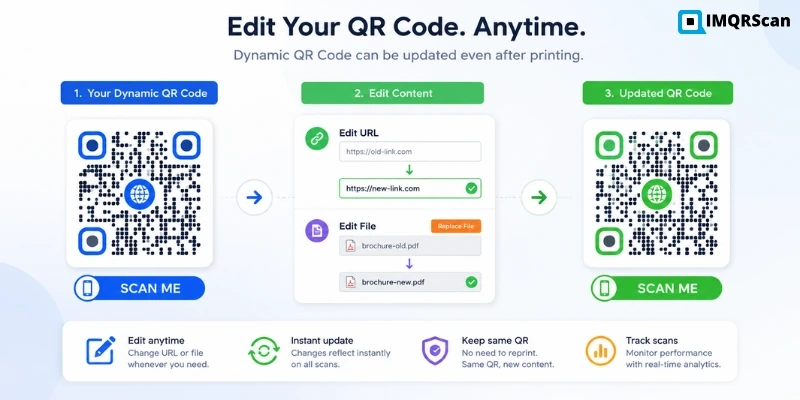
A dynamic QR code is a QR code that can be updated after it is created. Instead of locking the final destination directly inside the code, it uses a short redirect URL that can forward users to a website, menu, file, form, app page, or landing page. This makes dynamic QR codes useful for business, marketing, menus, packaging, and any content that may change later.
In short: a dynamic QR code is an editable QR code that is designed for flexibility and long-term use.
Create Dynamic QR CodeUse a dynamic QR code when the link may change after printing.
Create Dynamic QR Code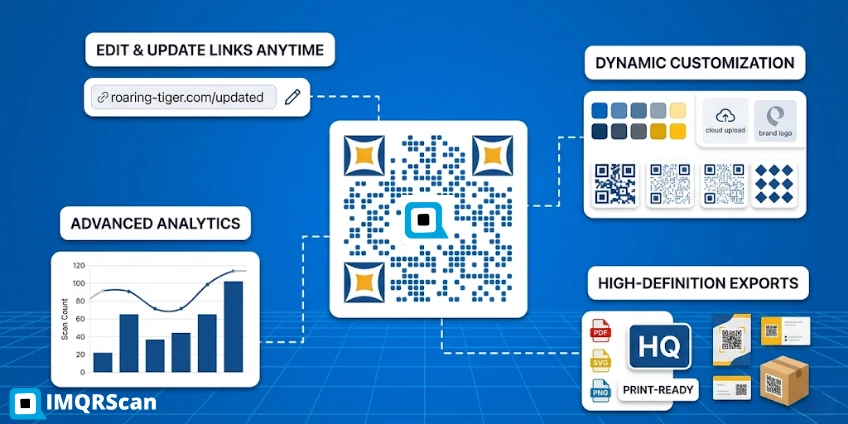
A dynamic QR code is a QR code that points to a short redirect link instead of permanently storing the final destination inside the code. Because of that structure, the destination can be changed later without creating a new QR code. That is why dynamic QR codes are used for editable links, restaurant menus, product packaging, events, marketing, and business workflows.
The word dynamic means flexible or changeable. In the context of QR codes, a dynamic QR code is one whose destination can be changed after the code has already been generated and printed.
That is the most important idea to understand. A dynamic QR code is not “dynamic” because the image moves or looks different. It is dynamic because the link behind it can be managed later.
When people search for “what is dynamic QR code,” “dynamic QR code wiki,” or “dynamic QR codes wikipedia,” they are usually trying to understand the concept in plain language. The simplest definition is this:
Dynamic QR code definition: A dynamic QR code is an editable QR code that stores a short redirect URL instead of the final destination. This allows the QR code destination to be changed after creation without changing or reprinting the QR code image.
This makes dynamic QR codes especially useful when information may change over time. A business may update an offer. A restaurant may update a menu. A company may replace an old landing page with a new one. A product package may need to point to current instructions instead of outdated content.
In all of these cases, the printed QR code can stay the same while the destination behind it changes.
A dynamic QR code works by inserting a redirect layer between the QR code and the final content. Here is the process in simple steps:
Because the redirect is controlled inside the QR platform, the final destination can be edited later. This is also why dynamic QR codes are often connected to QR code tracking. The redirect layer makes it possible to log and manage scan-related activity before the user lands on the final page.
If you want the broader technical background, read our guide on how a QR code works.
That simple redirect model is what gives dynamic QR codes their business value. It saves time, protects print budgets, and reduces the risk of outdated QR codes staying in circulation.
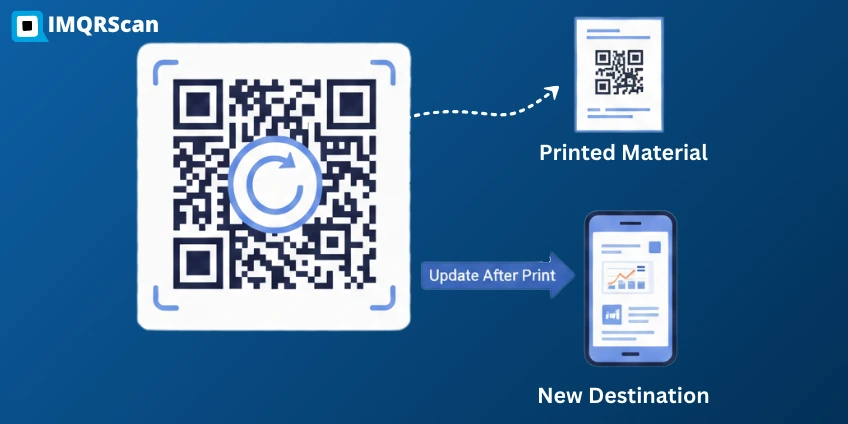
It is called a dynamic QR code because the destination is not fixed forever. The code behaves more like a controlled route than a permanent container of final content.
A fixed QR code stores the final data directly. A dynamic QR code stores a route. That route can later point somewhere else.
Think of it like this:
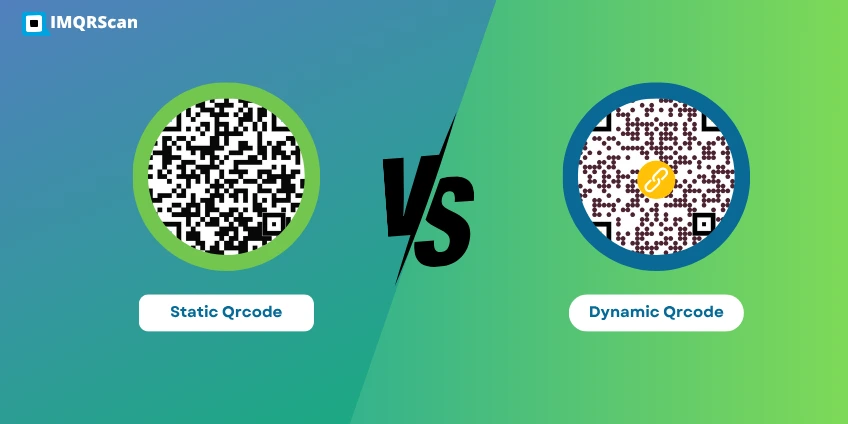
This is why dynamic QR codes are often described as editable QR codes. The QR code image itself does not have to change, but the destination behind it can. Unlike a static QR code, a dynamic QR code does not lock the final destination permanently inside the code. See our full static vs dynamic QR code comparison if you need to decide which type suits your situation.
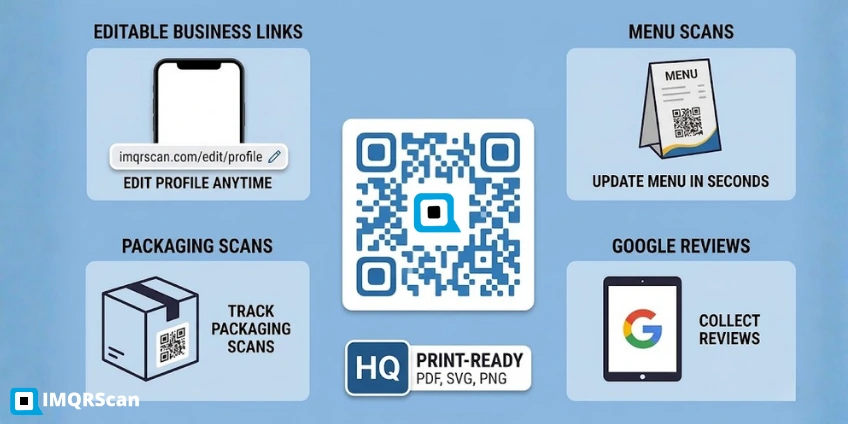
The easiest way to understand a dynamic QR code is to see how a single printed QR code can keep working even when the destination changes. Here are a few common examples:
A restaurant places one QR code on every table. The QR code links to the live menu. When prices, dishes, or seasonal specials change, the restaurant updates the destination without reprinting the table code. This is one reason a QR code for restaurant often works best as a dynamic QR code.
A flyer for a campaign sends users to a landing page. Later, the business changes the destination to a new offer page or limited-time promotion. That is why dynamic codes are useful in QR code marketing.
A product box links to user instructions, warranty registration, or product details. If the brand updates those resources later, the packaging QR code can remain useful.
A QR code on an event poster first links to ticket registration, then later points to the event schedule or post-event resources.
A QR code on a booth banner links to a form, then later switches to a thank-you page, product brochure, or meeting scheduler.
These are all dynamic QR code examples because the printed code can stay in place while the destination changes over time. A common use case is directing people to a website or landing page, which is why many businesses use a URL QR code as the base format.
| Dynamic QR code example | Initial destination | What can change later |
|---|---|---|
| Restaurant menu | Current digital menu | Prices, dishes, offers, or the complete menu URL |
| Marketing flyer | Campaign landing page | Offer, promotion, landing page, or tracking parameters |
| Product packaging | Product information page | Manual, warranty page, instructions, or support content |
| Event poster | Registration page | Schedule, event updates, recordings, or follow-up resources |
| Lead-generation display | Lead form | Form, booking page, brochure, or thank-you page |
One of the most common questions is: how to know if a QR code is dynamic?
You usually cannot tell with absolute certainty just by visually looking at the QR code image. A static QR code and a dynamic QR code can look almost identical on paper. The real difference is in how they are built and managed. In most cases, the reliable way to confirm it is dynamic is to know whether the owner can edit the destination inside a QR dashboard.
However, there are practical clues:
If the QR code can be edited after printing, it is dynamic. That is the clearest test.
Easy rule: if the QR code destination can change later, it is dynamic.
The redirect structure gives dynamic QR codes several practical benefits:
For detailed analytics information, see how QR code trackingworks.
After printing, the QR code image remains the same. Because it points to a managed redirect, its final destination can be updated without replacing the printed code.
This is useful when a menu, landing page, PDF, offer, or product resource changes. For instructions, read our guide on how to change a QR code link after printing.
Yes. In most cases, smartphones scan dynamic QR codes the same way they scan any normal QR code. Modern iPhone and Android cameras can usually detect the QR code and open the link directly.
A dynamic QR code does not require a special “dynamic QR app” for the person scanning it. The difference is not in the scanning process. The difference is in the destination logic behind the QR code.
So from the scanner’s point of view, a dynamic QR code feels normal. The flexibility happens on the business side, where the owner can update the destination later.
If you want the broader technical explanation behind scanning behavior, redirects, and encoded data, read our guide on how does a QR code work.
No. Dynamic does not mean the QR code image is animated. It means the destination behind the QR code can change.
Not necessarily. They often look the same visually. The difference is in the underlying destination model. Dynamic QR codes use a redirect layer, which allows the destination to be edited later. In contrast, a static QR code stores information directly in the code and cannot be changed after creation.
Also false. Restaurants, freelancers, local shops, startups, coaches, real estate agents, and event organizers all use dynamic QR codes because they are easier to manage over time.
No. This page explains the meaning and use of dynamic QR codes. For the direct comparison, see our guide on static vs dynamic QR code.
Another common question is whether dynamic QR codes stop working over time. Read our guide on do QR codes expire for a full explanation.
A dynamic QR code is an editable QR code that uses a redirect link so the final destination can be changed later. That one design difference makes it useful for business, campaigns, packaging, menus, events, forms, and any content that may need updates after printing.
If you need a QR code that stays flexible over time, dynamic is the right model. If you need tracking, campaign control, or content updates without reprinting, dynamic QR codes are usually the better choice.
That is the practical answer to “what is a dynamic QR code?” It is a QR code built for change, control, and long-term usefulness.
Need an editable QR code for menus, marketing, forms, downloads, or packaging? Use IMQRScan to create a dynamic QR code and keep control of the destination later.
Clear answers about what dynamic QR codes mean, how they work, how to identify them, and common examples.
Learn what dynamic QR codes are, how to create them, how to edit QR links after printing, and when to choose static or dynamic QR codes.
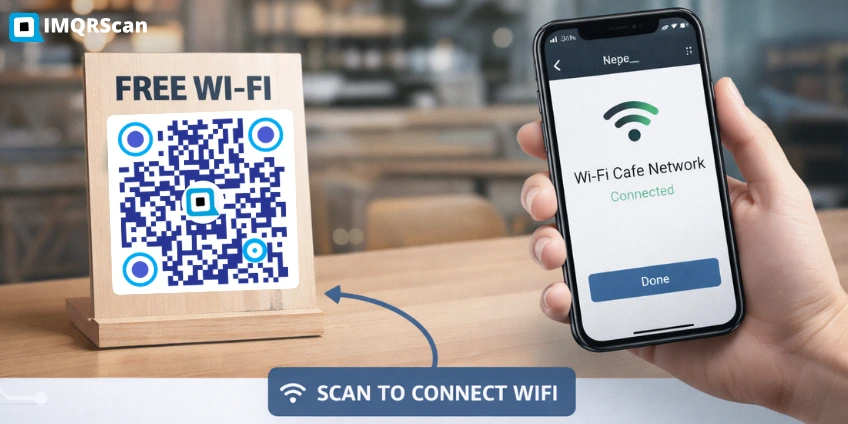

You will experience great benefits from the new revolution of QR codes. Within one minute
Create Free QR Code