URL QR Code
Create dynamic QR codes that link to any webpage.
Quick Summary: Restaurants use QR codes to make menus easier to access, speed up ordering, reduce printing costs, collect reviews, and improve guest experience. Restaurants can implement QR codes across menus, ordering, payments, and marketing workflows to improve efficiency and customer experience.
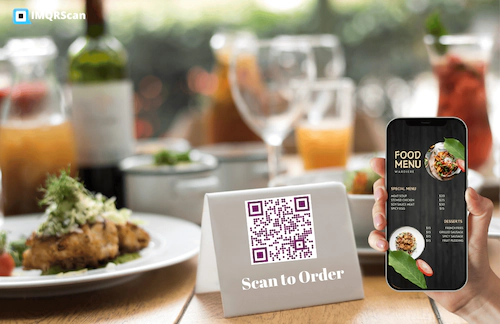
A restaurant QR code is a scannable code that sends customers to a menu, ordering page, payment page, review form, loyalty offer, or other digital destination. In practice, it helps restaurants move important guest actions from paper and manual steps to a faster mobile experience. A customer scans the code with a phone camera and the menu opens instantly. But restaurants also use QR codes for table ordering, takeaway offers, WiFi access, Google reviews, WhatsApp contact, and post-visit remarketing.
QR code menus grew rapidly during the contactless dining shift, but they stayed because they solve real operational problems. Restaurants frequently update pricing, items, and promotions, which traditional printed menus cannot handle efficiently.
Reduce repeated printing of menus, table tents, and promotional materials.
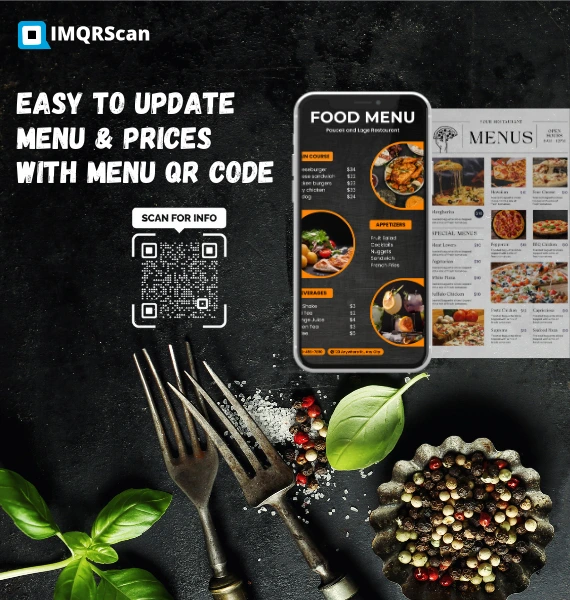
Update pricing, items, and availability instantly without reprinting.
Support contactless browsing and ordering with less physical handling.
Track scans, timing, and engagement across locations.
Adjust items, pricing, and availability without replacing materials.
Guests access menus instantly and make faster decisions.
Aligns with mobile-first and contactless expectations.
Connect diners to offers, loyalty programs, and reviews to drive repeat visits.
Restaurants use QR codes across multiple touchpoints, not just for menus. They can support front-of-house service, guest communication, brand marketing, and post-purchase retention.
This is the most common restaurant use case. Customers scan a menu QR code on the table or counter to view the menu instantly. It removes the need for printed menus and makes item, price, and availability changes much easier to manage.
Restaurants can connect the QR code to an ordering flow so customers browse, select items, and submit their order directly from their phone. This can reduce wait times and improve table turnover when implemented well.
QR codes can also point to a payment page, payment app, or table settlement workflow. This is useful for fast-casual, takeaway, and hospitality settings where speed matters and line reduction improves service quality.
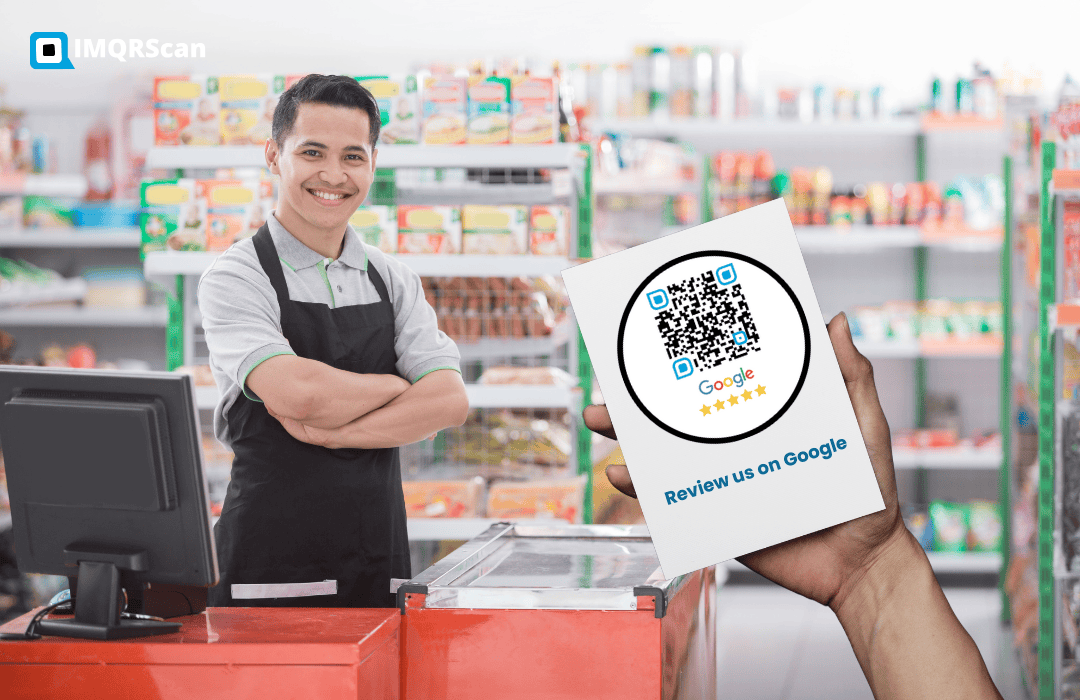
Restaurants use QR codes on receipts, table displays, packaging, and checkout counters to collect feedback and encourage reviews. A review QR code can help convert happy guests into public reviews faster.
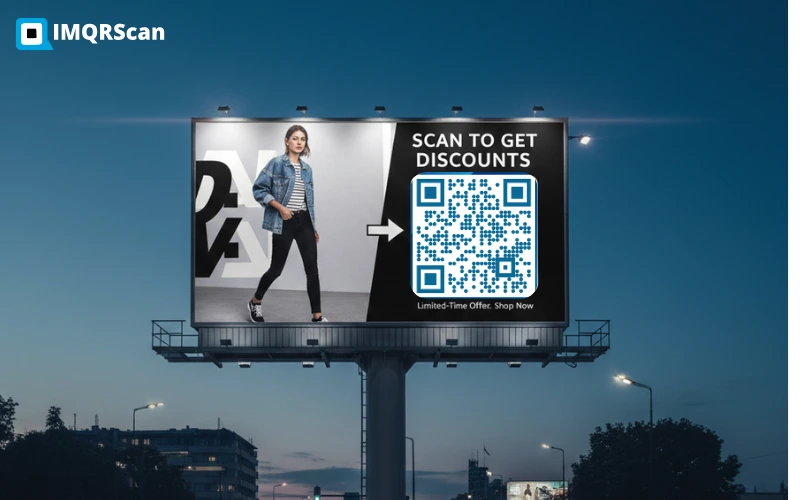
A restaurant can use QR codes to promote offers, limited-time deals, loyalty signups, coupon pages, and new product launches. This works well on posters, menu inserts, takeaway bags, and window graphics.
Restaurants also use QR codes for instant WiFi access, WhatsApp contact, event bookings, or service requests. In hotel dining and hospitality settings, this reduces friction and improves guest convenience.
Used for digital menus, food categories, specials, and seasonal updates.
Useful for quick settlement, takeaway, counter service, and table checkout flows.
Encourages guests to leave feedback and public reviews after a positive dining experience.
Lets customers connect to restaurant WiFi quickly without manually entering credentials.
Useful for reservations, support, order questions, and customer follow-up.
Works for offers, coupons, loyalty flows, event campaigns, and limited-time launches.
QR codes improve speed, flexibility, and customer experience across different restaurant formats. How they are used depends on the service model and customer flow.
Speed matters. QR codes reduce queues by letting customers browse menus and place orders directly from their phones.
Improve table flow with instant menu access, ordering, and payments — reducing wait time and staff dependency.
Deliver a clean, modern experience while maintaining a premium feel with well-designed digital menus.
Easily update menus for seasonal items and daily specials while reducing printing costs.
Solve space limitations and speed up service in high-traffic environments like events and street markets.
Connect customers to menus, offers, and reorder flows without requiring any physical interaction.
No matter the restaurant type, QR codes help simplify operations and improve customer experience across dine-in, takeaway, and delivery.
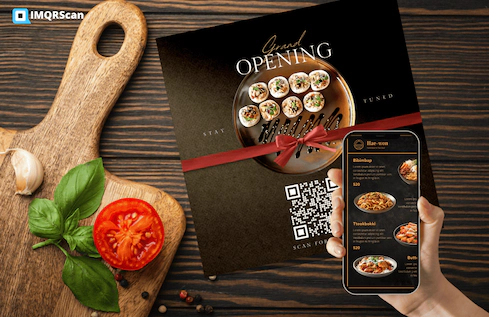
| Factor | Traditional Menu | Digital QR Code Menu |
|---|---|---|
| Update flexibility | Requires reprinting | Can be updated instantly with a dynamic setup |
| Recurring cost | Higher over time | Usually lower once implemented |
| Customer interaction | Static and offline | Interactive and mobile-based |
| Tracking | Not measurable | Can be measured on supported dynamic systems |
| Promo flexibility | Slower to change | Faster to adapt |
Restaurants do not always need to eliminate printed materials entirely, but QR code menus often work best as the flexible, update-friendly layer that supports live operations. If you are evaluating tools, see our guide to the best QR code generator for restaurant menus to compare features, pricing, and platforms.
IMQRScan builds QR code tools for menus, dynamic updates, scan tracking, reviews, and business use cases. This guide is maintained to help restaurants choose practical QR workflows for dine-in, takeaway, and hospitality environments.
Create menu QR codes, collect reviews, and explore the best tools to manage restaurant menus, ordering, and marketing.
Not sure which platform to choose?
Compare Best QR Code GeneratorsThese are common questions related to restaurant QR code systems, especially for menus, contactless ordering, and customer trust.
Learn how to edit QR links, track scans, and run better QR campaigns using dynamic QR codes.