How to Track QR Code Scans
Step-by-step guide to tracking QR code scans and understanding analytics.
Read moreGenerate trackable QR codes and monitor every scan in real time. Track total scans, unique scans, location, device type, scan timing, and campaign performance from one dashboard.
What is QR code tracking? QR code tracking is the process of monitoring scan activity on dynamic QR codes. It captures data such as total scans, unique scans, scan location, device type, operating system, and scan timing through a redirect layer, allowing businesses to measure campaign performance in real time.
Measure every scan event across campaigns and placements.
Estimate real engagement beyond repeat scans.
See where scans happen by city and country.
Understand audience devices and operating systems.
A trackable QR code is a dynamic QR code that records every scan through a redirect layer, allowing you to monitor scan activity, location, device, and timing from a dashboard. Unlike static QR codes, trackable QR codes collect analytics every time someone scans them.
Trackable QR codes are widely used in marketing campaigns, product packaging, restaurant menus, event materials, and retail displays to measure real engagement and improve ROI.
· Reviewed by the IMQRScan Team
A trackable QR code turns every scan into measurable campaign data. Instead of guessing performance, you can see what is working, where it is working, and when people engage.
Track offline and online QR placements to understand which campaigns drive the most engagement.
See where scans happen so you can evaluate market reach, local demand, and regional performance.
Use hourly and daily scan trends to publish, promote, or place QR campaigns at the right time.
View device and OS data to optimize mobile pages, landing pages, and campaign experiences.
Compare results over time and improve QR placement, messaging, and conversion strategy.
Export analytics into spreadsheets and share performance reports with clients or teams.
QR codes were invented by Denso Wave in 1994 and have since become a global standard for mobile-triggered engagement and campaign measurement.
Creating a trackable QR code takes less than a minute. Follow these four steps to start measuring every scan.
Create your IMQRScan account and access the trackable QR code generator instantly.
Select a dynamic QR code type, since tracking requires the redirect layer that only dynamic QRs provide.
Enter your URL, customize the QR design, and download the trackable QR code for print or digital use.
Open your dashboard to see real-time analytics: total scans, unique scans, location, device, and timing data.
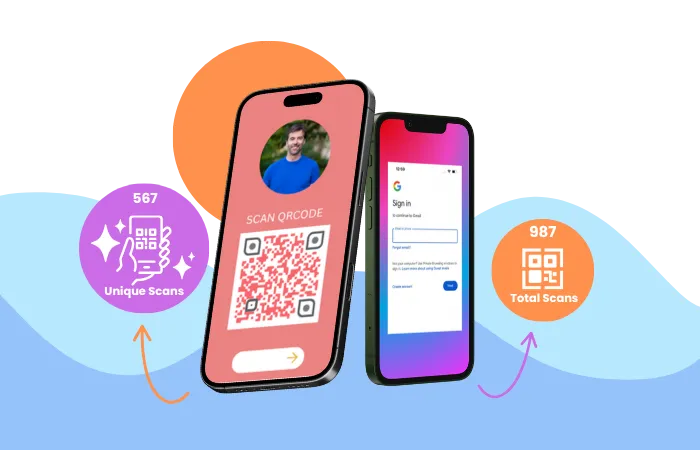
Measure overall activity with total scan count and estimate real audience interaction with unique scans. This helps separate repeat scans from broader engagement.
Counts every scan event, including repeated scans from the same device.
Helps estimate how many separate users or devices interacted with the QR code.
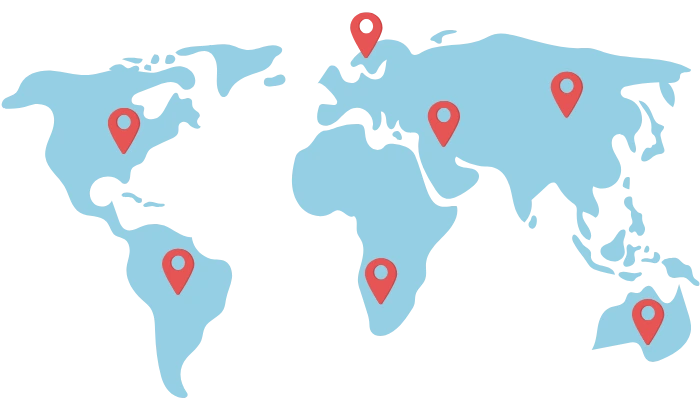
View scan activity by city and country to understand where your audience engages. This is useful for local marketing, regional campaigns, retail placements, menus, events, and product packaging.
Want to understand how QR tracking works step-by-step? Read the full guide on tracking QR code scans
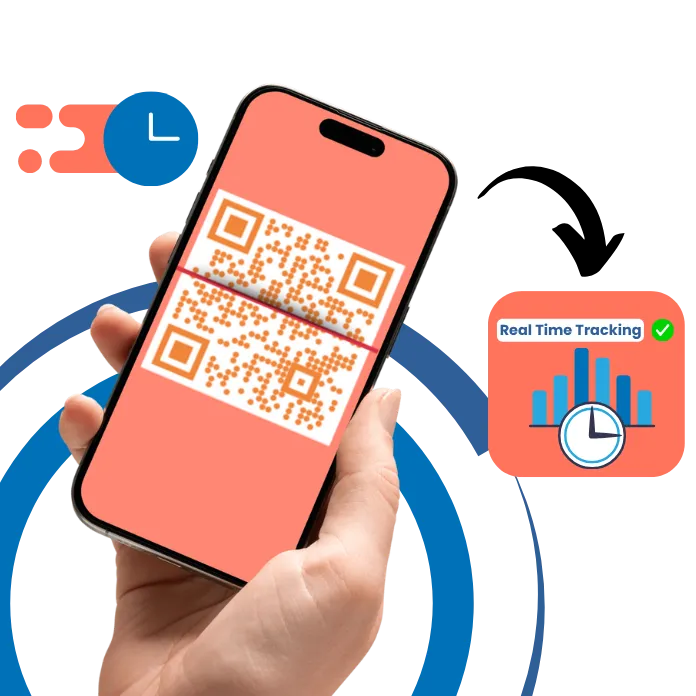
Scan timing data shows when people interact with your QR code campaigns. Use hourly, daily, and monthly trends to understand peak engagement windows and improve campaign timing.
Discover the best hours to drive action from posters, menus, and packaging.
Spot trends, seasonal spikes, and performance differences over time.
See whether your audience scans more from Android, iPhone, Windows, macOS, Linux, or Chrome OS devices. This helps improve landing page design, campaign targeting, and mobile performance.
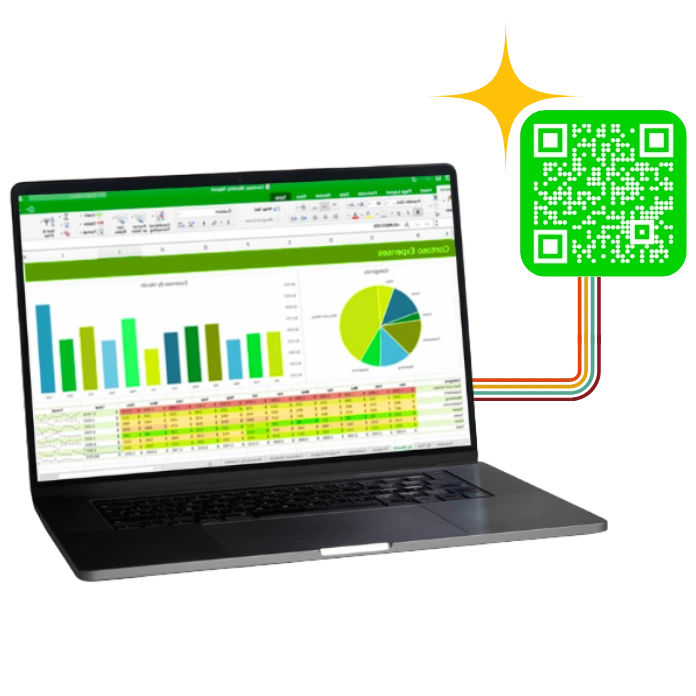
Export scan analytics into CSV format for spreadsheets, reporting, team sharing, and client performance reviews. This makes your QR data easier to analyze beyond the dashboard.
If you need analytics, editable destinations, and reporting, dynamic QR codes are the right choice. Static QR codes are best only for fixed content that never needs tracking.
| Feature | Dynamic QR Code | Static QR Code |
|---|---|---|
| Track scans | ✅ Yes | ❌ No |
| Track location and device | ✅ Yes | ❌ No |
| Edit destination later | ✅ Yes | ❌ No |
| Best for campaigns | ✅ Yes | ❌ No |
| Best for fixed permanent data | Possible | ✅ Yes |
Key takeaway: All trackable QR codes are dynamic, but not all dynamic QR codes are fully trackable unless paired with a QR analytics platform like IMQRScan.
QR code tracking is useful anywhere scan performance matters.
Track menu scans by table, window, flyer, or takeaway packaging.
Measure product display, shelf, packaging, and poster engagement.
Track poster scans, attendee interest, and campaign response before and during events.
Compare offline placements and optimize QR-driven campaigns with real data.
Beyond basic scan counts, IMQRScan trackable QR codes support deeper campaign analytics. You can integrate with Google Analytics using UTM parameters, attribute conversions across online and offline channels, and measure campaign ROI using first-party scan data. Trackable QR codes give you privacy-compliant insights since scan data is aggregated and does not require personal identifiers under GDPR.
Append UTM source, medium, and campaign parameters to trackable QR destinations. Scan data flows into Google Analytics so you can compare QR-driven traffic against other acquisition channels.
Bridge physical placements with online conversions. Track which posters, packaging, or in-store displays drive the most scans and the highest-intent visitors.
All scan data is aggregated at the city, country, device, and time level. No personal identifiers are collected, supporting GDPR, CCPA, and other privacy frameworks.
Compared to free QR code generators that offer no analytics, a trackable QR code generator like IMQRScan captures scan-level data — giving businesses the same measurement depth for offline campaigns that Google Analytics provides for online traffic.
A trackable QR code generator sits at the intersection of digital marketing, mobile commerce, and offline-to-online attribution. Dynamic QR codes with tracking capabilities are used across industries including retail, hospitality, education, healthcare, and events to measure physical-to-digital customer journeys.
Strong scan data starts with strong campaign setup.
Tracking requires a redirect layer, so dynamic QR codes are the right format for analytics and performance reporting.
Label each QR placement by channel, location, or goal so your analytics remain useful later.
Always verify scan behavior, destination accuracy, and analytics logging before large print runs.
A fast mobile-friendly page improves the value of every scan and helps convert traffic into action.
Everything you need to know about QR code tracking, trackable QR code generators, analytics, and campaign measurement.

Helpful guides for users who want the technical background or setup details.
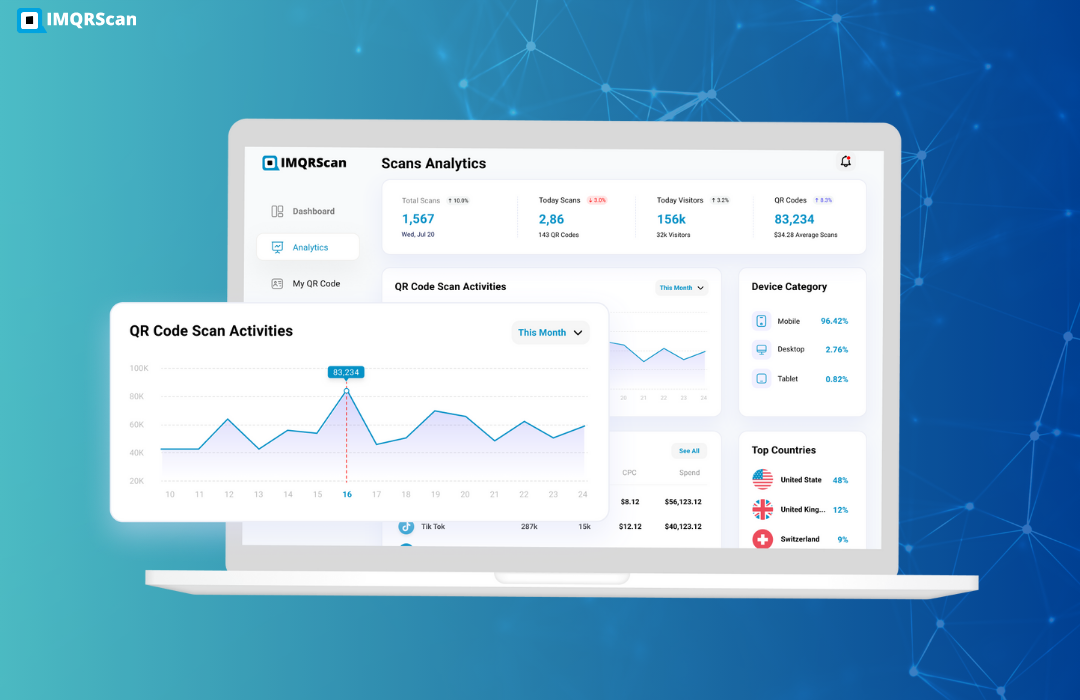
Step-by-step guide to tracking QR code scans and understanding analytics.
Read more
Learn how static and dynamic QR codes behave over time and what affects expiration.
Read more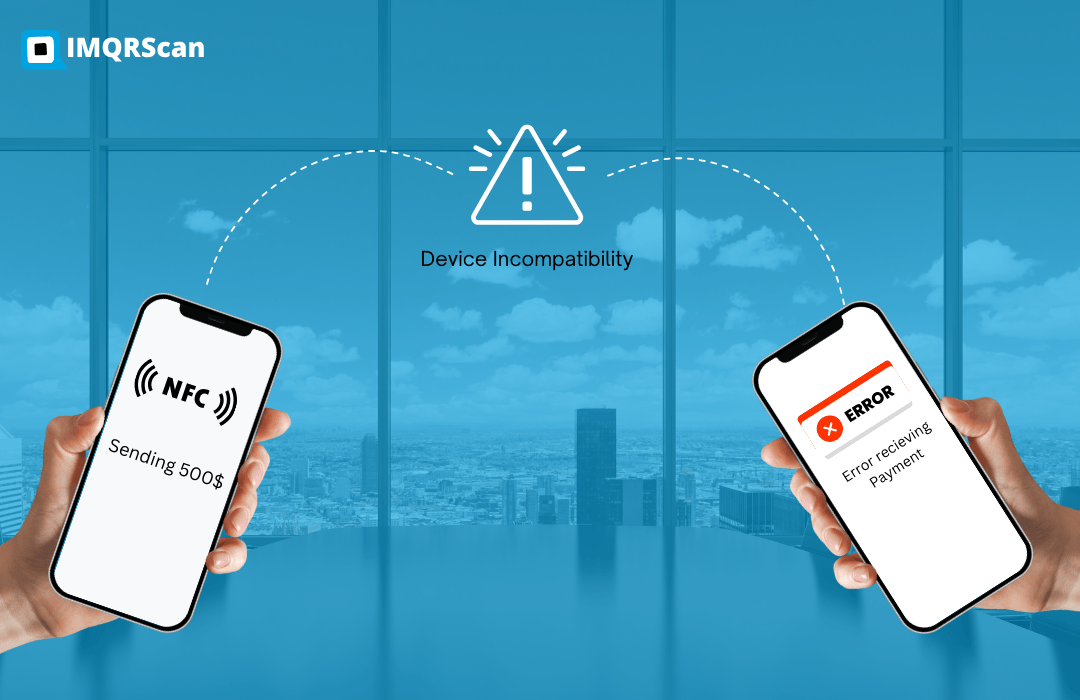
Compare QR codes and NFC to choose the right method for access, marketing, and interactions.
Read moreCreate dynamic QR codes, measure scans in real time, and optimize your campaigns from one dashboard.