Email Marketing with QR Codes: Grow Your List and Use Codes in Emails
Last updated: November 2026 · Written & Reviewed by the IMQRScan Editorial Team
Email marketing with QR codes works in two directions. A QR code on print, packaging, or a counter brings people onto your list in one scan. A QR code inside an email carries an offer or ticket into a shop or venue.
Quick Answer
To grow your list, print a QR code that opens a short signup form with a clear reason to join. Inside emails, use QR codes only for things scanned in person, such as coupons and tickets, and always add a button too.
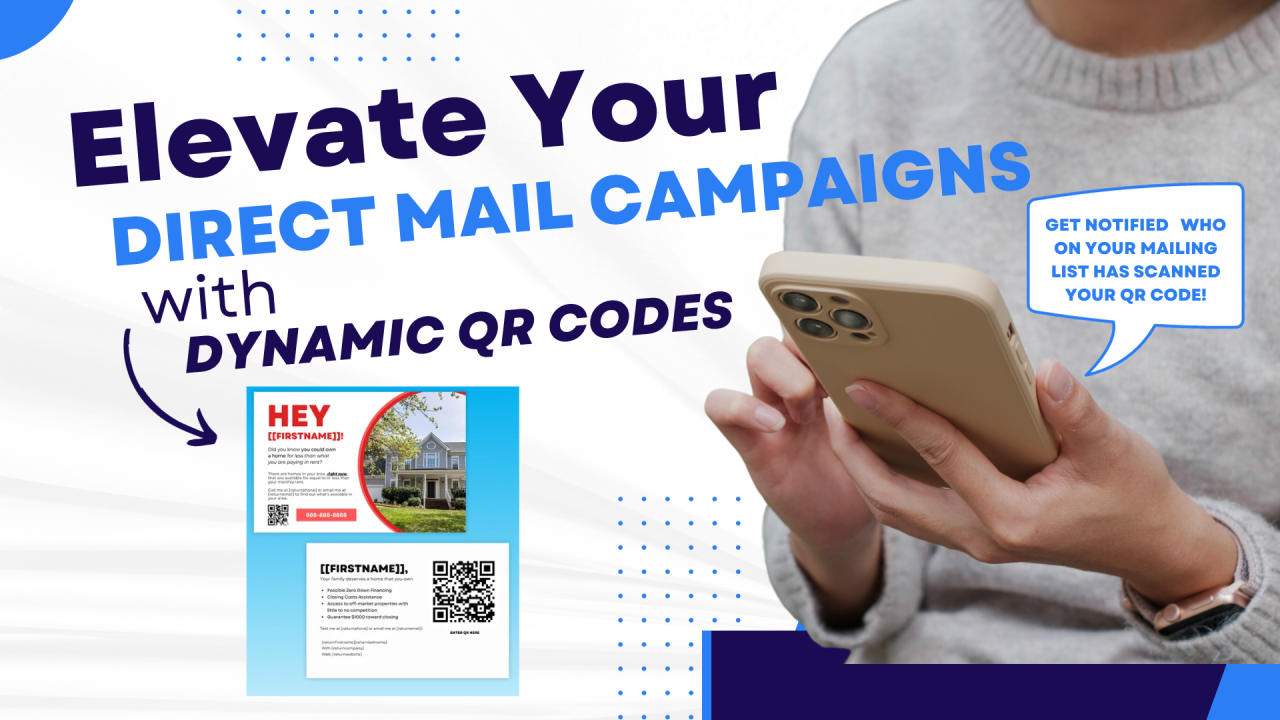
Table of Contents
- Two Jobs QR Codes Do in Email Marketing
- Which QR Code for Which Email Goal
- How to Grow Your Email List with a QR Code
- Mailchimp and Other Email Tools
- Where to Place Signup QR Codes
- Should You Put a QR Code in an Email?
- How to Scan a QR Code From an Email
- QR Code Not Showing in an Email
- How to Send a QR Code by Email
- QR Codes in Email Signatures
- How to Measure Results
- Real Example: A Cafe Receipt
- Common Mistakes
- FAQs
Create Your Own QR Codes
Create QR codes for events, photo albums, forms, WiFi and more with IMQRScan.
Start FreeCollect emails from a scan
A Lead Form QR code opens a short form and sends each new signup to your inbox.
Lead Form QR CodeMost email lists grow online, through website popups and checkout boxes. But many of your best customers meet you offline: at the counter, on a package, at an event. Email marketing with QR codes connects those moments to your list.
This guide covers both sides: getting people onto your list with a scan, and using QR codes inside the emails you send. If you only need a code that opens a new email to your address, use the email QR code generator instead.
Two Jobs QR Codes Do in Email Marketing
Definition: Email marketing with QR codes means using QR codes to move people between the physical world and your email program: printed codes that open a signup form, and codes inside emails that are scanned in a shop, at a door, or on another screen.
Offline to inbox
A code on a receipt, flyer, box, or table card opens your signup form. This is where QR codes add the most value to email marketing.
Inbox to offline
A code inside an email is shown at a till, a venue door, or scanned from a laptop screen: coupons, tickets, check-in, and app downloads.
Which QR Code for Which Email Goal
| Your goal | QR code to use | Where it goes |
|---|---|---|
| Grow your mailing list | QR code to a signup form (Lead Form or your email tool's form) | Receipts, packaging, counters, events |
| Get replies or enquiries | Email QR code (opens a ready message) | Business cards, vans, invoices |
| Redeem an offer in store | Coupon QR code inside the email | The email itself, shown at the till |
| Get desktop readers onto your app | App Download QR code inside the email | The email, scanned from the laptop screen |
| Admit people to an event | The ticket QR code from your ticketing tool | The confirmation email |
The rule behind the table: a QR code helps when the person is looking at something physical or at a different screen. When they are already reading on their phone, a tappable link or button is faster. Our branded link vs QR code guide explains this in detail.
How to Grow Your Email List with a QR Code
Pick one reason to join
Offer something clear in return for an email address: 10% off the next order, a free guide, early access, or event updates.
Get a short signup form
Use your email tool's hosted signup form, such as Mailchimp, or an IMQRScan Lead Form. Ask for the email address and at most one more field.
Make a dynamic QR code for it
Point a dynamic QR code at the form, so you can change the form later and see scans for each placement.
Add a call to action
Print the offer next to the code, for example Scan for 10% off your next order. A bare code gets far fewer scans.
Test the whole journey
Scan on two phones, sign up with a test address, and check the welcome email arrives.
Place one code per spot
Use a separate code for receipts, the counter and packaging, then compare scans with new subscribers.
Mailchimp and Other Email Tools
Most email platforms give each signup form its own web address, so any of them works with a QR code.
- Mailchimp: every hosted signup form has a URL and a ready-made QR code, found under Forms, in the form builder, next to the sharing options. It is a plain code without your branding or scan tracking.
- Klaviyo, Brevo, Kit, MailerLite and others: copy the hosted form or landing page address and turn it into a URL QR code.
- No email tool yet: an IMQRScan Lead Form QR code collects the signups and emails you each one. Connect it to Mailchimp or another tool with Zapier or Make, or send leads straight to HubSpot.
Using your own dynamic QR code in front of any of these forms adds your logo and colours, a scan count per placement, and the option to switch forms later without reprinting.
Where to Place Signup QR Codes
Put the code where people have a spare moment and a reason to join.
| Placement | Reason to join that works | Tip |
|---|---|---|
| Receipts and bags | A discount on the next visit | Print the offer in words next to the code |
| Product packaging | Care tips, recipes, or warranty reminders | Use a dynamic code, as boxes stay in homes for years |
| Counter and table cards | A welcome offer or loyalty points | Ask staff to point the code out |
| Events and stands | Slides, recordings, or a prize draw | Use a separate code per event to compare |
| Flyers and posters | A guide, checklist, or free sample | Keep the code large and the offer short |
| Direct mail and catalogues | Online-only offers | One code per mailing to measure each drop |
Should You Put a QR Code in an Email?
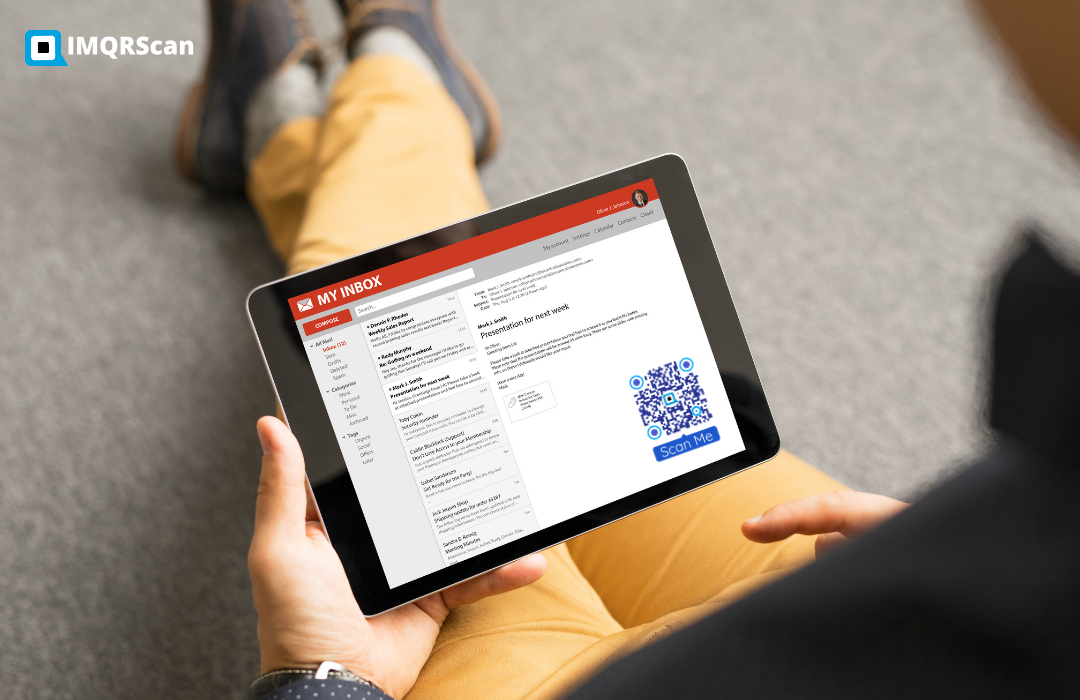
Sometimes. Most people read email on their phone, and a phone cannot point its own camera at its own screen. So a QR code in an email only helps when it is scanned somewhere else.
Good uses
- Coupons scanned at a shop till
- Event tickets and check-in codes
- App downloads for people reading on a laptop
- Wi-Fi or door codes for guests on arrival
Poor uses
- A code instead of a Shop now button
- A code linking to a page the reader could just tap
- A code as the only way to act, with no link
- A tiny code inside a busy banner image
How to add a QR code to an email so it works
- Download the QR code as a PNG and insert it as a normal image, about 200 to 300 pixels wide.
- Keep a white margin around it, so it stays readable in dark mode.
- Write alt text that says what it is, such as QR code for your 10% coupon.
- Put a button or link right next to it with the same action, for readers on their phone.
- Send a test to Gmail and Outlook, and check it on a phone and a computer.
How to Scan a QR Code From an Email
If a QR code arrives in an email on the phone you want to use, you cannot point the camera at it. These methods work instead.
| Where you are | What to do |
|---|---|
| iPhone | Take a screenshot, open it in Photos, and tap the QR code (or press and hold it) to open the link. |
| Android | Take a screenshot, open it in Google Photos, and tap Lens. Many Samsung and other phones also scan from their own gallery app. |
| Email open on a computer | Point your phone camera at the computer screen, the same way as a printed code. |
| QR code in a PDF attachment | Open the PDF, then screenshot it, or print it and scan the paper. |
Some codes work differently. An eSIM or two-factor setup code is meant for a second screen, so open that email on a laptop or tablet. Never scan a sign-in code someone sent you without asking.
QR Code Not Showing in an Email? Common Causes
For senders: since some readers will not see images, never let the QR code be the only way to act. A link or button next to it keeps everyone included.
How to print a QR code from an email
Open the email, use your mail app's Print option, and check the code is at least 2 by 2 cm on the page. On a phone, you can also save the image and print it from Photos.
How to Send a QR Code to Someone by Email
- Download the QR code as a PNG. Use SVG only if they will print it professionally.
- Attach it, or insert it into the message as an image.
- Add the link as text under it, so they can tap it on the same phone.
- Say what it is for, such as Scan this at the door, so the email is not mistaken for phishing.
QR Codes in Email Signatures
A QR code in your email signature is mainly useful for people who read your emails on a computer, or print them. For phone readers, a link is better.
- Keep it small, around 80 to 100 pixels, so it does not take over the signature.
- Link it to something worth saving, such as a vCard Plus digital business card or a booking page.
- Keep a text link next to it, because many mail apps block signature images.
How to Measure Results
A scan is not a signup. Measure both, and compare them per placement.
| What to measure | Where you see it |
|---|---|
| Scans per placement | Your dynamic QR code dashboard, one code per receipt, card, or package |
| Signups per placement | Your email tool, using a UTM tag, a separate form, or a source field |
| Scan-to-signup rate | Signups divided by scans, to see which offer and form work |
| Revenue from QR subscribers | Your email tool or shop, by segment or tag |
See our guide on how to track QR code scans for setting up UTM tags and per-placement codes.
Real Example: A Cafe Receipt That Grows the List
This is an example setup for a single cafe, not a named client result.
- The cafe makes a dynamic QR code that opens a Mailchimp signup form with one field: email address.
- The receipt says Scan to get a free pastry with your next coffee, next to the code.
- A second code on the table cards opens the same form with a different UTM tag.
- The welcome email carries the pastry offer as a coupon QR code, scanned at the till on the next visit.
- After a month, the owner compares scans and signups for receipts and table cards, and keeps the better one.
One offline moment brings the person onto the list, and one QR code in the email brings them back through the door. That loop is email marketing with QR codes at its simplest.
Common Mistakes With Email Marketing QR Codes
- Linking the code to your homepage instead of a signup form.
- No reason to join printed next to the code.
- A long form with five or more fields on a phone.
- A QR code in an email with no button or link beside it.
- A static code on packaging, so the form can never change.
- Adding people to the list without clear consent.
Turn Offline Visitors Into Subscribers
Create a Lead Form QR code that collects email addresses, or put your existing signup form behind a dynamic QR code.
Create a Lead Form QR CodeFree plan • No credit card required
Track Which Placement Grows Your List
Use a dynamic QR code for each receipt, counter card or package. IMQRScan shows scans by date, country, city and device, with CSV export, and you can change the signup link later without reprinting.
A Lead Form QR code collects names and email addresses directly, emails you each signup, and can pass them to Mailchimp or another tool through Zapier or Make webhooks, or straight to HubSpot.
Email Marketing with QR Codes FAQs
Quick answers about signup QR codes, QR codes inside emails, scanning, and tracking.