How To Track QR Code Scans
You can obtain real-time audience engagement data through QR Code tracking.. Read More
Start a chat instantly with an m.me link. Paste your Messenger link, customize your QR, download print-ready files with IMQRScan. Optional: upgrade to a dynamic QR to track scans and update the link later.
Copy your Messenger link (m.me/YourPageName), paste it into IMQRScan, customize your QR (logo/colors), download it for free, test it, and publish. No Facebook login or password required.
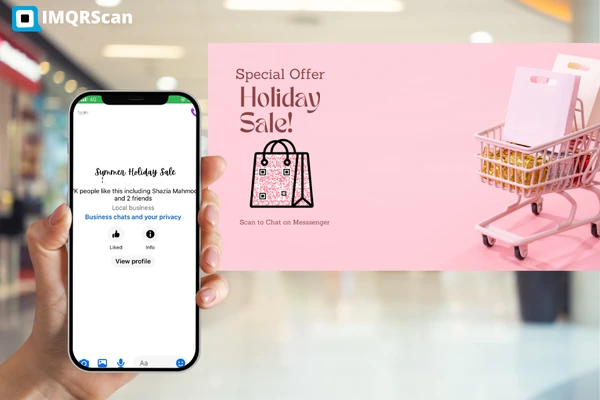
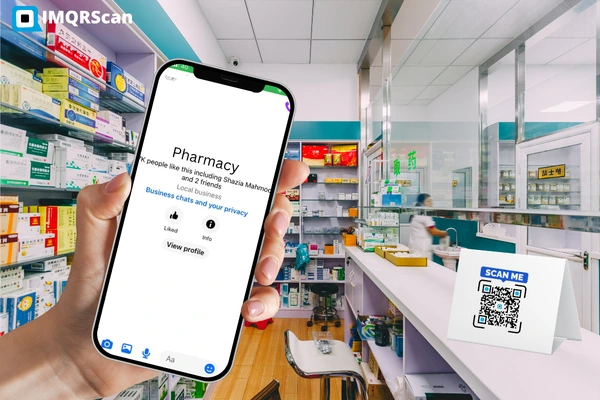
A Facebook Messenger QR code lets people instantly start a chat with your business by scanning the code on their smartphone. Instead of typing a username or searching manually, customers scan once and land directly in Messenger.
This makes it easier to answer questions, provide support, collect orders, and build real-time conversations, especially for small businesses, local stores, and marketers focused on engagement.
Customers can simply contact your business by scanning a Facebook Messenger QR code. To generate one, follow these steps:
Copy your Messenger link: https://m.me/YourPageName
Paste your m.me link and customize your QR code (logo, colors, shape)
Generate your QR code and download it in print-ready format
Tip: Use a dynamic QR code if you want to track scans or update the link later.
Need a QR for your Page, Group, Event or Post instead? Use our Facebook QR Code Generator.
Many users search for "messenger QR code login" because they want to know whether logging in with Facebook is required to create or scan a Messenger QR code.
The answer is simple: you do not need to log in with Facebook to generate a Messenger QR code.
A Messenger QR code is created using a public Messenger link (m.me/YourPageName). Tools like IMQRScan only require this link, not your Facebook username or password.
You only need to log in to IMQRScan if you want access to features like scan tracking, saved QR codes, or advanced customization. Logging in to Facebook is never required to generate a Messenger QR code.
Using the Facebook Messenger QR code, they can now quickly ask questions, place orders, or receive support through Messenger. It allows brands to engage with customers more personally and conveniently and can help drive sales and increase customer loyalty.
This feature also helps companies expand their reach and connect with customers in a new and innovative way. Additionally, marketers can customize the QR codes for Facebook Messenger with various colors and designs to make them more eye-catching and on-brand.
They can even add the Messenger logo so that users know what it's for or use their business logo on the QR code to help with brand recognition.
Generate your Facebook Messenger QR code with IMQRScan in under a minute.
Link → Free Sign-up and Generate
Generate Messenger QR CodeFacebook Messenger is a great tool to connect with your customers and facilitate brand engagement. Additionally, combine it with QR codes to take it a step further. By using the cameras on their smartphones to scan these multipurpose squares, users may begin communicating with your Messenger business right away. Here are five creative ways that Messenger QR codes might help your company.
By adding a code to your Messenger marketing materials, you can entice clients to find out more about your offer. For instance, proprietors of restaurants might include a QR code on menu that links patrons to their Facebook page chatbot, where they can make a reservation or place an order. Because QR codes are so convenient, they rapidly boost sales and raise awareness.
Customers may find it inconvenient to manually enter this information. Incorporating a Facebook Messenger QR code onto the packaging allows clients to initiate a chat with the business with a single scan. Because consumers can easily locate the information they require using Messenger, it helps brands receive fewer calls and emails.
Include a Messenger QR code in your promotional materials or social media posts. Add a call to action informing clients that their interactions with your brand will result in prizes. Customers might be encouraged to scan the code, initiate contact with your company, and receive a customized discount or offer.
To efficiently collect consumer feedback, use QR codes in surveys. They might be shown in-store or on your receipts. It can help you find areas for improvement and implement changes to improve the customer experience by encouraging customers to share their thoughts about their interactions with your business.
Use QR codes to provide tailored communications to particular customer segments. Include a QR code in your social media post or email newsletter to encourage readers to choose to receive brand updates. You can send them customized messages according to their location, preferences, or other factors after they have scanned the code and signed up.
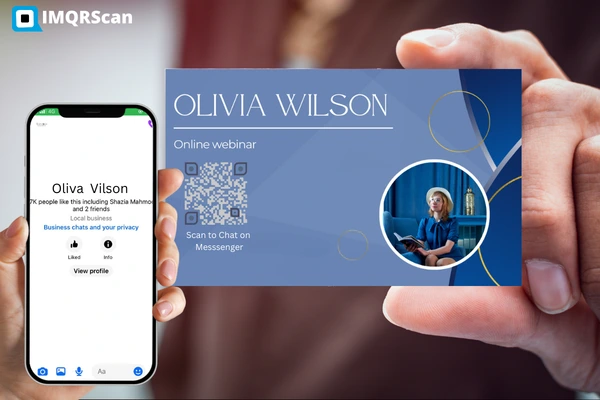
In a nutshell, Using a Facebook Messenger QR code for marketing can help you develop your business. You may interact with your clients more personally by using the power of Messenger. Incorporating a Messenger QR code into marketing efforts allows firms to boost their online presence, broaden their reach, and promote their products or services to a larger audience.
IMQRSCAN, the most advanced QR code software, allows businesses to effortlessly build personalized QR codes that are specific to their brand and marketing needs. Businesses may increase the attractiveness and engagement of their QR codes by personalizing the style and content. Use the best QR code generator to engage with clients and establish a strong online presence today.
Get answers to common questions about creating and using Messenger QR codes.
Open the Messenger app, go to your profile/settings, and look for options like “QR code” or “Scan code” (feature names vary by version). If you don’t see it, you can still use a Messenger QR code by scanning with your phone camera or by using a chat link like https://m.me/YourPageName
Scan the QR code using your phone’s camera (or any QR scanner). Tap the link that appears to open the Messenger chat. If the chat doesn’t open, copy the QR’s destination link and try opening it in a browser.
Sign up for IMQRSCAN and start with a 14-day free trial. After you've activated your account, go to the dashboard and select Create QR Code, then Facebook. Begin by naming your QR Code, then change the page colors to reflect your personal style or company identification.
By enabling secure storage with a six-digit PIN, you can save your end-to-end encrypted chat history and see your private conversations from other devices.
Starting a conversation with individuals or companies that aren't currently in your Messenger contacts is made simple with Messenger Codes.
In order to match the QR code with your brand identity, IMQRSCAN does provide customization possibilities. These include adding your logo, changing the colors, and choosing various forms.
Use https://m.me/YourPageName. It opens a Messenger chat instantly.
Yes, use a dynamic QR in IMQRScan to view scans and update the destination later.
To use a QR code in Messenger, first scan the QR code using your phone's camera or a QR scanner app. The scan will automatically open a Messenger chat linked to that QR code. Once the chat opens, you can send a message, ask a question, place an order, or continue the conversation like any normal Messenger chat. Businesses often place Messenger QR codes on menus, packaging, posters, receipts, or websites to make it easy for customers to contact them instantly.

Why Social Media QR Codes Work Well with Messenger
With the growing popularity of messaging apps like Facebook Messenger, brands are implementing new marketing strategies to engage with their customers on these platforms. Social media QR codes provide a number of advantages that make them a perfect tool for FB Messenger QR code marketing.
The following are some important features that make social media QR codes a better choice for businesses:
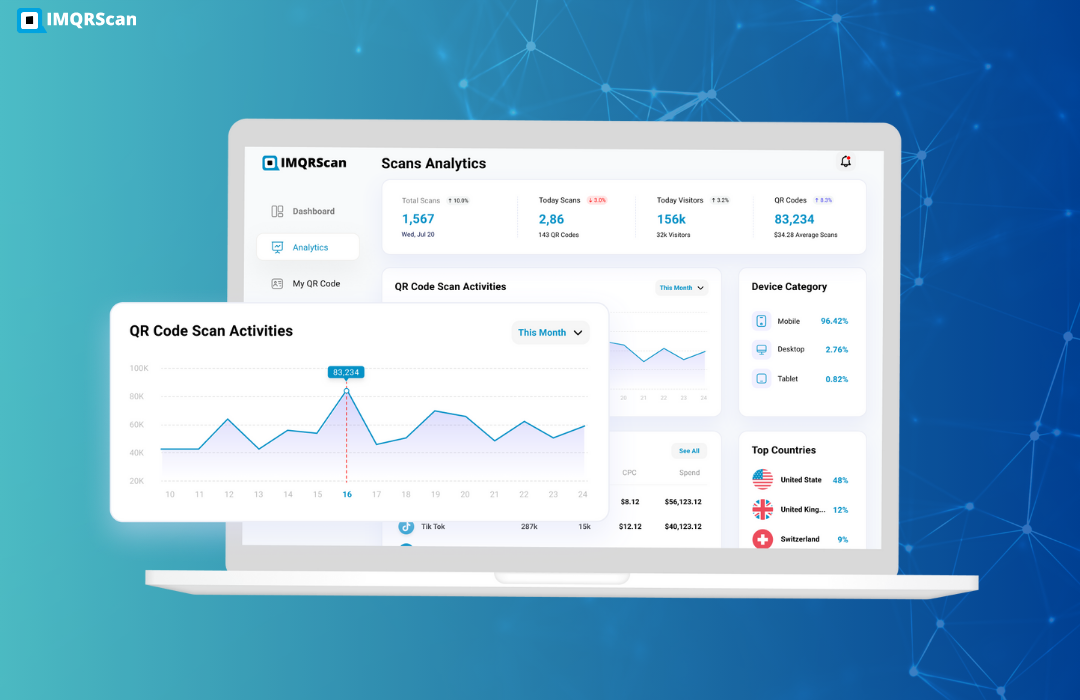
Social Media Click Button Tracker
Businesses can monitor the quantity of clicks on each social media website by using the click-button trackers included in IMQRSCAN's social media QR codes. Companies may keep an eye on how well their QR codes are working and modify their marketing plan as necessary.
Changeable
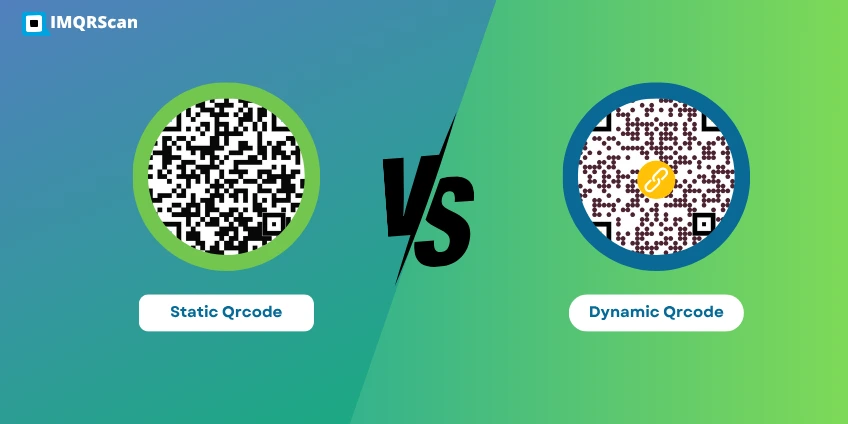
QR codes for social media are dynamic, meaning they may be changed. Companies are free to modify the social media links they have included at any moment, particularly if they need to update them. For instance, your company has a new page, and you want your clients to continue contacting you through it. Without downloading or printing new ones, you can simply change the URL that is contained in the QR code. It makes it simple to modify your marketing plan and react to shifting consumer demands.
Omnichannel Platform
Brands may utilize QR codes in numerous mediums, including social media, print, and the web. It enables businesses to reach a larger audience and promote their Facebook Messenger chat across several platforms.
Combine Messenger with Social Media QR