Free FaceTime QR Code Generator: Join Calls Instantly
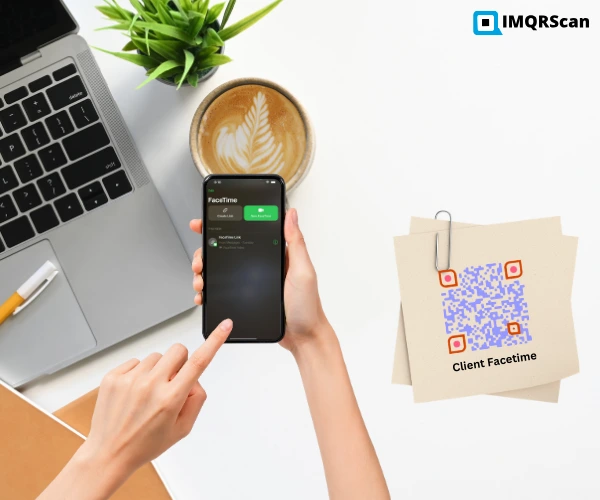
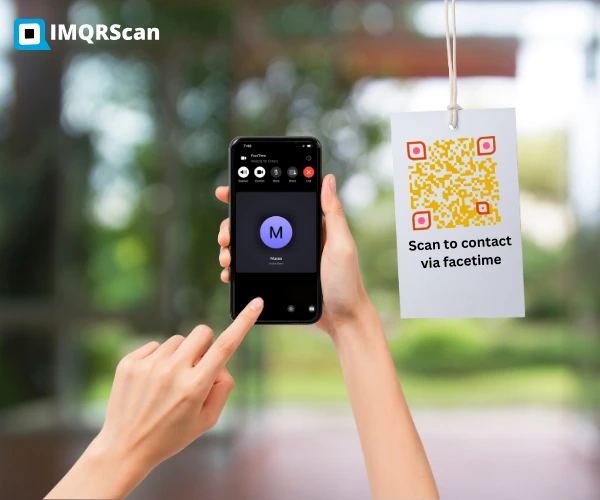
You must be wondering what a Facetime QR code is and how to generate it. Well, then let's get started and enlighten you that it is like a phone number or email address. It's easy to make a FaceTime call by just scanning a QR code. You don't need to get into the hustle of entering their phone number or their email address.
To create a FaceTime QR code, generate one using a dedicated online QR code generator by inputting your FaceTime phone number or email address and downloading the code. Alternatively, you can create a FaceTime call link in the FaceTime app on your Phone, then convert that link into a QR code using a free IMQRScan QR code generator tool.
Reasons To Use A Facetime QR Code
Staying connected with your loved ones, friends, family, or the target audience of your company is now quick and easy with a Facetime QR code scan. It has more benefits than just linking to a URL. A QR code helps you get engaged with your client more professionally and quickly. It also helps you attract new leads by linking them from the offline platform to the online platform and between the online sources. The best part of generating a Facetime QR code is that it helps people using iPhones, Macs, or other devices running on the Apple iOS operating system, as they can immediately contact you without using or requiring your FaceTime email address or phone number. They will only have to scan the dynamic Facetime QR code generated through IMQRSCAN.
Create A Facetime QR Code
It's easy to create a Facetime QR code; just enter your FaceTime email address or phone number and click on the “generate button". Your FaceTime QR code will be generated in less than 5 minutes.
Enter your FaceTime email address or phone number.
You can customise your QR code to match your brand colors or specify one particular logo to make it extra unique.
Instant you hit the generate button, IMQRScan works magic and generates your Facetime QR code.
With the QR code in your hands, go ahead. Download and share or print where your audience can scan it.
Pro Tip
After adding your brand logo, adjust pixels, frames, and formatting for a polished look, then test functionality to ensure your Facetime QR code is ready to go.
Why Generate Facetime QR Code with IMQRSCAN
- Privacy-minded: Among many benefits, the first and most important is that your privacy is ensured. We do not save any of the data that you used to generate the Facetime QR code. The only data we have is the Facetime QR code that you willingly saved in your IMQRSCAN account.
- Fully customizable: Your QR code will be completely customizable. You can create the QR code you want, and then you also have the option to brand it with your company’s logo and color.
- Free to start: To make it easier to classify your controlled resources, create several projects. We provide a Free Plan so that you may experiment with the useful IMQRSCAN QR codes without having to jump right in. The IMQRSCAN gives Lifetime free Facetime QR Code.
Good to know:
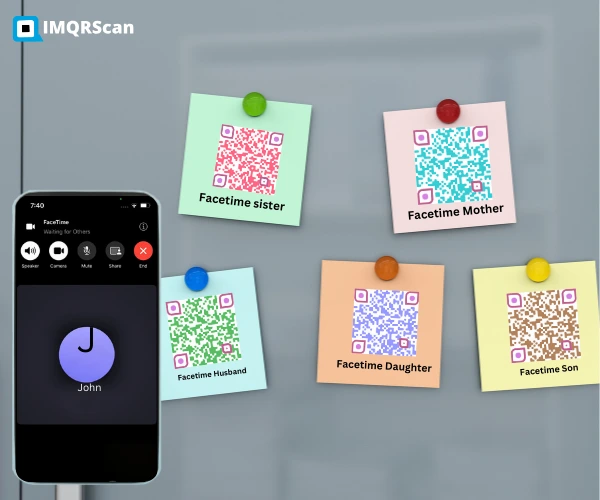
A Facetime QR code is a unique, convenient, and modern way to stay connected with either your client or loved ones. It has simplified that communication network by allowing users to promptly contact anyone via Facetime without the need to type and ask for their phone number or email address. Customizing and generating the Facetime QR Code will take your business to the sky, as clients can reach you easily. IMQRSCAN also provides security and privacy. You can use our seven-day free trial program and enjoy our free services.
Frequently Asked Questions
Have a question? Check out the FAQ