Free Crypto QR Code Generator
Turn any crypto wallet address into a payment-ready QR code — in one tap.
IMQRScan’s crypto QR code generator converts a Bitcoin, Ethereum, Bitcoin Cash, Litecoin, or Dash wallet address into a clean, scannable QR that mobile wallets recognise instantly. Add a receiver address, optional amount, and message, then customize and download your QR code with no watermark and no scan limit. For URL-based crypto links such as blockchain explorer pages, NFT collection pages, donation landing pages, Coinbase payment links, Solana Pay URLs, or custom crypto checkout pages, use IMQRScan’s URL QR Code Generator.
Preview popular free QR types below. IMQRScan also supports 33+ advanced QR formats including vCard, Crypto, restaurant menu, Google Review, business profile, file upload, product catalogue, lead form and more.
This free preview tool supports popular QR types. For advanced business QR codes, create a free account and unlock editable, branded and trackable QR formats.
Switch to IMQRScan dynamic QR codes for campaigns, tracking, and advanced controls.
Explore Dynamic QRWhy a Crypto QR Even Matters
A crypto wallet address is a long string of letters and numbers — usually 26 to 62 characters — that nobody can be expected to read aloud, copy correctly, or remember. One mistyped character on a Bitcoin or Ethereum address and the funds either bounce or, worse, leave forever to a place no one controls. That single friction point is why the QR code became the default handshake of crypto: a square pattern a phone camera reads in under half a second, eliminating every keystroke between sender and receiver.
IMQRScan built its crypto QR code generator around that exact problem. Paste your wallet address, choose the network, and the tool returns a high-resolution QR ready for an invoice, a printed flyer, a hardware wallet backup, a Telegram bio, or a checkout page. The encoding follows the on-chain URI scheme each network expects — bitcoin: for BTC, ethereum — so any reputable wallet app interprets the QR the same way the protocol authors intended.
This page covers what a crypto QR code is, how IMQRScan generates one safely, the differences between a wallet QR and a payment QR, the networks supported coins, URL-based crypto QR options and the security reasoning behind doing the encoding entirely in your browser, and safety tips before printing or sharing.
What Is a Crypto QR Code?
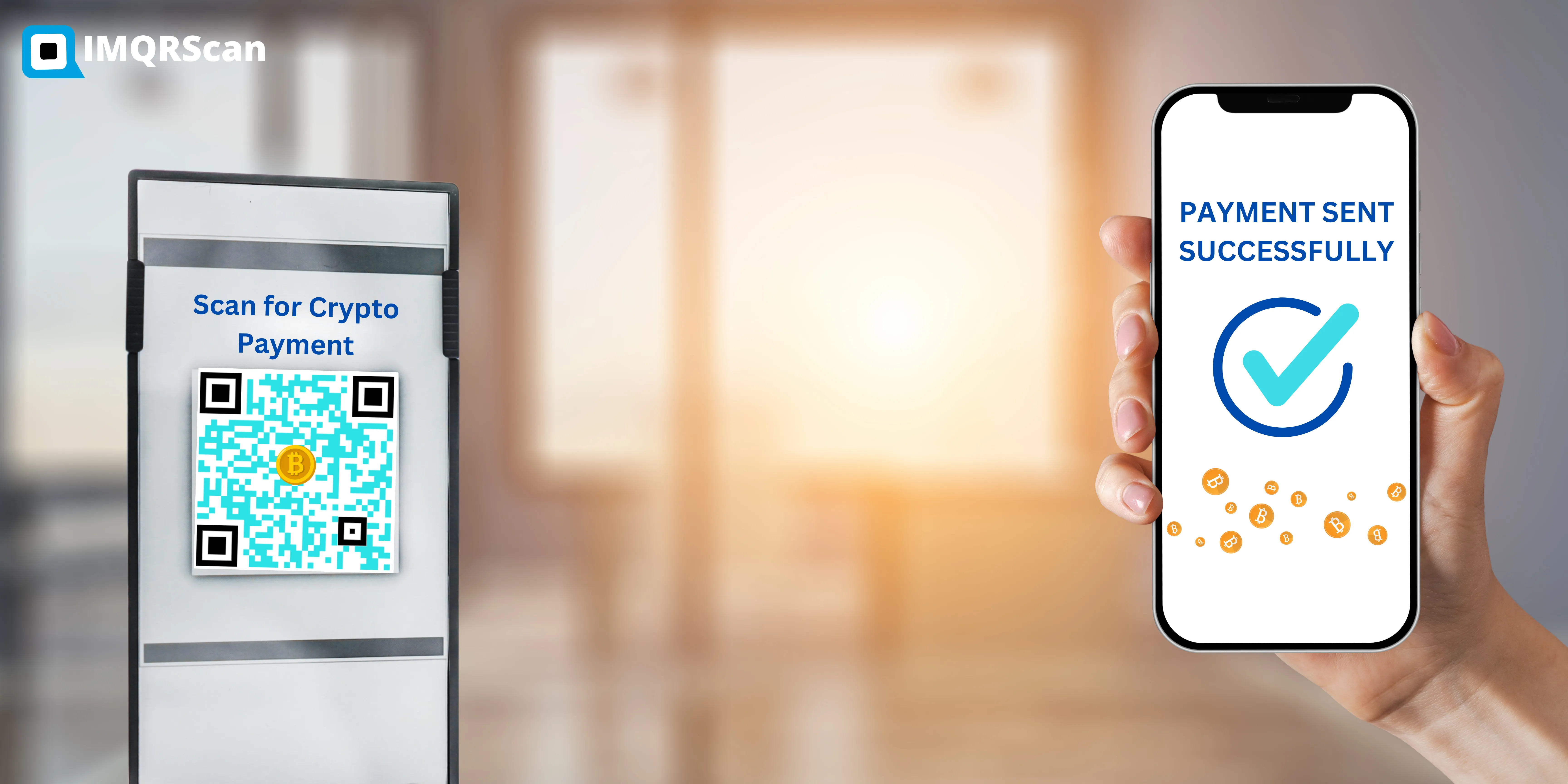
A crypto QR code is a 2D barcode that encodes a cryptocurrency wallet address — and optionally an amount, label, or memo — using a network-specific URI format. When a wallet app scans it, the app pre-fills the recipient field automatically. No copy, no paste, no typo.
The address.
A unique string identifying a wallet on a blockchain — for example, a Bitcoin address starting with 1, 3, or bc1, or an Ethereum address starting with 0x.
The URI wrapper.
A protocol prefix the wallet recognizes — bitcoin:, ethereum:, bitcoincash:, litecoin:, Dash: — plus optional parameters such as ?amount= or ?label=.
The QR encoding.
That URI gets translated into the black-and-white square pattern using the QR specification ISO/IEC 18004, with error correction so the code still scans even if a corner is smudged or partly obscured.
How the IMQRScan Crypto QR Code Generator Works
The flow is intentionally short — four steps, roughly thirty seconds.
- Step 1 — Paste your wallet address: Drop in the public address from your wallet. Before downloading, carefully review the receiver address, coin type, amount, and message. Crypto transactions are usually irreversible, so always scan-test the QR code with your own wallet before sharing or printing.
- Step 2 — Pick the network: Choose from Bitcoin, Ethereum, Bitcoin Cash, Litecoin, or Dash. IMQRScan then creates a static QR code using the receiver address, optional amount, and message you provide.
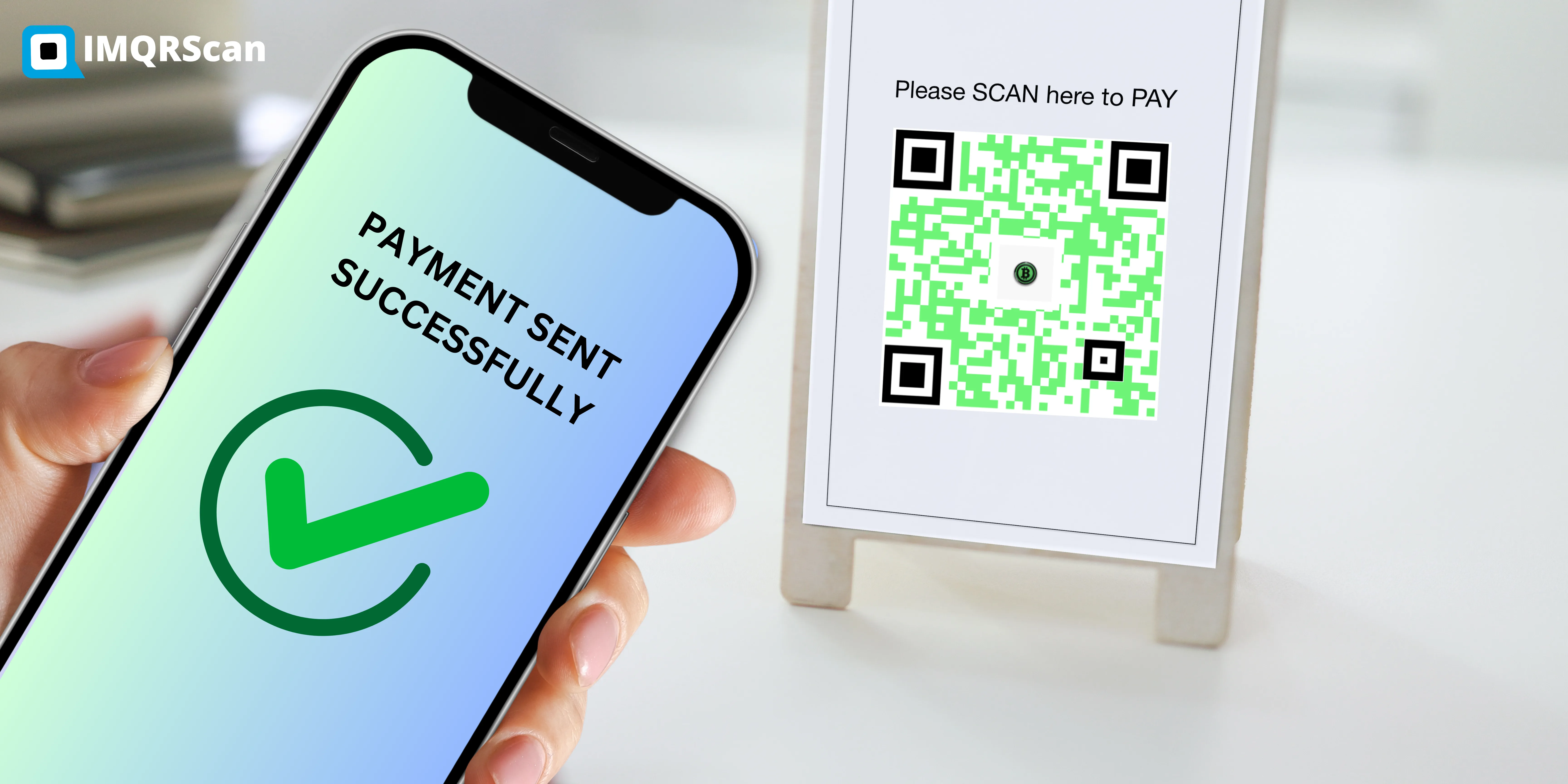
- Step 3 — Optional add a payment amount or memo: Turn the wallet QR into a payment QR by specifying an amount. A scanner now opens with the amount pre-filled, the recipient locked, and the user only needing to confirm. This is the format invoicing tools, freelancers, and merchants use.
- Step 4 — Download: Export the QR as a PNG, SVG, or PDF. IMQRScan offers a quiet zone of 4 modules around the code by default — the white border that scanners need to lock on.
Crypto address to QR code
Paste a wallet address and convert it into a scannable QR code for supported crypto wallets.
Crypto payment QR code
Add an optional amount and message so compatible wallets can pre-fill payment details.
No watermark or scan limit
Create free static crypto QR codes with no watermark and no scan limit.
Wallet QR vs Payment QR vs Branded QR — What You Actually Need
Every crypto QR looks similar, but they encode different things underneath. Picking the wrong type is the single most common mistake we see — a merchant prints a plain wallet QR on a poster and then has to manually chase customers for the right amount, or a freelancer sends a payment QR with no fallback for clients on a different network. Quick reference:
| Use case | Wallet QR | Payment QR | Branded QR |
|---|---|---|---|
| Encodes | Address only | Address + amount + memo | Address + amount + logo + colour |
| Best for | Donations, tips, profile bios | Invoices, checkout, fixed-price sales | Storefronts, posters, marketing |
| Sender confirms amount | Manually | Pre-filled | Pre-filled |
| Reusable | Yes | Yes, for fixed price | Yes |
| IMQRScan support | Yes | Yes | Yes |
Supported Coins & Networks
IMQRScan supports the URI schemes published by each network’s core developers. We don’t invent custom formats — every QR generated is the same one the official wallet documentation specifies, so it scans on every wallet that follows the standard.
- Bitcoin BTC — BIP-21 URI · supports legacy, SegWit, and Taproot bc1p addresses. New to BTC payment QR formats? Read our guide to Bitcoin QR codes.
- Ethereum & EVM chains — EIP-681 URI · works for ETH, Polygon, BNB Chain, Arbitrum, Optimism, Base, Avalanche, Fantom.
- Dash — Dash wallet address QR code support.
- Bitcoin Cash — Bitcoin Cash wallet QR code support.
- Litecoin LTC — BIP-21 compatible litecoin: scheme.
You can add a receiver address, optional amount, and message. For other crypto-related destinations such as Solana Pay links, NFT pages, blockchain explorer URLs, payment instruction pages, or donation pages, use IMQRScan’s URL QR Code Generator.

Security: Why IMQRScan Runs Entirely in Your Browser
A wallet address is public information by design — anyone scanning the QR is meant to see it. But the moment an address is typed into a third-party server, two new risks appear: the server logs become an attack surface, and an attacker who compromises that server can replace your address with theirs in real time. We have seen this exact attack pattern documented on lower-quality generators in 2023 and 2024.
IMQRScan’s crypto QR code generation is designed to run in the browser, helping reduce unnecessary handling of public wallet addresses. A public wallet address is meant to be shared, but you should never enter private keys, seed phrases, recovery phrases, or wallet backup phrases into any QR generator. Before sharing or printing your QR code, scan-test it with your own wallet app and confirm the coin, receiver address, amount, and message.
Additional safeguards built in
Address checksum validation
Bitcoin Base58Check / Bech32 and Ethereum EIP-55 mixed-case checksums are checked before the QR is rendered. Typos that would silently send funds to an invalid address are caught.
No browser extensions required
No browser extensions required, so wallet-draining fake-extension scams cannot ride along.
TLS 1.3 enforced sitewide
TLS 1.3 enforced sitewide, so the page itself can’t be MITM-tampered while loading.
Code is reviewable
The relevant JavaScript is non-minified on a public sub-path so anyone can audit it.
Crypto QR Code Safety
A crypto QR code should usually contain a public wallet address or a payment instruction link — never a private key or seed phrase. Before sharing or printing your QR code, scan it with your own wallet app and confirm that the correct coin, receiver address, amount, and message appear.
IMQRScan creates free static crypto QR codes for supported coins. Static means the payment details are encoded into the QR pattern itself. If you need to change the address, amount, or message later, generate a new QR code and replace the old one.
Never create or share a QR code containing your private key, seed phrase, recovery phrase, or wallet backup phrase. If you are creating a BTC wallet QR for the first time, read our Bitcoin QR code safety guide to understand wallet QRs, payment amounts, QR scanner safety, privacy, and common Bitcoin QR code scams.
Common Uses for Crypto QR Codes
Crypto QR codes are commonly used for wallet receiving addresses, donation pages, invoice payment instructions, printed flyers, creator tip pages, and crypto-related landing pages. For direct Bitcoin, Ethereum, Bitcoin Cash, Litecoin, or Dash wallet QR codes, use this generator. For URL-based crypto destinations, use the URL QR Code Generator.
Wallet receiving addresses
Generate a QR code for a Bitcoin, Ethereum, Bitcoin Cash, Litecoin, or Dash receiving address.
Invoice payment instructions
Add an optional amount and memo so clients can scan and pay with fewer mistakes.
Donation and creator tips
Use a crypto wallet QR code for donation pages, creator bios, flyers, and community campaigns.
Crypto Wallet QR Code vs URL-Based Crypto QR Code
A crypto wallet QR code directly encodes a supported coin address, amount, and optional message. Use this page when you want to create a static QR code for Bitcoin, Ethereum, Bitcoin Cash, Litecoin, or Dash.
A URL-based crypto QR code points users to a web page instead of encoding a wallet address directly. Use IMQRScan’s URL QR Code Generator for Solana Pay links, NFT collection pages, blockchain explorer links, Coinbase payment pages, crypto donation landing pages, or custom payment instruction pages.
| Need | Use this |
|---|---|
| Bitcoin wallet address | Crypto QR Code Generator |
| Ethereum wallet address | Crypto QR Code Generator |
| NFT collection page | URL QR Code Generator |
| Blockchain explorer link | URL QR Code Generator |
| Solana Pay URL | URL QR Code Generator |
| Custom crypto checkout page | URL QR Code Generator |
Who Uses IMQRScan’s Crypto QR Generator
Concrete examples for freelancers, creators, merchants, NFT artists, Web3 events, and hardware-wallet owners.
Freelancers & remote workers
A graphic designer in Lagos invoicing clients in Berlin generates a Bitcoin or Ethereum payment QR with the exact invoice amount baked in. The client scans, confirms, the payment lands in roughly 90 seconds with sub-dollar fees. No SWIFT lag, no FX spread, no wrong-amount disputes.
Streamers, creators & non-profits
A YouTuber pinning a wallet QR in their channel description so international viewers can tip in BTC, Litecoin or Dash QR code without account intermediaries. A children’s charity printing the same QR on a fundraising flyer for direct, transparent on-chain giving.
Small merchants & cafés
A coffee shop in Dubai’s DIFC printed a single Bitcoin Cash QR code taped to the till. Each customer scans the same QR, types in their order amount, and pays — no card terminal fees, no chargebacks, settlement same-day.
NFT artists & collectors
An artist printing a QR on a physical art print that links to the on-chain NFT contract — buyers scan to verify provenance and ownership without trusting the printed certificate alone.
Web3 events & conferences
A Web3 project can use a URL QR code for an NFT collection, blockchain explorer link, or crypto landing page. Event organisers generate a QR on the speaker badge so attendees can tip a speaker mid-event. Cards on lanyards no longer need a printed phone number — the QR is the only contact channel.
Hardware-wallet owners
A long-term holder generates a receive-address QR offline, printing it on archival paper, and adding it to a fireproof safe alongside the seed phrase. The QR doubles as a backup of the public address — checkable from any phone if the hardware device is ever damaged.
IMQRScan's Team
Reviewed by IMQRScan’s team. This page is written and reviewed for users creating crypto wallet QR codes, payment QR codes, and URL-based crypto QR codes.
Last reviewed: April 2026.
For technical context, crypto payment QR codes commonly rely on wallet URI standards such as BIP-21 for Bitcoin and EIP-681 for Ethereum-style payment requests, while QR code encoding follows the ISO/IEC 18004 QR code specification.
Your wallet address deserves better than copy-paste.
Generate a crypto QR for any chain in under a minute, free of accounts and free of server-side logging. Bitcoin, Ethereum, Bitcoin Cash, Dash, or Litecoin — IMQRScan encodes them all to the standards their core developers wrote.
Frequently Asked Questions About Crypto QR Code Generator
Have a question? Check out the FAQ.
Related QR Code Guides & Generators
Helpful resources for crypto links, URL QR codes, dynamic QR codes, vCards, and business use cases.
Dynamic QR Code Generator
Create editable QR codes for URLs, campaigns, and business use cases.
Read More
URL QR Code Generator
Use it for NFT pages, blockchain explorer links, Solana Pay URLs, and crypto landing pages.
Read More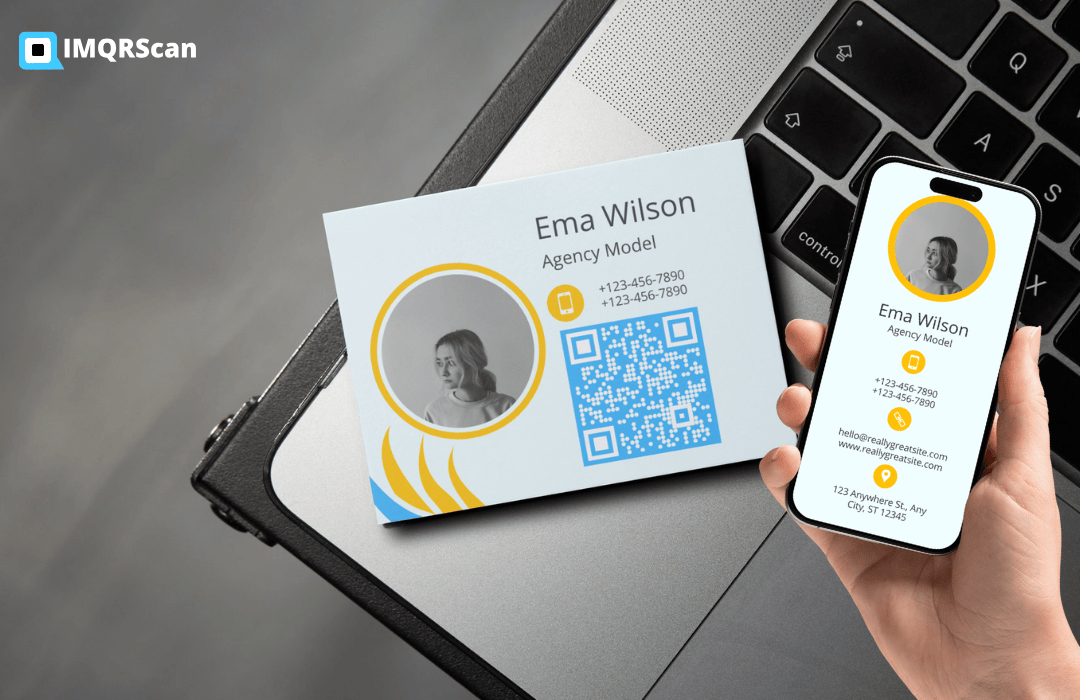
vCard Plus QR Code
Add a crypto donation QR to your digital business card or creator profile.
Read More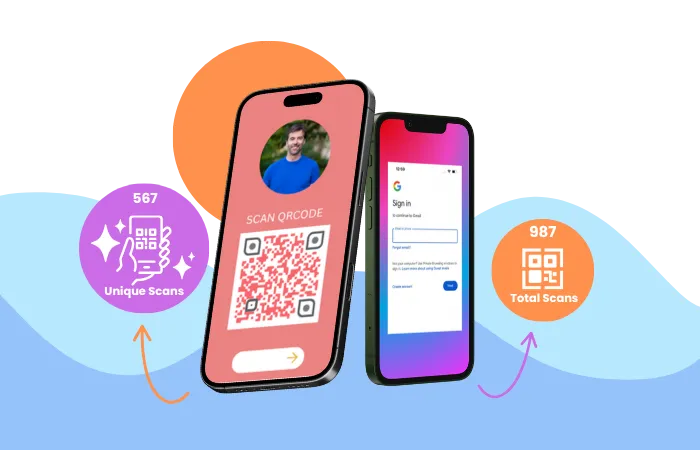
QR Code Tracking
Track scans, devices, time, and general location trends for non-crypto campaigns.
Read MoreCreate Your QR Code
Choose the right generator for your needs