Telegram QR Code Generator for Chats, Groups, and Channels
A Telegram QR code opens a Telegram profile, bot, group, or channel in one scan. Type your Telegram username in the generator below, add your colors and logo, and download the code as PNG or SVG.
It works with any public username, the part after t.me/. For a private group invite link, use the Website URL tab in the same QR code generator.
What Is a Telegram QR Code?
A Telegram QR code is a QR code that holds a t.me link, so scanning it opens a chat, bot, group, or channel in the Telegram app. If the person does not have Telegram, the link opens the Telegram web page with a button to install the app.
Telegram links follow one simple format: t.me/ followed by a public username, such as t.me/imqrscan. That username can belong to a person, a bot, a public group, or a public channel. The IMQRScan Telegram QR code generator builds that link for you from the username alone.
On a phone, the t.me link opens straight in the Telegram app. On a computer, it opens Telegram Desktop if it is installed, or Telegram Web in the browser. So the same Telegram QR code works whether someone scans it from a poster with a phone, or clicks it on your website from a laptop.
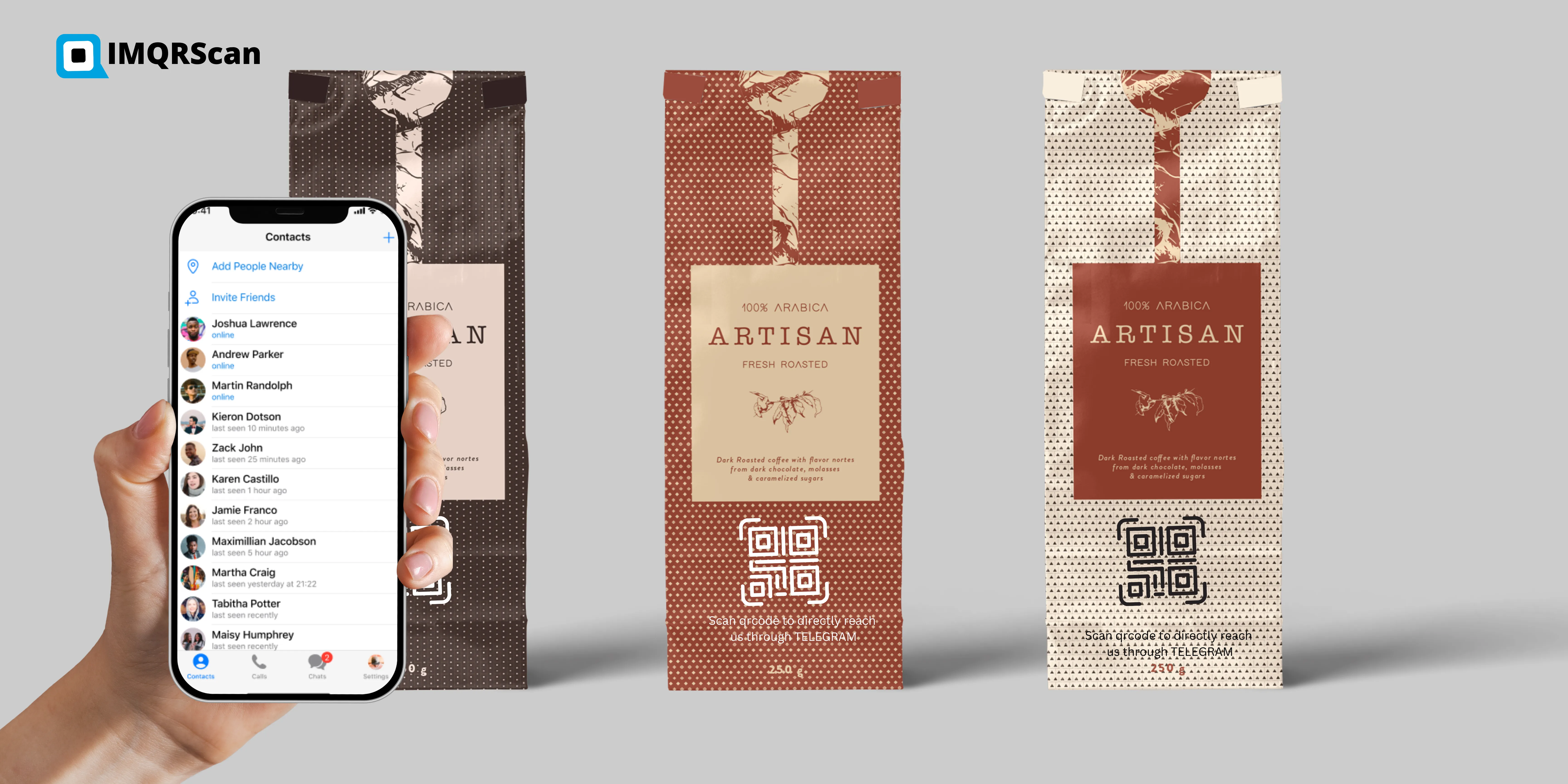
You can print the code on flyers, packaging, and event badges, or place it on a website, slide, or email signature. Anyone with a phone camera can scan it.
How to Create a Telegram QR Code in 4 Steps
Use the generator at the top of this page. The steps match its buttons.
-
Step 1
Choose Telegram
Open the generator above. The Telegram tab is already selected for you.
-
Step 2
Enter your username
Type the public username of your profile, bot, group, or channel, without t.me/ or the @ sign.
-
Step 3
Design your QR code
Open Design to pick a template, colors, dot and corner shapes, a logo, and a frame such as Join on Telegram.
-
Step 4
Download QR code
Press Download QR code, create a free account if you have none, and save it as PNG or SVG.
How to Use Telegram’s Own QR Code to Add Contacts and Join Groups
The Telegram app has its own QR code for your profile, and a scanner to add people or join chats. Use it when you are face to face with someone. Use a Telegram QR code from IMQRScan when you need a branded code for print, packaging, or a website.
Show your own Telegram QR code
- Open Telegram and go to Settings.
- Tap the QR icon next to your profile, or tap your username and choose QR Code.
- Pick a color theme and share or save the code.
Add a contact or join a group by scanning
- Open the camera on your iPhone or Android phone and point it at the Telegram QR code.
- Tap the t.me link that appears. Telegram opens the profile, group, or channel.
- Tap Add Contact, Join Group, or Join Channel.
The QR shown when you log in to Telegram Desktop or Telegram Web is different: it signs you in on a computer. Scan it from Telegram on your phone under Settings, then Devices, then Link Desktop Device. That login code cannot be created with any generator.
Telegram QR Code for a Group or Channel: Public or Private?
A public group or channel has a username, so its Telegram QR code is made from that username. A private group has no username, only an invite link that starts with t.me/+.
| Chat type | What you enter | Where to make the code |
|---|---|---|
| Your profile or a bot | Your public username | Telegram tab, above |
| Public group or channel | The group or channel username | Telegram tab, above |
| Private group or channel | The full invite link (t.me/+...) | Website URL tab in the same generator |
| Many links at once | Telegram plus your other profiles | Social media QR code |
An invite link can be revoked in Telegram. If you print one, make it a Smart code, so you can swap in a new invite link later without reprinting.
Why Use a Telegram QR Code Instead of a Username?
A Telegram QR code saves people from typing or searching, so more of them actually reach your chat. Searching a username in Telegram often shows look-alike accounts, and typing a long name on a phone leads to mistakes.
| Way to share | What the person does | Risk |
|---|---|---|
| Say or print the username | Opens Telegram, searches, picks the right result | Typos and fake look-alike accounts |
| Share the t.me link | Taps the link in a message or email | Works online only, not on print |
| Telegram QR code | Points the camera and taps once | None, if the code is printed large enough |
On print, a QR code is the only one of the three that takes a single action. That is why shops, schools, and event organizers put a Telegram QR code wherever they would otherwise print a username.
Where to Put Your Telegram QR Code
Put your Telegram QR code wherever people meet your brand and have a moment to scan. These placements work well.
Shops and restaurants
Counter signs, receipts, and packaging that invite customers to a deals channel.
Creators and communities
Video end screens, merch, and stickers that lead fans to a group or channel.
Events and conferences
Badges, slides, and booth posters for a live chat during the event.
Support and sales teams
Business cards, invoices, and product manuals that open a support bot or an agent chat.
Telegram QR Code for a Bot
A bot has a username that ends in bot, so its Telegram QR code is made exactly like a profile code. Enter the bot username, such as ExampleShopBot, and the code opens the bot with a Start button.
Bots are useful for orders, bookings, and support, because the first message reaches your bot instantly. Print the code on menus or product boxes with a line such as Order on Telegram, and test that the bot answers before printing.
How a Language School Fills Its Telegram Channel From Print
A language school can grow a Telegram channel by printing one Telegram QR code on every handout. Here is a typical setup.
- The school posts lesson reminders and homework in a public channel, t.me/ExampleSchool.
- It prints a Telegram QR code with the frame Join our class channel on worksheets, the reception desk, and the classroom door.
- It makes the code a Smart code, so the same print can point to a new channel when a new term starts.
- Students scan once and join, instead of searching for the channel name and finding fake copies.
The same setup works for a shop with a deals channel, a creator with a community group, or a support team with a bot.
Telegram QR Code vs WhatsApp QR Code
A Telegram QR code opens a username, while a WhatsApp QR code opens a phone number. That one difference decides which code fits your business.
| Telegram QR code | WhatsApp QR code | |
|---|---|---|
| Opens | A username: profile, bot, group, or channel | A phone number chat, with an optional message |
| Shows your number | No, only the username | Yes, the number is visible in the chat |
| Large audiences | Channels and groups with many members | Best for one-to-one chats |
| Pre-filled message | No | Yes |
Need customers to message your phone number with a ready text? Use the WhatsApp QR code generator instead.
Static or Smart Telegram QR Code?
Choose a static Telegram QR code when the username will never change, and a Smart code when it might. A static code is free, with unlimited scans and no expiry. A Smart code lets you point the same printed code to a new channel or invite link, and shows how many people scan it.
Learn more about static QR codes and the dynamic QR code generator.
Tips for a Telegram QR Code That People Scan
Tell people what they join, keep the code large enough, and test it before printing.
- Add a clear call to action. A frame with Join on Telegram or Chat with us gets more scans than a plain code.
- Check the username spelling. One wrong letter opens someone else’s account or nothing at all.
- Use your brand colors with care. Keep a dark code on a light background, and keep the logo small.
- Print at least 2 x 2 cm. Use 3 to 4 cm on flyers and 8 cm or more on posters.
- Test on two phones. Scan with an iPhone and an Android phone, with and without Telegram installed.
What a Telegram QR Code Cannot Do
A Telegram QR code opens a chat. It cannot add a contact on its own, log anyone in, or bypass a private group’s approval.
- It does not add a contact automatically. The person still taps Add Contact or Join in Telegram.
- It cannot create Telegram’s login code for Telegram Desktop or Telegram Web.
- It cannot open a private group without a valid invite link, and a revoked link stops working.
- A username change breaks a Direct code. Use a Smart code if your username may change.
Is the Telegram QR Code Generator Free?
Yes. A static Telegram QR code is free, with unlimited scans and no expiry. Smart codes, which you can edit after printing and track, are on the paid plans.
| Plan | Free | Starter | Professional | Plus |
|---|---|---|---|---|
| Price (billed yearly) | $0 | $3 / month | $10 / month | $33.33 / month |
| Static QR codes | Unlimited | Unlimited | Unlimited | Unlimited |
| Smart (dynamic) QR codes | 5 | 50 | 250 | 500 |
| Tracked scans | 15 | 500,000 a year | 1,000,000 a year | 2,000,000 a year |
| Scan analytics history | 14 days | 60 days | 90 days | 180 days |
See every detail on the pricing page.
What Else Can a Telegram QR Code Do?
A Telegram QR code opens a chat, group, or channel. IMQRScan adds tools that help you grow members from print and send each region to the right channel.
Country Rules
Send people from each country to a channel in their language from one printed code.
Free Print Templates
Download a free flyer or poster with your Telegram QR code and a join the channel message.
Schedule and Scan Limits
Open a group invite only during an event, then let the Telegram QR code stop.
More Tools for Every Telegram QR Code
Built-in QR Templates
Ready-made designs with colors, frames, and logo placement set.
Multiple QR Shapes
Dot, corner, and frame shapes that match your brand and still scan.
QR Stickers
Sticker-ready designs for labels, packaging, doors, and windows.
Retargeting Pixels
Meta, GA4, Google Ads, TikTok, and LinkedIn pixels on every scan.
PIN Protection
Ask for a PIN before the content opens.
Custom Domain
Use your own domain for the short link behind the code.
Team and Users
Invite teammates and give each one a role.
QR Code API
Create and manage codes from your own software.
Free on every plan
- Built-in QR templates
- Multiple QR shapes
- Free print templates
- QR stickers
Free plan includes
- Unlimited static QR codes
- 5 Smart (dynamic) QR codes
- 15 tracked scans
- 14 days of scan analytics
- Bulk creation, 5 per upload
- File uploads up to 5 MB
Professional plan and up
- PIN protection
- Schedule and scan limits
- Country rules
- Retargeting pixels
- QR Code API
- Team management and roles
- Custom domain add-on from Starter ($10/month)