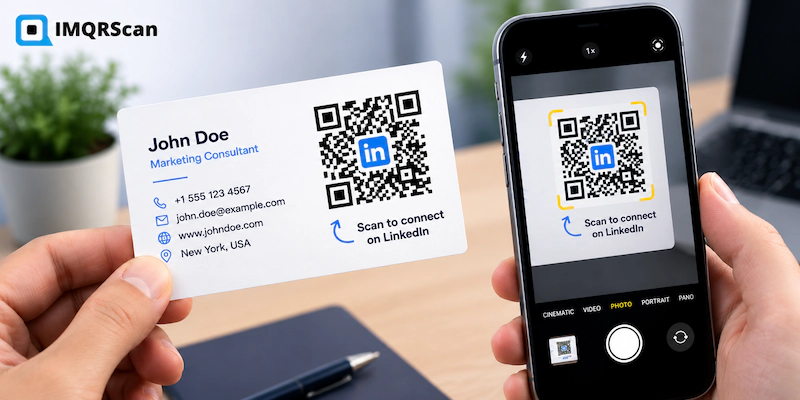
How to Create a WeChat QR Code: Promote and Connect Easily
Last updated: November 2026 · Written & Reviewed by the IMQRScan Editorial Team
A WeChat QR code lets people add you, follow your official account, or open a page with one scan in WeChat. You can share WeChat's built-in code or make a styled QR code that links to your WeChat page.
Quick Answer
In WeChat, tap Me, then your profile and My QR Code to get your personal code. To brand it or track scans, create a QR code in IMQRScan that links to your official account or WeChat page.

Table of Contents
Create Your Own QR Codes
Create QR codes for email, websites, business cards, WiFi, PDFs, and forms with IMQRScan.
Start FreeA WeChat QR code is the fastest and smartest way to connect with your audience and boost your business. By scanning a QR code the customer can have quick access to your WeChat account, promotions, services and much more, you don't have to be dependent on the error full and sluggish manual customer interactions.
WeChat has more than one billion users, making it an important marketing tool like Facebook, Instagram, LinkedIn, Twitter and Snapchat etc.
You can print QR cards navigating to your WeChat account on various types of marketing material and on online platforms, helping users get in touch with you in minutes. Don't panic! Creating QR code for this app only requires a verified WeChat account and a reliable QR code generator, for example IMQRScan.
Keep on reading the blog to grab all the important information;
What is A WeChat QR Code?
A QR code WeChat is a 2D scannable image used within the WeChat ecosystem (China's most popular messaging and social media app) to connect users, access services, or share content to your WeChat profile, campaign page, mini program and official account. It works just like other QR codes but is specifically designed for seamless use inside the WeChat app.
The customer doesn't have to take the pain and search manually for your accounts, as they can easily scan the QR code for WeChat.
Pro Tips for WeChat QR Codes
- Mini programs: Link to mini program pages for fast, in-app flows (ordering, coupons, support).
- Scene parameter: Use unique parameters per poster/branch to compare performance in IMQRScan analytics.
- Design for scans: High contrast, quiet zone ≥ 4 modules, short URLs for denser error correction, add a clear CTA (“Scan to follow”).
- Placement: Eye-level in-store, cash wrap, packaging, and receipts; test size for expected scan distance.
- Compliance: WeChat Pay QR is for payments; follow WeChat/Tencent commerce policies for promos and cross-border use.
Here are few core reasons, why businesses use QR code for this app;
- Easily gain followers
- Helps promote services and products
- Do money transactions via WeChat Pay QR Code
- Provide special offer or discount
- Rank and increase traffic to WeChat stores or businesses
You can add QR codes to the receipt, packaging, posters, or to your website. This step will allow customers to interact with you at every touchpoint.

Why QR code Is Used for WeChat?
WeChat QR codes are more than just a digital shortcut, these are a strong marketing tool.
Here, why QR code is important for this globally famous app:
- Allow customers to follow the account easily and also give them access to the promotions and discounts available.
- Drive traffic to your website, pages and promotions.
- Enables the user to do money transactions easily by simple scan via WeChat Pay.
- As it's a type of dynamic QR code so it's completely trackable.
- A connection between the physical and digital world, by a simple WeChat QR code scan.
This QR code can be part of all your marketing funnels, if you use it with the right strategy.
We used the WeChat QR code on product packaging and flyers. It helped us gain over 1,200 new followers in 2 weeks. Super easy to scan and track!

How to Generate QR Code for WeChat - A Step-by-Step Guide
There are various types of QR codes for WeChat chat, depending on;
Personal QR Codes
Just go to your WeChat account, and "Me" or "My QR Code". Once done, save the code or share it so others can scan the QR code with WeChat.
Official Account QR Code
Login to the official account of WeChat, then open QR code management. Once done, download your QR code for promotion purposes.
How to Create WeChat QR Code with IMQRScan
- Go to IMQRScan.com and click Login/Sign Up. You need an active account to create dynamic QR codes.
- Navigate to “Dynamic URL QR Code” options like:
- Fill in the content you want the QR code to lead to such as: "Your WeChat profile URL"
- With IMQRScan’s, you can customise your WeChat QR code such as:
- Change color, shape, and size.
- Add your business logo.
- Choose from frame styles and stickers.
- Add a Call-to-Action like “Scan to Follow Us”
- Click "Generate", and your dynamic WeChat QR code will be created in HD resolution, ready for download and use.
IMQRScan allows you to update, edit or change information as per your need, without needing to change or re-print the QR code.
WeChat Pay QR vs Profile/Official Account QR
Use WeChat Pay QR for payments and POS; use Profile/Official Account QR to grow followers, route to menus, coupons, or mini programs.
WeChat QR Code Types Compared
WeChat uses several kinds of QR codes. Pick the one that matches what you want people to do.
| QR code type | Where you get it | What a scan does |
|---|---|---|
| Personal QR code | WeChat, Me, your profile, My QR Code | Adds you as a contact |
| Group QR code | Inside the group chat settings | Joins the group; it expires after 7 days |
| Official Account QR code | Your Official Account admin | Follows your business account |
| WeChat Pay QR code | WeChat Pay merchant or personal tools | Opens a payment |
| Styled QR code to your page | A QR code generator such as IMQRScan | Opens your landing page, with scan tracking if dynamic |
Static vs Dynamic WeChat QR
- Static: fixed destination; no analytics; reprint on change.
- Dynamic: editable destination; scan analytics; A/B redirects; best for campaigns.

How to Scan QR code WeChat?
It's simple to scan QR code in Wechat, here it's is;
- Open your WeChat account
- Click on the "+" icon at the top right
- Select the "Scan" option
- Hover your camera over the QR code.
It's also possible to scan qr code on wechat that is saved in your mobile gallery via camera feature or QR code generator app like IMQRScan.
- Can I track scans? Yes, time, device, and rough location.
- Does it expire? WeChat official codes are persistent; dynamic QR redirects stay active with your IMQRScan plan.
- WeChat Pay vs Profile QR? Pay QR accepts payments; Profile/Official Account QR grows followers and engagement.
How to Get Best Results Out of QR Code on WeChat
If you want to maximize your QR code impacts, follow these strategies:
Smart Placement:
You can display these QR codes on product packaging, entrances of stores, receipts, marketing materials or menus.
Perks Scanning:
Offers discounts, packages, promotions, loyalty points etc on scanning.
Visible Design:
Use IMQRScan's customised tools to personalize color, shape, size, add logos and also add clear CTA.
HD Quality Image:
Use HD quality QR image to avoid any scanning errors.
Real time Analytics:
With dynamic QR code you have analyse the success status of your campaigns and act accordingly.
QR code on WeChat, is an effective tool to boost your engagement in marketing campaigns. By using IMQRScan QR code generator for WeChat, you can easily share them on your marketing campaigns either physical or digital. You can also track the analytics of the code and plan your marketing strategies accordingly.
Placing the dynamic WeChat QR code at our store entrance brought more people to our WeChat profile. We offered a small discount for scans and saw great response. Also, we use WeChat QR Code for Business Card

Final Thoughts
A WeChat QR codes has ability to transform offline interactions into digital connections within seconds. WeChat is all in one, it helps you gain followers, boost loyalty and gain customers loyalty. Its a very simple tool that delivers big results.
The blend of WeChat and IMQRScan can do marketing wonders and take your business to new heights.
About the Author
The IMQRScan Editorial Team is a group of writers, and digital marketers passionate about QR technology, SaaS, and digital innovation. With expertise in QR code solutions and modern marketing strategies, the team focuses on creating content that helps businesses, creators, and professionals adopt smart tools for growth. Every article is fact-checked and reviewed to ensure accuracy, simplicity, and practical value for our readers worldwide.
Frequently Asked Questions
About QR Code on WeChat
Here's What You Need to Know
Related QR Code Guides
Keep learning with more IMQRScan guides on this topic.
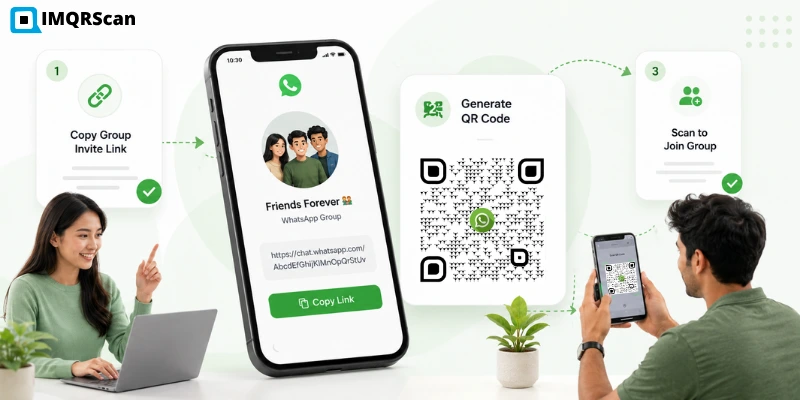
Generate a QR Code for a WhatsApp Group
Learn how to generate a QR code for a WhatsApp group, copy your group invite link, customize the QR code, and use it safely for events, classes.
Read Guide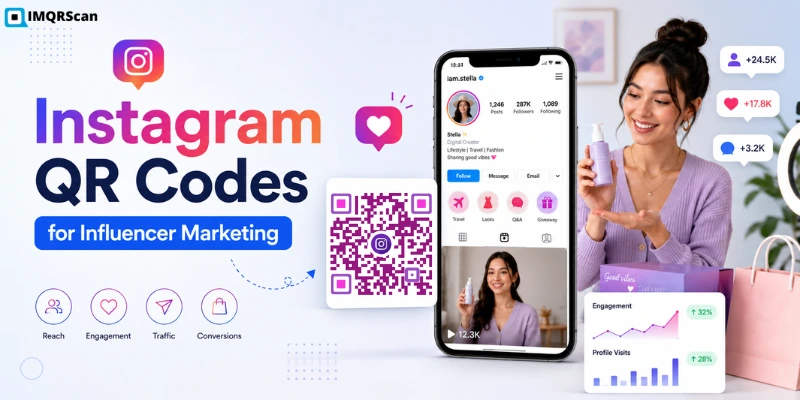
Instagram QR Code Marketing for Influencers
Learn practical ways how influencers and businesses use Instagram QR codes to grow followers, drive engagement, and track offline-to-online marketing.
Read Guide