YouTube QR Codes for Business: 10 Smart Uses
By IMQRScan Team · Updated September 20, 2026
Your business probably has videos already. A setup guide, a product tour, a chef at work, a happy customer. The problem is that people never see them at the moment they need them. A YouTube QR code puts the right video in front of the right person, right where they are standing.
Quick Answer
Businesses use YouTube QR codes to link printed things to video. The best places are product packaging, instruction manuals, restaurant tables, shelf tags, print ads, trade show booths, business cards, real estate signs, hiring posters, and TV ads. Use a static code for videos that never change. Use a dynamic code when you want to swap the video later or count scans, and keep your plan active so the code keeps working.
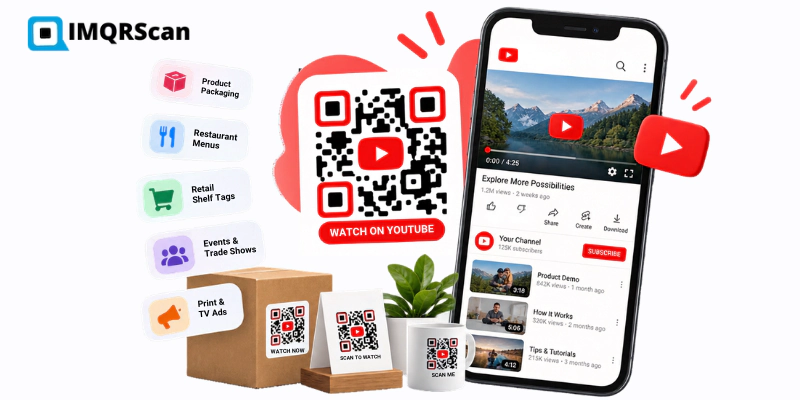
Table of Contents
Make your YouTube QR code
Paste any video, playlist, or channel link. Free signup, no credit card.
YouTube QR Code GeneratorThis guide is for business owners and marketers. It covers ten places where a YouTube QR code earns its spot, what to link in each one, how big to print it, and how to tell if it is working. It also covers the limits most guides skip, like what happens to a dynamic code when a plan ends.
If you just need to make a code right now, jump to the YouTube QR code generator. It has the step-by-step setup for videos, playlists, and channels.
Definition
A YouTube QR code for business is a QR code on a physical or on-screen item that opens a company's YouTube video, playlist, or channel when scanned with a phone camera. It turns a printed surface into a doorway to video.
Key Takeaway
A YouTube QR code works when three things line up: the viewer has a real question, the video answers it fast, and the code is easy to scan. Get those right and the placement matters less than you think.
Why Businesses Use YouTube QR Codes
Print has one big limit. It cannot move. A box can show a drawing of how to assemble a shelf, but a 90-second video shows it far better. A menu can describe a dish, but a short clip of it sizzling does more.
A QR code closes that gap with one scan. Nobody types a long link. Nobody searches for your channel and picks the wrong one. The phone opens the exact video you chose.
- It uses videos you already have. Most businesses have more useful video than they share.
- It answers questions without staff. A shelf tag or a manual can explain a product when nobody is around.
- It can be measured. With a dynamic QR code, you can see how many people scanned each placement.
- It can be updated. A dynamic code can point to a new video without reprinting.
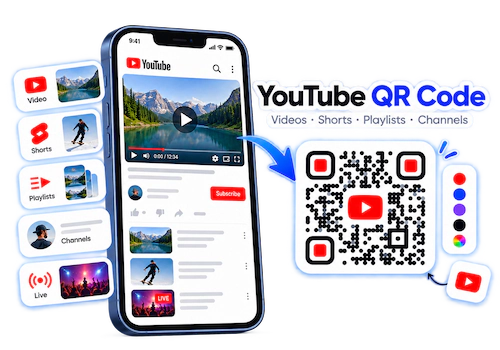
YouTube's own app can show a QR code for a channel, but not for a single video, playlist, or Short. For business use, where you usually want one specific video, you need a QR code generator.
10 Smart Ways to Use YouTube QR Codes for Business
Each use below lists what to link, where to put the code, and one tip that makes it work better.
Product packaging and inserts
The moment a customer opens the box is the moment they pay the most attention. They want to use the product now. A code on the box, the insert card, or the label can open the one video they need.
- Link to: a setup video, a first-use guide, or a care video.
- Place it: on the inside flap or the insert, where people look while unboxing.
- Tip: Packaging lives for years. If you use a dynamic code here, you must keep your plan active for years. For long runs you do not want to maintain, use a static code that points to a playlist, and add new videos to the playlist over time.
Instruction manuals and customer support
Long illustrated steps confuse people. A code next to a hard step can open a short video of just that step. Support teams can also put codes on warranty cards and care guides.
- Link to: one video per tricky step, or a playlist for the whole product.
- Place it: next to the step people get stuck on most. Your support tickets will tell you which one.
- Tip: Use one code per step instead of one code for the whole manual. People want the answer to their problem, not a 20-minute video.
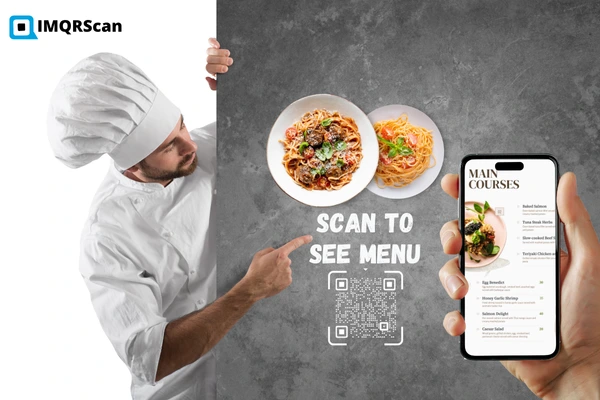
Restaurant menus and tables
Food is easier to sell when people can see it. A code beside a signature dish can show it being made. A code on a coffee bag can show where the beans come from.
- Link to: a short prep video, a chef intro, or a cocktail being mixed.
- Place it: on table tents, beside one or two dishes on the menu, or on takeaway bags.
- Tip: Keep it to one or two codes on a menu. If every dish has a code, nobody scans any of them. For a full digital menu, use the restaurant menu QR code generator instead.
Retail shelves and displays
Shoppers comparing two products often cannot find a staff member. A code on a shelf tag or display can show the product in action while they stand in the aisle.
- Link to: a short demo or a side-by-side comparison video.
- Place it: at eye level on the shelf edge or the display stand.
- Tip: Stores often have weak signal. Pick a short video that loads fast, and test the scan inside the actual store.
Print ads, flyers, and direct mail
Someone reading a magazine ad or a flyer has already stopped to look. A code gives them the next step. The video should show what the ad promised.
- Link to: the video the ad is teasing, not your channel home page.
- Place it: near the headline or the offer, with a short line like "Scan to see it in action."
- Tip: Use a different dynamic QR code for each flyer or mailing list. Then you can see which one brought more scans.
TV and streaming commercials
A viewer who likes your ad usually has to remember your name and search later. Most forget. A QR code on screen lets them act right away with the phone in their hand. For a full setup guide, read QR codes in TV and commercial advertising.
- Link to: a longer product film, a demo, or a playlist.
- Place it: in a corner with plain space around it, large enough to scan from a couch.
- Tip: Leave it on screen for at least five seconds. People need time to find their phone.
A QR code works on a TV because the viewer scans it with a second device. It does not work in an ad that plays on the same phone, because a phone camera cannot scan its own screen. For mobile video ads, use a tappable link instead.
Events and trade shows
People at events expect to scan things. A code on your booth wall, a lanyard, or a program can open the demo your team just explained, so visitors can watch it again later.
- Link to: a product launch video, a demo, or session recordings.
- Place it: on the back wall of the booth, printed large, and on handouts.
- Tip: For a live stream, use a dynamic code. Point it to the stream during the event and switch it to the replay afterward. The event QR code generator covers other event needs like tickets and schedules.
Business cards and creator merch
A business card gives someone your name. A short video gives them a feeling for who you are and what you do. For creators, a code on a T-shirt, sticker, or mug turns fans into subscribers.
- Link to: a 60 to 90 second intro video, a case study, or your channel.
- Place it: on the back of the card, at least 2 cm wide.
- Tip: For fans who already know you, add
?sub_confirmation=1to your channel link. Signed-in viewers may see a subscribe box when it opens. It does not work for everyone, so test it on other people's phones.
Real estate signs and brochures
People drive past homes for sale at all hours. A QR code on real estate yard sign lets them take a video tour from the curb, even when no agent is there.
- Link to: a walkthrough video of that property.
- Place it: on the sign rider, printed large enough to scan from the sidewalk.
- Tip: Use a dynamic code on the sign. When the home sells, point the same sign to your next listing.
Hiring posters and employer branding
Job ads all sound the same. A short video of your team at work shows what the job is really like. It helps the right people apply and the wrong ones skip it.
- Link to: a "day in the life" video or a message from the team lead.
- Place it: on hiring posters, job fair booths, and store windows.
- Tip: Put the video on YouTube as unlisted if you do not want it on your main channel. Unlisted videos still play for anyone with the link.
Quick Planning Table
Use this table to plan your first campaign. Sizes use a simple rule: make the code about one tenth of the scan distance, and never smaller than 2 cm.
| Use | Best video | Minimum size | Static or dynamic |
|---|---|---|---|
| Packaging | Setup or first use | 2 cm | Static, or dynamic only if you keep the plan |
| Manuals | One tricky step | 2 cm | Static |
| Restaurant tables | Signature dish prep | 3 cm | Dynamic, to change with the menu |
| Retail shelves | Short demo | 3 cm | Dynamic, to compare stores |
| Print ads and flyers | The video the ad promises | 3 cm | Dynamic, one code per ad |
| TV commercials | Longer product film | Large, at least 5 seconds on screen | Dynamic |
| Trade show booth | Demo or launch video | 20 cm on the back wall | Dynamic |
| Business cards | 60 to 90 second intro | 2 cm | Static or dynamic |
| Real estate signs | Property walkthrough | 15 cm or more | Dynamic, to reuse the sign |
| Hiring posters | Day in the life | 10 cm | Static or dynamic |
Video, Playlist, or Channel: Which Link Should a Business Use?
Pick the link based on the one job the placement has to do.
- One video: when the placement has one job, like showing how to assemble a product.
- A playlist: when the topic needs several videos, like a recipe series or a product with many parts. You can add videos to the playlist later without changing the code.
- Your channel: when you want people to follow you over time, like on merch or business cards.
- Several destinations: when you want a video plus your website, store, and socials, use a multi link QR code.
The YouTube QR code generator page has a full table of YouTube link types and what each one does after the scan.
Static vs Dynamic YouTube QR Codes for Business
Both kinds scan the same way. The difference is what you can do after printing, and what it costs to keep them working.
| Feature | Static | Dynamic |
|---|---|---|
| Cost on IMQRScan | Free forever with a free account | 7-day free trial, then a paid plan |
| Trial limits | None, unlimited codes | 5 dynamic codes and 15 scans |
| Change the video after printing | No | Yes |
| Scan analytics | No | Yes |
| Keeps working if you stop paying | Yes | No |
| Breaks if the video is deleted | Yes, reprint needed | Yes, but you can fix it from the dashboard |
A dynamic code sends every scan through IMQRScan. It stops working when your scan limit runs out or your paid plan ends. That is true of dynamic codes on every platform, not just ours. Before you print 10,000 boxes with a dynamic code, decide who will keep the plan active for the life of those boxes. If nobody will, use a static code.
Read more in our guide on whether QR codes expire, and see current plan limits on the pricing page.
How to Measure Results
Print is hard to measure. A dynamic QR code gives you real scan numbers instead of guesses. The IMQRScan dashboard shows scans by day, device type, and approximate location. Our guide on how to track QR code scans explains each report.
- Use one code per placement. A code on the box and a code on the flyer should be two different codes, even if they open the same video.
- Name each code clearly. "Box insert, spring 2026" is easier to read later than "YouTube 3."
- Compare scans, not guesses. Look at which placement brings the most scans per 1,000 printed.
- Check YouTube for what happens next. YouTube Analytics shows watch time and subscribers, but it cannot tell you which views came from a QR scan. Use the scan count from IMQRScan for that part.
Do not judge a placement by one week of data. Packaging and manuals get scanned slowly over months. Event codes get scanned in a burst and then stop.
Honest Limits to Know Before You Start
YouTube QR codes are useful, but they are not magic. Plan around these limits.
-
YouTube controls the page
After the scan, the viewer is on YouTube. YouTube may show ads and suggested videos, and some can be from other brands. If you need full control, link the code to your own landing page with the video embedded.
-
Private and age-restricted videos fail
Private videos show an error. Age-restricted videos ask people to sign in. Use public or unlisted videos for any QR code.
-
Deleted videos break every code
If someone deletes the video, both static and dynamic codes lead to an error. A dynamic code can be pointed to a new video. A static code has to be reprinted.
-
Codes on phone screens need a second device
A code inside a mobile ad or a video playing on a phone cannot be scanned by that same phone. Codes work best on print, packaging, signs, and TV screens.
Pre-Print Checklist
Run through this list before any print run. It takes a few minutes and saves reprints.
- Open the YouTube link in a private browser window. Make sure it plays without signing in.
- Decide static or dynamic. If dynamic, confirm who owns the plan and that it will stay active.
- Use dark dots on a light background, with a clear white border.
- Add a short line that says what the scan gives, like "Scan to watch the 2-minute setup."
- Download SVG or PDF for print.
- Print one real copy at the final size.
- Scan it with an iPhone and an Android phone, in the real light where it will be used.
Start small. Pick one placement, run it for a month with a dynamic code, and check the scans. Then expand what works instead of putting codes on everything at once.
Conclusion
A YouTube QR code is a small square that does a big job. It takes videos you already made and puts them in front of people at the exact moment they need them. Start with the placement where customers ask the most questions. Pick static for things that never change and dynamic for campaigns you want to measure or update. Test every code before you print.
Create a YouTube QR Code for Your Business
Paste any YouTube video, playlist, or channel link, add your logo, and download a print-ready code. Static codes are free forever with a free account. Dynamic codes come with a 7-day free trial.
Open YouTube QR Code GeneratorFree signup. No credit card required.
Frequently Asked Questions
Answers about using YouTube QR codes on packaging, menus, ads, events, and more.
Related YouTube and QR Code Guides
Create the code, keep it editable, track scans, and plan restaurant placements.
YouTube QR Code Generator
Turn any video, Short, playlist, or channel link into a print-ready QR code.
Open Tool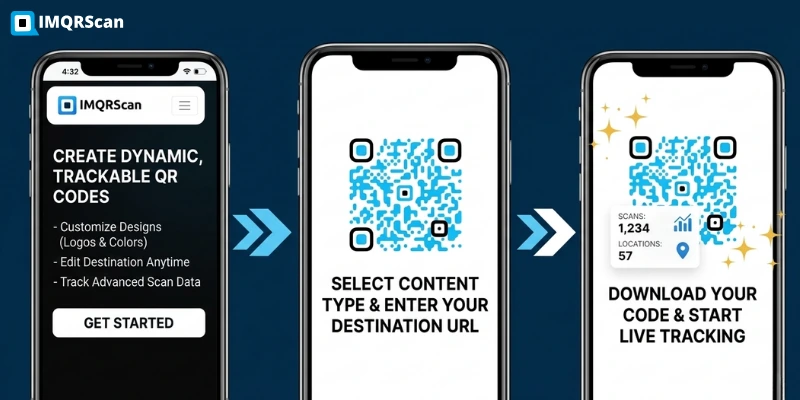
Dynamic QR Code Generator
Change the video after printing and see scans for every placement.
Open Tool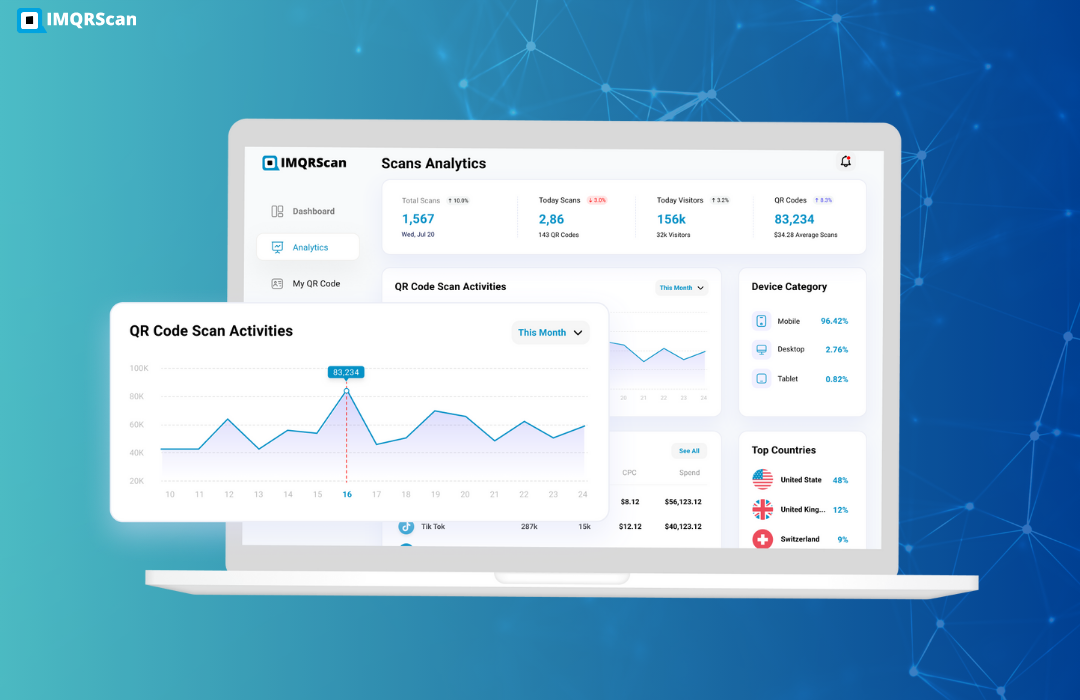
Restaurant Menu QR Code Generator
Build QR codes for menus, table cards, and takeaway packaging.
Open Tool