Wedding Photo QR Code Generator for Guest Pictures
A wedding photo QR code opens one shared online album for your wedding. Guests scan it with their phone camera, add the pictures they took, and download the ones they love, with no app or account. Create yours below, or compare the free and paid options first.
Free plan to set up and test • No credit card required • Guests need no app or account
1
QR code for every guest photo
0
Apps or accounts for guests
ZIP
Download all photos at once
6
Album page designs
What Is a Wedding Photo QR Code?
Definition: A wedding photo QR code is a scannable code that opens a shared online wedding album. Guests scan it with their phone camera to see the photos, add their own pictures, and download the ones they want.
People also call it a QR code for wedding pictures, a wedding photo album QR code, or a wedding QR code for photos. They all describe the same idea: one code on your tables, one album for the whole day. For your invitation website or the venue WiFi, use the main QR code generator.
Every guest takes photos at a wedding, but most of those pictures stay in camera rolls and group chats. A wedding photo QR code gives guests one simple place to send them, while the moment is still fresh.
With IMQRScan, the album is part of the QR code. You do not need a separate photo app or cloud folder: the Wedding Photo Album type includes the album page, guest uploads, your approval queue and ZIP downloads.
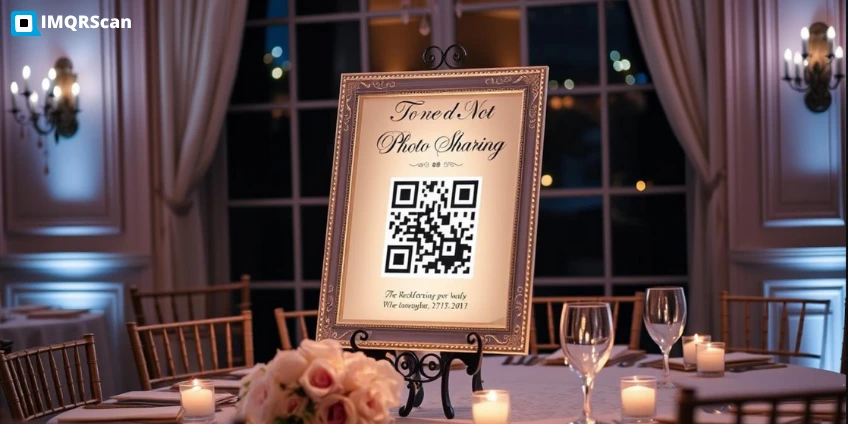
Three Ways to Get a QR Code for Wedding Photos
Most couples choose between a built-in album, a free shared album link, and a dedicated wedding photo app. Here is how they compare on the points that matter on the day.
| Option | Cost | Guests need an account? | You approve photos first? | Videos | Best for |
|---|---|---|---|---|---|
| Wedding Photo Album QR code (built in) | Free to test, paid plan for the wedding from $2.99 a month | No | Yes, on by default | No, photos only | Couples who want the QR design, album, approval and slideshow in one place |
| Free QR code to a shared Google Photos album | Free | Usually a Google account to add photos | No | Yes | Tight budgets, when most guests already use Google |
| QR code to a cloud upload folder (Drive, Dropbox) | Free storage tiers | Depends on the folder settings | No | Yes | Collecting large files, including video |
| Dedicated wedding photo app | Usually a paid package | Usually no | Varies by app | Usually yes | Couples who need full-quality video from guests |
An honest note: if guest videos in full quality matter most to you, a video-focused wedding photo app may suit you better. If you want an album that is simple for older relatives and that you control, a built-in album with approval works well.
Is There a Free QR Code for Wedding Photos?
Yes, and there are two honest ways to do it.
Option 1: A free QR code linked to a shared album
A static QR code is free and unlimited with a free IMQRScan account, and it never expires. Link it to a shared album you already use:
- In Google Photos, create a new shared album and turn on the setting that lets others add photos.
- Copy the album's share link.
- Paste it into the URL QR code generator, design the code, and download it.
- Scan it on a phone that is not signed in to your Google account, to see what guests see.
The trade-off: guests usually need a Google account to add photos, you cannot approve photos first, and a static code cannot be changed after printing.
Option 2: The built-in album, set up for free
The $0 Free plan lets you build and test a full Wedding Photo Album, with 15 tracked scans for setup. For the wedding day, move to a paid plan, which starts at $2.99 a month billed yearly. See the pricing page for what each plan includes.
What Guests See When They Scan the Wedding Photo QR Code
The album opens in the phone browser with three simple tabs.
- Gallery: every approved photo, newest first. Tap a photo to see it full screen.
- Add photos: pick up to 10 photos at a time. The phone shrinks them before uploading, so it works on busy venue Wi-Fi, and iPhone HEIC photos become JPEG.
- Download: tap the photos you want and download them as one ZIP file, or save a single photo.
Privacy is built in. Location data (GPS) is removed from every uploaded photo, the album is hidden from search engines, and a PIN can be added on plans that include it.
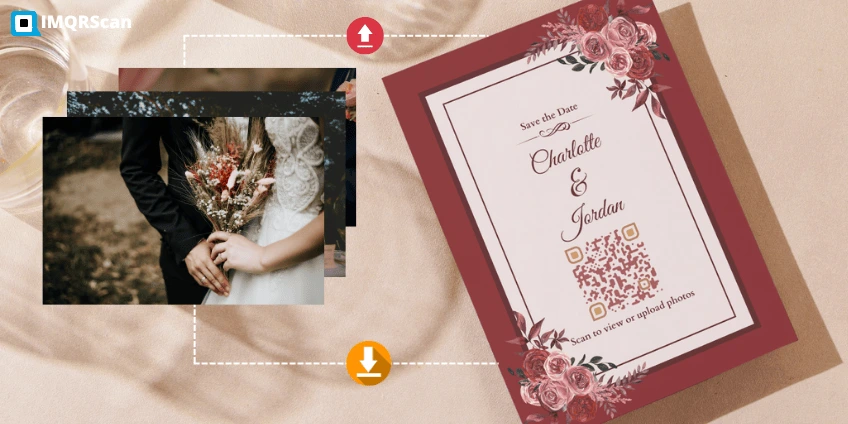
Where to Put Your Wedding QR Code for Photos
Guests upload when the code is in front of them and they have a free moment.
| Placement | When guests scan | Size and tip |
|---|---|---|
| Reception table cards | Between courses and speeches | At least 3 cm wide, one card per table |
| Welcome sign | Arriving and waiting for the ceremony | About 10 cm wide for scanning from 1 metre |
| Ceremony programs | Before the ceremony starts | Add a line such as Share your photos with us |
| Bar and dessert table | While waiting in line | A small framed sign is enough |
| Thank-you cards | Days after the wedding | Collects the photos taken late at night |
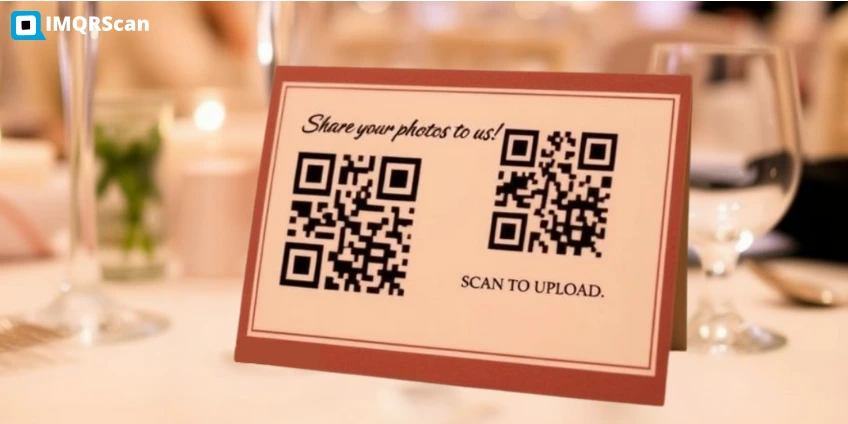
For more sizing detail, see minimum QR code size.
Wedding Photo QR Code Sign Wording
A short, warm line tells guests what the code does. Clear wording gets far more scans than a code on its own.
- Help us capture our day: scan to share your photos
- Snap, scan, share: add your pictures to our wedding album
- We would love to see the day through your eyes
- Scan to see and download the wedding photos
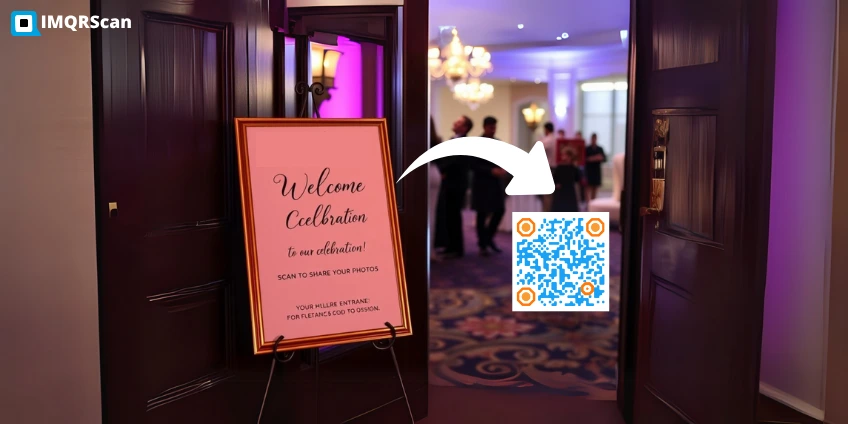
For sign layouts and placement, see the guide to QR code signs.
Can a Photo Booth Use a QR Code?
Yes. Many photo booths show a QR code on screen after each session, so guests save their booth pictures to their phone. Ask your booth provider whether their software does this.
To keep everything together, ask the booth host to upload the booth pictures to your wedding photo QR code album at the end of the night. Then guests find booth shots and their own photos in one place.
Wedding Photo QR Code Best Practices
- Test the full flow a week before. Scan, upload one photo, approve it and download it.
- Check the venue signal. If mobile data is weak, ask for guest Wi-Fi and put a WiFi QR code next to the photo code.
- Ask someone to mention it. One sentence from the MC or in a speech brings many more uploads.
- Approve photos once or twice a day. The live slideshow only shows approved photos.
- Keep strong contrast. Wedding colors work, but keep dark modules on a light background and a clear border around the code.
- Download a full copy. Download every photo as a ZIP after the wedding and keep a backup.
Example: How a 120-Guest Wedding Could Set It Up
This is an example setup, so you can plan your own.
- The couple creates one Wedding Photo Album QR code, with approval on and guest messages allowed.
- They print the code on 12 table cards, the welcome sign and the back of the ceremony program.
- During the reception, the album runs as a live slideshow on the venue screen, showing new photos after approval.
- The next morning, they approve the remaining photos, read the guest messages, and download everything as one ZIP for their family.
Planning a birthday, party or company event instead? The guide to QR codes for event photos covers those occasions. For the invitation, venue map and Add to calendar, use the event QR code generator.
Plans, Scans and Photo Limits
- The $0 Free plan is for setting up and testing your album, with 15 tracked scans.
- Only opening the album counts as a scan. Viewing photos, uploading and downloading do not add scans.
- Photo limits per album depend on your plan. Paid plans start at $2.99 a month, billed yearly.
- The album stays online while your QR code is active.
What a Wedding Photo QR Code Should Include
The Wedding Photo Album type puts the album, guest uploads and your controls behind one wedding photo QR code.
Shared wedding album
One album page for the whole day, opened by a single QR code on your tables and signs.
Guest uploads with no app
Guests add up to 10 photos at a time from the phone browser, with no app or account.
Approval before photos appear
New photos wait in your approval queue by default, so only the ones you choose are shown.
ZIP downloads
Guests and you select photos and download them as one ZIP file.
Live slideshow
Show approved photos on a venue screen during the reception.
Privacy built in
Location data is removed from photos, and the album is hidden from search engines.
How to Create a Wedding Photo QR Code in 6 Steps
Use the generator at the top of this page. Setup takes about five minutes on a laptop or phone.
Choose Wedding Photo Album
In the generator above, pick the Wedding Photo Album type. It builds the album page behind your QR code.
Add your details
Enter your names, the wedding date, a short welcome message and a cover photo, and pick one of the six album designs.
Set the album rules
Choose whether you approve photos first, ask guests for their name, allow guest messages, and allow downloads.
Design the QR code
Match your stationery colors, add a frame with a line such as Share your photos, and keep dark modules on a light background.
Test the full flow
Scan with an iPhone and an Android phone, upload one photo, approve it, and check it appears in the album.
Print, approve and download
Download SVG for print. During and after the wedding, approve photos, run the slideshow, and download everything as a ZIP.
What Else Can a Wedding Photo QR Code Do?
Beyond the album, IMQRScan adds design and control tools you can use for the wedding QR code and the rest of your stationery.
Built-in QR Templates
Ready-made designs with colors and frames set.
Multiple QR Shapes
Dot, corner and frame styles that still scan.
Free Print Templates
Table cards and signs with your code placed.
Multi-Language Pages
The album page in 12 languages for guests from abroad.
PIN Protection
Ask for a PIN before the album opens (Professional).
Schedule
Set the dates the code works (Professional).
QR Stickers
Sticker-ready designs for favors and cards.
Custom Domain
Use your own domain for the short link.
Free on every plan
- Built-in QR templates
- Multiple QR shapes
- Free print templates
- QR stickers
- Multi-language landing pages
Free plan includes
- Unlimited static QR codes
- 5 Smart (dynamic) QR codes
- 15 tracked scans
- 14 days of scan analytics
- Bulk creation, 5 per upload
- File uploads up to 5 MB
Professional plan and up
- PIN protection
- Schedule and scan limits
- Country rules
- Retargeting pixels
- QR Code API
- Team management and roles
- Custom domain add-on from Starter ($10/month)
Summary
- Guests scan, upload and download in the phone browser, with no app.
- New photos wait for your approval by default.
- The album takes photos only (JPG, PNG and iPhone HEIC). Share videos with a separate link.
- The Free plan is for setup and testing. For the wedding itself, use a paid plan from $2.99 a month, or the free shared-album route below.
A wedding photo QR code is the simplest way to collect the pictures guests take on their phones. Use the built-in album if you want approval, a slideshow and ZIP downloads in one place, a free shared-album link if budget comes first, or a video-focused app if guest videos matter most.
Create Your Wedding Photo QR Code
Set up the album, design the code, and test it with one photo before you print.
Create a Wedding Photo QR CodeFree plan • No credit card required