What Is a Multi URL QR Code and How Does It Work?
A multi URL QR code links one scannable QR code to a hosted landing page with multiple destinations. It is useful when you want one QR code for websites, social profiles, stores, booking pages, menus, documents, or campaign links.
Definition
A multi URL QR code is a dynamic QR code that directs scanners to a hosted landing page containing multiple links. Because the QR encodes a short redirect URL rather than a fixed destination, the links behind the QR can be edited, added, or removed at any time without changing or reprinting the QR code itself. Scanning the code opens the landing page, where visitors choose from the available links.
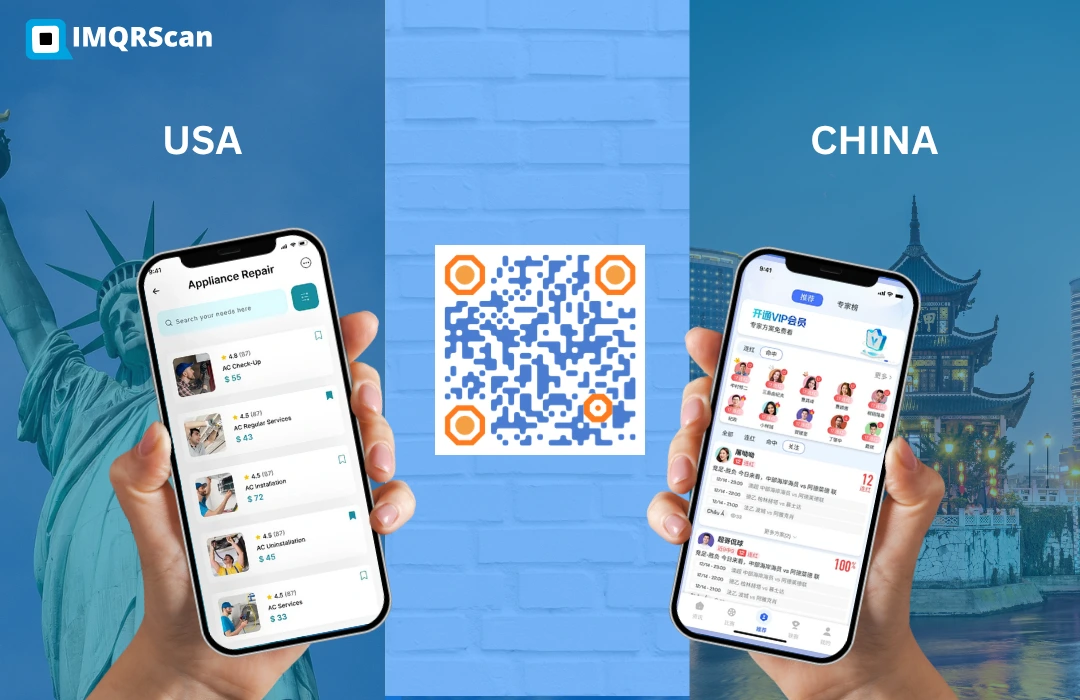
Table of Contents
Create a Multi URL QR Code
Create one dynamic QR code for multiple websites, social profiles, stores, bookings, menus, and campaign links.
Open Multi Link QR GeneratorKey Takeaways
- A multi URL QR code uses one QR code to open a landing page with multiple links.
- The QR itself stores one short URL, while the landing page contains the multiple destinations.
- With IMQRScan, multi URL QR codes are dynamic by default and editable after printing.
- Smart redirects can route scanners by device, location, or time.
- Multi URL QR codes are ideal for business cards, menus, events, packaging, campaigns, and social profiles.
The Difference Between a Regular QR Code and a Multi URL QR Code
A standard QR code stores a single URL directly in its pixel pattern. When scanned, it opens that URL immediately and exclusively. There is no way to change where it goes once the code is generated, and there is no page in between offering multiple choices.
A multi URL QR code takes a different approach. Instead of storing a destination URL, it stores a short redirect URL that points to a landing page you control. That page can contain as many links as you want. When the QR is scanned, it opens the landing page. From there, the visitor taps the link they need.
The result is one physical QR code that effectively connects to multiple destinations without any reprinting when your links change.
How a Multi URL QR Code Works: Step by Step
Create a landing page
You create a multi-link landing page using a tool like IMQRScan's Multi Link QR Code Generator.
Add your URLs
You add the URLs you want to share, such as your website, social profiles, store, booking page, menu, portfolio, or campaign links.
Get a short URL
IMQRScan assigns a permanent short URL to your landing page, such as imqr.sc/abc123.
Generate the QR code
The QR code generator encodes that short URL into a QR code. This is the QR you print or share.
Scanner opens the page
When someone scans the QR, their phone opens the short URL, which redirects to your branded multi-link landing page.
Edit anytime
If you update, add, or remove links in your dashboard, the next scan shows the new version without changing the printed QR code.
Create a Multi URL QR Code
Use IMQRScan to create one dynamic QR code that opens a branded landing page with multiple links.
Create Multi URL QR Code FreeTypes of Multi URL QR Codes
Standard Multi-Link Landing Page
The most common type. One QR opens a page with a list of clickable links. Visitors choose the destination they want. This is what IMQRScan's Multi Link QR Code Generator creates.
Smart Redirect by Device
The redirect detects the visitor's device and can send iOS users to the App Store and Android users to Google Play.
Smart Redirect by Location or Country
The redirect detects the scanner's country or region and serves a localized destination, such as a country-specific website or campaign page.
Smart Redirect by Time
The destination changes based on when the QR is scanned, useful for events, live campaigns, seasonal offers, and time-sensitive promotions.
IMQRScan's dynamic QR code generator supports smart redirects alongside the standard multi-link page.
Multi URL QR Code vs Normal URL QR Code
| Feature | Normal URL QR Code | Multi URL QR Code |
|---|---|---|
| Destinations per QR | One URL, fixed | Multiple links, visitor-chosen |
| Editable after print | No | Yes, dynamic |
| Landing page | None, opens URL directly | Hosted multi-link page |
| Smart redirect support | No | By device, location, or time |
| Analytics | Only with dynamic QR | Built in |
| Best for | Simple, single-destination links | Multiple channels and complex use cases |
Multi URL QR Code vs Social Media QR Code
A social media QR code is a specific type of multi-link QR code optimized for displaying social profiles. Instead of a generic list of URLs, it shows platform icons such as Instagram, TikTok, YouTube, and LinkedIn in a visual profile format.
The distinction matters when choosing which tool to use:
- Use a multi URL QR code when you need to link to a mix of social profiles, websites, stores, booking pages, documents, menus, or campaign links.
- Use a social media QR code when your only goal is to share social profiles in a clean, recognizable visual format.
For a social-only use case, read our guide on one QR code for all social media links.
Dynamic Editing: What It Means in Practice
Dynamic means the QR code is not permanently tied to its initial destination. When you create a multi URL QR code with IMQRScan, the QR pattern encodes a short URL that you own. The links behind that short URL live in your IMQRScan dashboard.
Business cards
You print 500 cards. Three months later, your booking tool changes. You update the booking link in your dashboard and all cards now deliver the new booking link.
Restaurant menus
Your menu changes seasonally. You update the menu PDF link in your dashboard without printing new codes or stickers.
Trade shows
After a trade show, you add a follow-up resource to your landing page. Everyone who scans and visits again sees the new content.
Need help editing an existing code? Read how to edit a QR code after printing.
Scan Analytics: What You Can Track
Because scans are routed through IMQRScan's infrastructure before reaching the landing page, every scan generates a data point. The QR code tracking dashboard can help you measure:
- Total scans over time, such as daily, weekly, and monthly scans.
- Scan location, including city and country insights.
- Device type, such as iPhone, Android, or other devices.
- Operating system information.
- Link click-through, so you can see which links on your landing page get tapped most.
This data is useful for measuring the ROI of printed materials, comparing performance across different placements, and understanding where and how your audience engages with your QR code.
How to Create a Multi URL QR Code with IMQRScan
Open the generator
Add your links
Paste in each URL and give it a clear label, such as Website, Instagram, Store, Menu, Booking, or Portfolio.
Customize the page
Customize the landing page with your name, brand, photo, logo, buttons, colors, and background.
Design the QR code
Add a logo, colors, shapes, and a CTA frame so the QR matches your brand.
Download and print
Download in PNG, SVG, or PDF and place it on business cards, menus, packaging, flyers, posters, or event badges.
Manage and track
Manage links, view analytics, and update the landing page anytime from your IMQRScan dashboard.
Ready to Create a Multi URL QR Code?
Start with IMQRScan. Free trial available and no credit card required to start.
Create Multi URL QR CodeWhy this guide is useful
This guide defines the exact meaning of a multi URL QR code and explains how it works in a practical business workflow. The key idea is simple: the QR code stores one short URL, while the landing page behind that short URL contains multiple destinations.
That is exactly what IMQRScan’s Multi Link QR Code Generator is built for.
Frequently Asked Questions
Practical answers about multi URL QR codes, dynamic QR codes, security, editing, and limits.
Ready to create a multi URL QR code?
Create Multi URL QR CodeFree trial available. No credit card required to start.
Related Multi URL and Dynamic QR Guides
Continue with multi-link QR tools, dynamic QR codes, social media QR, tracking, and multiple website guides.

Multi Link QR Code Generator
Create one QR code for websites, social profiles, stores, menus, bookings, and more.
Open Tool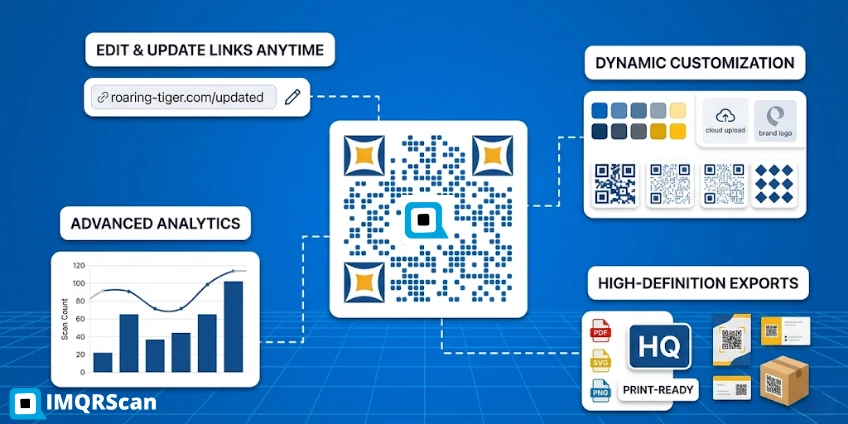

Social Media QR Code
Display social profiles in one clean, mobile-friendly QR landing page.
Open Tool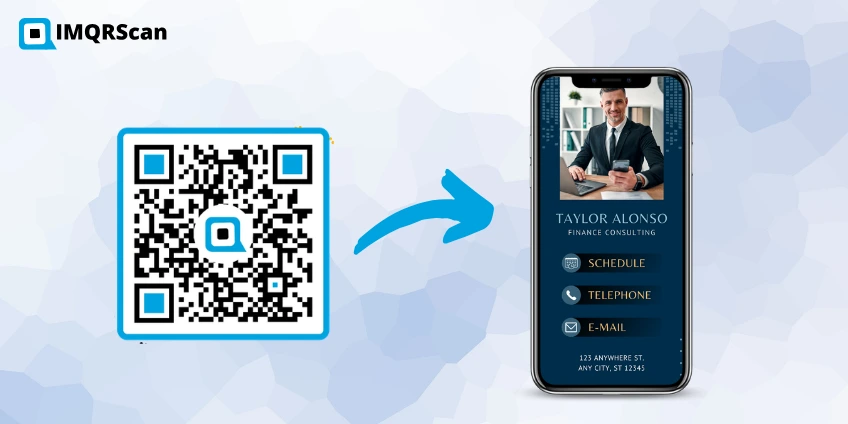
QR Code for Multiple Websites
Learn how one QR code can connect to multiple websites through a landing page.
Read Guide