How Can I Create a QR Code That Links to Multiple Websites?
Yes, one QR code can open multiple websites. The exact method is to create a multi-link landing page and then generate a QR code that points to that page.
Direct Answer
A standard QR code can only hold one URL. The way to link multiple websites from a single QR code is to create a multi-link landing page, a hosted page that lists all your links, and then generate a QR code that points to that page. When someone scans the QR, they land on the page and can tap any link. IMQRScan's Multi Link QR Code Generator creates the landing page and the QR code together, so you get one scannable code that effectively links to as many websites as you need.
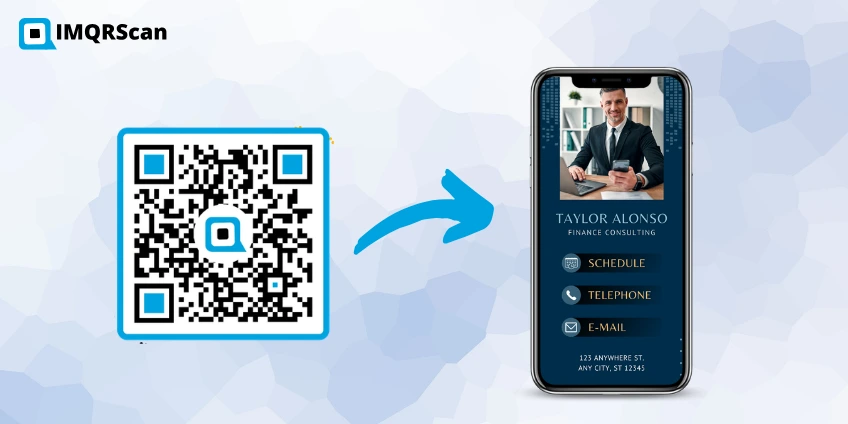
Table of Contents
Create a Multi-Link QR Code
Create one QR code for websites, social profiles, stores, bookings, portfolios, menus, and campaign links.
Open Multi Link QR GeneratorKey Takeaways
- A QR code can only open one URL directly.
- To connect one QR code to multiple websites, point it to a multi-link landing page.
- IMQRScan creates the landing page and QR code together.
- Dynamic multi-link QR codes can be edited after printing.
- For printed materials, dynamic QR codes are safer than static QR codes.
Why a QR Code Can Only Store One URL
A QR code is a pattern of black and white squares that encodes a short string of data, usually a URL. The data is fixed at the moment the QR is generated. A standard QR code created by a basic generator embeds the full URL directly into the pattern, which means it can store exactly one destination.
This is not a limitation you can work around by using a fancier design. Even a branded QR code with a logo and colors still stores a single URL. The only way to get multiple destinations from one QR is to make the single URL lead somewhere that offers multiple choices, which is exactly what a multi-link landing page does.
Need a QR code for just one website?
Create a simple, fast QR that opens a single link using our URL QR Code Generator.
The Multi-Link Landing Page Solution
A multi-link landing page is a simple hosted webpage that displays a list of clickable links. The page is tied to a short URL. Your QR code points to that short URL. Visitors scan, land on the page, and tap the link they need.
This approach works for any combination of destinations: your website, Instagram, WhatsApp chat, online store, booking page, downloadable PDF, YouTube channel, Google review page, anything with a URL.
IMQRScan builds this page for you automatically when you use the Multi Link QR Code Generator. You add your links, customize the page to match your brand, and the tool handles hosting. You also get a QR code ready to download and print.
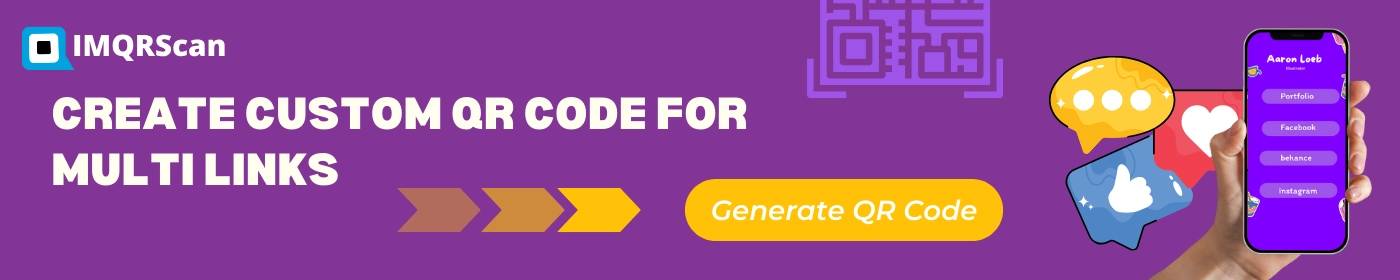
Step-by-Step Guide: Creating a Multi-Link QR Code with IMQRScan
Open IMQRScan
Add your links
Click “Add Link” and paste your first URL. Give it a label like “Our Website” or “Book an Appointment.” Repeat for each link.
Customize the landing page
Add your name or business name, upload a profile photo or logo, and choose your brand colors.
Design your QR code
Upload a center logo, choose foreground and background colors, and add a frame with a call-to-action such as 'Scan for all our links.
Preview and download
Preview the landing page, then download your QR code as PNG, SVG, or PDF, and use it on print materials, your website, email signature, or anywhere else.
Edit links anytime
When your links change, a new menu, a new social profile, a different booking tool. Log in, update the landing page, and every printed QR updates automatically. Learn how to edit a QR code after printing.
Create a QR Code for Multiple Websites
Use IMQRScan to create one dynamic QR code that opens a branded landing page with multiple websites and links.
Create Multi-Link QR CodeNo credit card required to start.
Static vs Dynamic: Which Should You Use?
There are two types of multi-link QR codes:
A static QR code burns your landing page URL into the pattern at the time of creation. If the URL ever changes or the hosting expires, the QR stops working. These are fine for short-term use where you are confident the destination will not change.
A dynamic QR code stores a short redirect URL that you control. The short URL always works, and you can update the destination links behind it any time from your dashboard. This is the right choice for anything printed as business cards, packaging, signage, menus, because printed materials outlast the circumstances that existed when they were printed.
IMQRScan creates dynamic QR codes by default. The short URL is permanent and the landing page behind it is always editable.
To understand the wider difference, read our guide to the Static Vs Dynamic QR code.
Real-World Use Cases
Business Cards
A freelance designer uses one QR code on their business card. It links to their portfolio, booking page, LinkedIn, and Instagram. When they launch a new project, they add it to the landing page in minutes. The cards they handed out two years ago still show the right links.
Restaurant Tables
A restaurant puts one QR sticker on each table. It links to the menu, online ordering, Google Maps, and Instagram. During a menu change, the owner updates the links from a phone. No new stickers, No new QRs.
Product Packaging
An e-commerce brand prints a QR code on product boxes. Customers scan it and see links to the product how-to video, warranty registration, review form, and related products. The brand adds a loyalty program link six months later without reprinting.
Event Badges and Lanyards
A conference puts speaker QR codes on printed badges. After the session, each speaker updates their page with slides and booking links. Attendees scanning the badge hours later see the freshly updated links.
Benefits of Using a Multi URL QR Code Generator
A multi URL QR code keeps all your important links in one place. Instead of printing separate QR codes for your website, Instagram, booking page, store, and portfolio, you can share one QR code that opens a clean landing page.
It also gives you flexibility. With IMQRScan, you can edit links later, customize the landing page, add your branding, and view scan analytics from your dashboard.
For more options, compare the best ways to share multiple links in a single QR code.
Why this guide is useful
This guide answers the exact question: “How can I create a QR code that links to multiple websites?” The practical answer is not to force several URLs into one QR code, but to use one QR code that opens a multi-link landing page.
That is exactly what IMQRScan’s Multi Link QR Code Generator is built for.
Frequently Asked Questions
Practical answers about creating one QR code for multiple websites, links, social profiles, and campaigns.
Ready to create one QR code for multiple websites?
Create Multi-Link QR Code →It takes under two minutes and no credit card is required to start.
Related Multi Link QR Code Guides
Continue with the main generator, multi URL definition, social links, tracking, and comparison guides.

Multi Link QR Code Generator
Create one QR code for websites, social profiles, stores, menus, bookings, and more.
Open Tool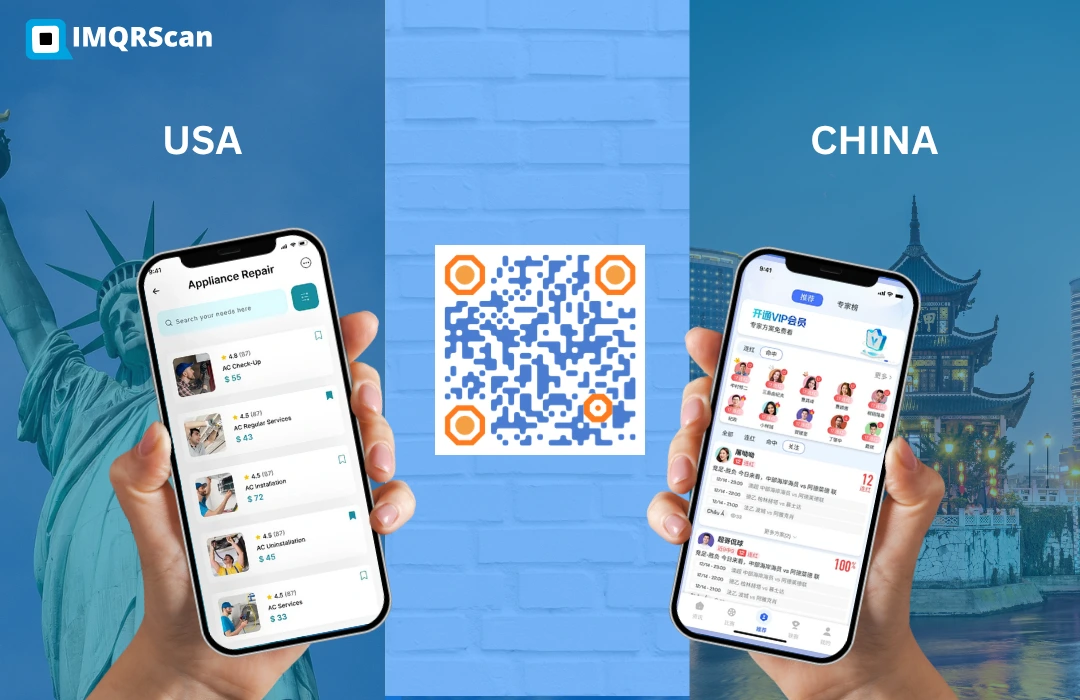
What Is a Multi URL QR Code?
Understand multi URL QR codes, dynamic editing, smart redirects, and analytics.
Read Guide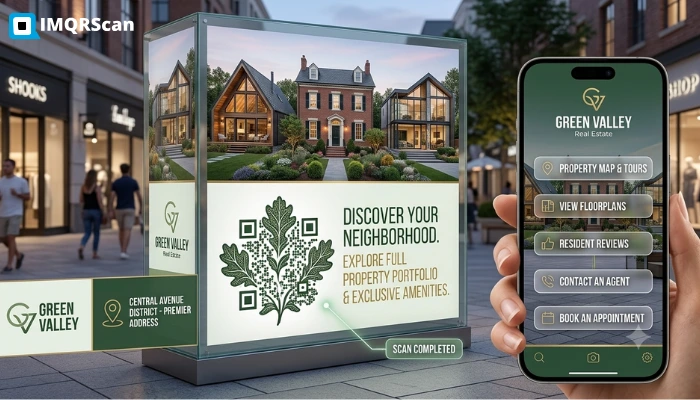
Ways to Share Multiple Links in One QR Code
Compare multi-link generators, link-in-bio pages, custom landing pages, and smart redirects.
Read Guide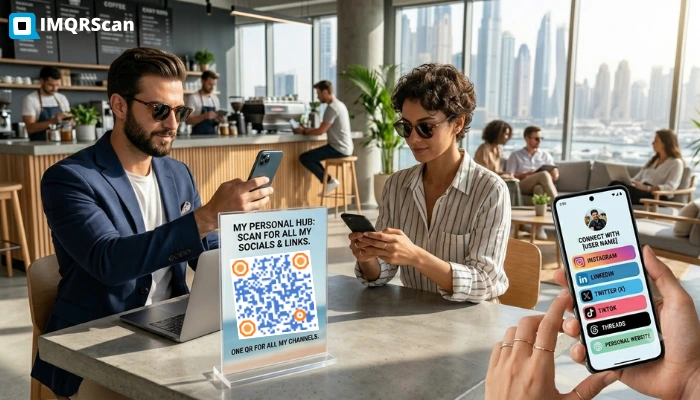
One QR Code for All Social Media Links
Learn when to use a social media QR code and when to use a multi-link QR code.
Read Guide