QR Code Patches for Clothing, Uniforms and Gear
Create washable and scannable QR code patches for uniforms, jackets, bags, hats, pet collars and branded gear. With dynamic QR codes, you can update the destination link anytime without reprinting the physical patch.
IMQRScan helps businesses, schools, event teams, creators and organizations design QR codes that can be printed, woven, embroidered or added to PVC patches. Use them to share websites, vCards, social profiles, emergency details, manuals, forms, offers and campaign pages from one quick scan.
Generate a QR code for your patch in less than 2 minutes, customize it with your brand, download it, and send it to your patch maker.
Free static QR codes. Dynamic QR codes with editable links and scan tracking.
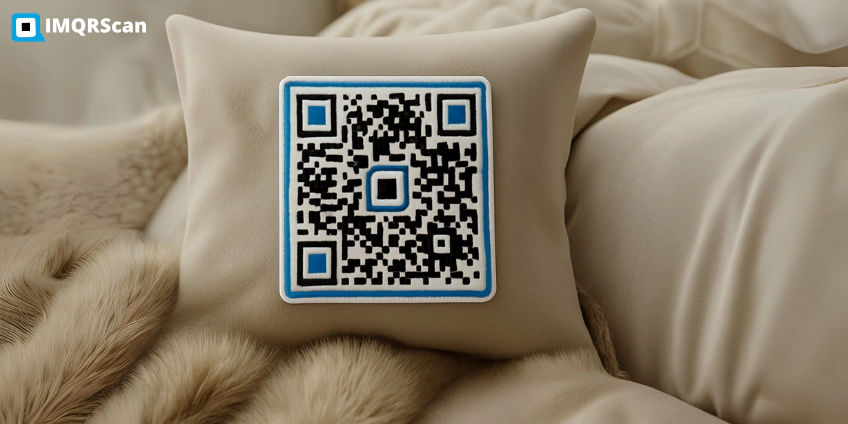
Quick Answers About QR Code Patches
- Best size: at least 2 x 2 inches for close-range scanning.
- Best material: PVC, woven or printed patches with strong contrast.
- Best type: dynamic QR codes for editable patch links.
- Best uses: uniforms, jackets, bags, caps, events, teams, pets and branded merchandise.
Table of Contents
- What Is a QR Code Patch?
- Benefits of QR Code Patches
- How to Create a QR Code Patch
- Best Materials and Patch Styles
- Popular QR Code Patch Use Cases
- QR Code Patch Size Guide
- Why Use IMQRScan for QR Patches?
- Safety and Scan Quality Tips
- QR Code Patch Features in IMQRScan
- Frequently Asked Questions
- More Marketing QR Code Use Cases
What Is a QR Code Patch?
A QR code patch is a physical patch with a scannable QR code printed, woven, embroidered or added to a durable material such as PVC, fabric or rubber. When someone scans the patch with a smartphone camera, it opens your chosen digital destination.
A QR code patch for clothing is useful when you want shirts, jackets, uniforms or caps to connect people to a digital page. Instead of printing long URLs or extra labels, one scannable patch can open your profile, product page, event page, instructions or offer.
QR code patches are useful because they connect physical items to online actions. A patch on a uniform can open a staff profile, a patch on a bag can open lost-and-found details, and a patch on branded merchandise can open a campaign landing page, video, social profile or special offer.
For simple links, you can use a URL QR Code Generator. For campaigns that may change later, use a dynamic QR code so you can edit the link anytime without making a new patch.
Benefits of QR Code Patches
QR code patches are more than decorative labels. They turn clothing, uniforms, bags and gear into interactive touchpoints that people can scan in seconds.
- Turn uniforms and clothing into scannable digital profiles
- Share websites, forms, videos, contact cards, offers and social profiles
- Update patch destinations anytime with dynamic QR codes
- Track scans, devices and campaign activity with QR code tracking
- Add logos, brand colors and frames for a professional look
- Use one patch design across teams, schools, events or merchandise
- Reduce reprinting when links, offers or pages change
Custom QR code patches are especially useful for brands, schools, teams and events because each patch can match your identity while still connecting people to a useful online destination.

How to Create a QR Code Patch in 4 Steps
You can create a QR code for a patch with IMQRScan and then send the final file to your patch printer, embroidery company or merchandise supplier.
Step 1: Choose the QR Code Type
Select the best QR code type for your patch. A website patch can use a URL QR code, a networking patch can use a vCard QR code, and a brand patch can use a social media or multi-link QR code.
Step 2: Customize the Design
Add your logo, brand colors and frame. Keep the QR code high contrast and avoid designs that make the code too complex for fabric, embroidery or woven material.
Step 3: Download the QR Code
Download the QR code in high-resolution PNG or SVG format. SVG is usually better when a printer needs a clean production file.
Step 4: Test Before Bulk Production
Print or produce one sample first. Test it from different distances, under indoor and outdoor lighting, and with multiple phones before ordering 50, 500 or 5,000 patches.
Create a QR Code Patch Design
Use IMQRScan to create branded QR codes for clothing, uniforms, bags, caps and event gear.
Generate QR Code NowBest Materials and Patch Styles
The material you choose affects durability, scan quality and appearance. For best results, keep the QR code flat, clear and high contrast.
| Patch Type | Best For |
|---|---|
| PVC QR Code Patches | Outdoor gear, jackets, bags, tactical equipment and durable branding |
| Woven QR Code Patches | Uniforms, school clothing, clubs, teams and clean fabric designs |
| Printed QR Code Patches | Detailed QR codes, full-color designs and high scan accuracy |
| Embroidered QR Code Patches | Premium look, but works best with larger QR codes and simple designs |
| Velcro QR Code Patches | Reusable patches for uniforms, teams, events and rotating campaigns |
| Iron-On QR Code Patches | DIY apparel, bags and personal projects. Avoid high heat directly on the code |
Popular QR Code Patch Use Cases
QR code patches can be used across many industries and everyday situations. They work best when the scan gives people useful information or a clear next step.
Staff Uniforms and ID Patches
Add a QR code patch to staff uniforms so customers can scan and view a profile, contact card, department page, appointment form or feedback page.
School and Student Uniforms
Schools can use QR code patches on bags or uniforms to link to emergency contact information, transport details, school ID pages or parent communication forms.
Events and Networking
Event teams can place QR code patches on jackets, lanyards or badges to share schedules, speaker pages, booth information or digital business cards.
Brand Marketing and Merchandise
Brands can use QR patches on apparel, giveaways, streetwear and promotional items. For social campaigns, link the patch to a social media QR code or a multi-link QR code.
Pet Collars and Lost-and-Found Tags
A QR code patch on a pet collar, vest or carrier can link to contact information, care notes or lost-and-found details.
Security, Field Teams and Equipment
Field teams can scan patches on uniforms, kits or equipment to open manuals, checklists, safety instructions, asset pages or access documents.

QR Code Patch Size Guide
Patch size is important because fabric, stitching, movement and distance can affect scan performance. Always test your QR patch at real size before production.
| Patch Size | Recommended Use | Typical Scan Distance |
|---|---|---|
| 2 x 2 inches | Close-up scans, bags, tags, small patches | Arm length, around 40 to 60 cm |
| 2.5 x 2.5 inches | Uniforms, jackets, caps and light movement | Up to around 1 meter |
| 3 x 3 inches | Events, moving people, outdoor gear and brand activations | Around 1 to 1.5 meters |
Why Use IMQRScan for QR Code Patches?
IMQRScan gives you the tools to create QR codes that are easier to manage after your patches are printed. This is especially important for uniforms, event gear, school patches, branded merchandise and campaigns that may change over time.
| Feature | Why It Helps QR Patches |
|---|---|
| Dynamic QR Editing | Update the patch link anytime without reprinting the physical patch |
| Scan Tracking | Measure scans, devices, locations and campaign activity |
| Brand Customization | Add logos, colors, frames and branded QR code styles |
| High-Resolution Export | Download PNG or SVG files for patch production |
| Multiple QR Types | Create QR patches for URLs, vCards, files, social links, apps and forms |
| Simple Dashboard | Manage all patch QR codes from one place |
Safety and Scan Quality Tips
QR code patches are safe and useful when the destination is clear, trusted and mobile-friendly. The main scan issues usually come from poor contrast, small size, curved placement or low-quality production.
- Use HTTPS links and a trusted branded landing page
- Keep the QR code flat and avoid curved or folded areas
- Keep a clear quiet zone around the QR code
- Avoid glossy materials that create glare
- Avoid high-heat ironing directly on the QR code
- Test with multiple phones before bulk production
- Use dynamic QR codes if the destination may change later
You can also use expiry settings or update the destination if a campaign ends. For more about QR lifespan, read Do QR Codes Expire?

Create Your QR Code Patch Today
Design a branded QR code for clothing, uniforms, bags, caps, pet collars and gear. Update links anytime with dynamic QR codes and track every scan from your dashboard.
What Else Can a QR Code Patch Do in IMQRScan?
A QR code patch carries your link on uniforms, bags, and merch. IMQRScan adds tools that keep fabric codes scannable and let one sewn-on patch point to new content later.
Multiple QR Shapes
Choose simple, bold dot and corner shapes that survive embroidery and weaving on a patch.
Team and Users
Give every staff member a uniform patch code from one account, with roles for managers.
Schedule and Scan Limits
Point a patch to an event page only during the event, then switch it back afterwards.
More Tools for Every QR Code Patch
Built-in QR Templates
Ready-made designs with colors, frames, and logo placement set.
Free Print Templates
Flyers, posters, and table tents with your code already placed.
QR Stickers
Sticker-ready designs for labels, packaging, doors, and windows.
Multi-Language Pages
Show hosted landing pages in the languages your visitors read.
Country Rules
Send each country to a different destination from one code.
Retargeting Pixels
Meta, GA4, Google Ads, TikTok, and LinkedIn pixels on every scan.
PIN Protection
Ask for a PIN before the content opens.
Custom Domain
Use your own domain for the short link behind the code.
QR Code API
Create and manage codes from your own software.
Free on every plan
- Built-in QR templates
- Multiple QR shapes
- Free print templates
- QR stickers
- Multi-language landing pages
Free plan includes
- Unlimited static QR codes
- 5 Smart (dynamic) QR codes
- 15 tracked scans
- 14 days of scan analytics
- Bulk creation, 5 per upload
- File uploads up to 5 MB
Professional plan and up
- PIN protection
- Schedule and scan limits
- Country rules
- Retargeting pixels
- QR Code API
- Team management and roles
- Custom domain on paid plans (see pricing)
Frequently Asked Questions
About QR Code Patches
Everything you need to know about QR code patches, patch size, washing, dynamic links and scan tracking.
More Marketing QR Code Use Cases
Explore more ways to use QR codes across television, stickers, apparel and premium physical branding.

TV QR Codes
Create scannable QR codes for TV commercials, smart TV screens, streaming campaigns and digital displays.
Read Guide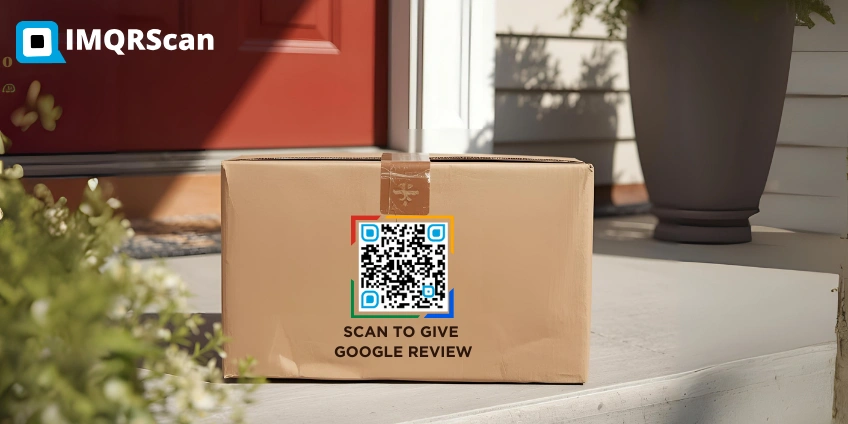
QR Code Stickers
Create printable QR code stickers for packaging, product labels, reviews, events and offline promotions.
Read Guide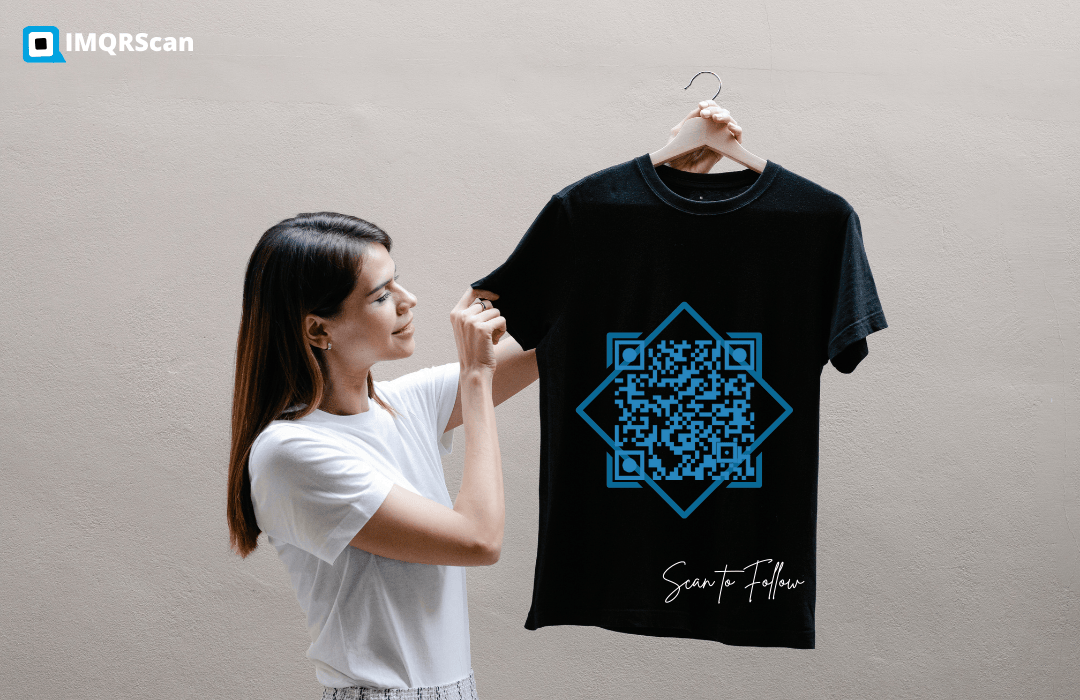
QR Code for Shirt
Turn T-shirts into scannable marketing tools for events, creators, brands, promotions and social media campaigns.
Read Guide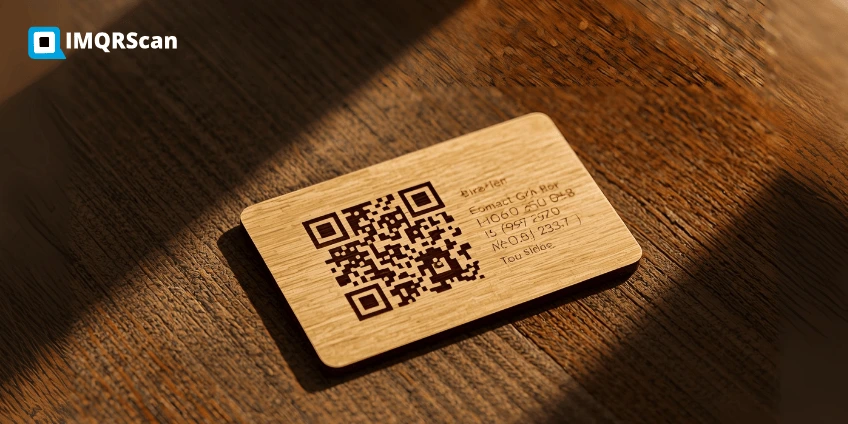
Custom Wooden QR Codes
Create premium wooden QR codes for restaurants, hotels, business cards, counters, displays and eco-friendly branding.
Read Guide