Best Multi Link QR Code Generators for Multiple Links (2026)
Compare the best multi link QR code generators for businesses, creators, marketers, restaurants, print campaigns, packaging, and QR code workflows that need multiple links from one scan.
Quick Answer
The best multi link QR code generator depends on whether you need a QR-first tool or a link-in-bio page. IMQRScan is the strongest QR-first option for businesses, creators, restaurants, packaging, and print campaigns because it combines a hosted multi-link landing page with dynamic QR editing, real-time scan analytics, full QR branding, and print-ready PNG, SVG, and PDF exports.

Table of Contents
Create a Multi Link QR
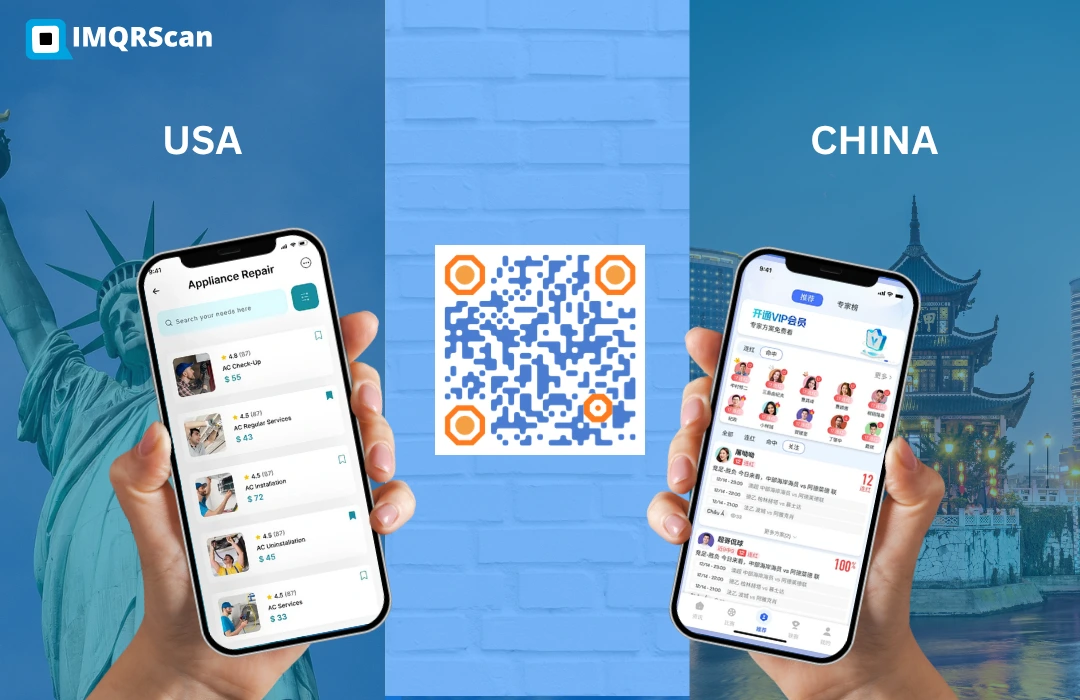
Create one QR code that opens multiple links on a branded landing page.
Open Multi Link QR GeneratorHow We Evaluated These Tools
We looked at ten tools that let you create a QR code for multiple links. We evaluated them on five criteria that matter most for real-world print and marketing use cases: whether the tool is QR-first or link-in-bio-first; dynamic editing capability; scan analytics; QR branding options; and the quality of the landing page experience.
Quick Comparison Table
| Tool | QR-First? | Dynamic Edit | Analytics | QR Branding | Best For |
|---|---|---|---|---|---|
| IMQRScan | ✓ Yes | ✓ Yes | Real-time | Full | QR-first multi-link for businesses, print campaigns, creators, restaurants, packaging |
| MultiLinkQR | Yes | ✓ Yes | Partial | Partial | Simple multi-link QR |
| TrueQRCode | ✓ Yes | ✓ Yes | ✓ Yes | ✓ Yes | Full QR suite with multi-link |
| ME-QR | ✓ Yes | ✓ Yes | ✓ Yes | ✓ Yes | High-DR QR platform, broad features |
| Taplink | Partial | ✓ Yes | Basic | Limited | Mini landing pages, social focus |
| ViralQR | ✓ Yes | ✓ Yes | ✓ Yes | ✓ Yes | Marketing QR campaigns |
| QRLynx | ✓ Yes | ✓ Yes | Basic | Basic | Simple dynamic QR with link list |
| Linktree | ❌ No | ✓ Yes | Basic | ❌ No QR | Social media bio links only |
| Beacons | ❌ No | ✓ Yes | Partial | ❌ No QR | Creator bios, social focus |
| Carrd | ❌ No | ✓ Yes | ❌ No | ❌ No QR | DIY landing pages, no QR |
Best Multi Link QR Code Generators Reviewed
IMQRScan | Best for QR-First Multi-Link Use Cases
IMQRScan is the strongest option when your primary workflow involves printing QR codes on physical materials. It is built around the QR code, not the landing page as an afterthought.
The Multi Link QR Code Generator creates a hosted landing page and a fully branded, print-ready QR code in the same flow. You get dynamic editing, real-time scan analytics, custom QR design with logo and brand colors, and export in PNG, SVG, or PDF at print resolution.
IMQRScan also integrates with other QR types you may need, including dynamic QR codes, vCard Plus digital business cards, social media QR codes, and a URL QR code generator, so you can manage all your QR codes from one dashboard.
Best for: restaurants, retailers, event organizers, real estate agents, healthcare, packaging, and any business printing QR codes.
Verdict: IMQRScan is the most purpose-fit multi link QR code generator for businesses that need one QR code to manage multiple links across printed and digital materials.
Try IMQRScan Multi Link QRMultiLinkQR | Strong Domain, Simple Interface
MultiLinkQR holds a strong keyword-matched domain and offers a focused multi-link QR experience. The interface is simple and the QR generation is fast. It is a reasonable choice for users who want a straightforward tool without a lot of extra features.
For current pricing and feature limits, check multilinkqr.com directly.
TrueQRCode | Full QR Platform with Multi-Link Support
TrueQRCode is a comprehensive QR code platform that supports many QR types including multi-link. It has solid analytics and branding features and has built out strong supporting content around its QR offerings.
A reliable choice if you need a broad QR toolkit, not just multi-link.
ME-QR | High-Reputation Platform
ME-QR is an established QR platform with strong domain authority and a complete feature set. It includes multi-link QR codes, analytics, and branding.
Well-suited for users who want a mature platform with a track record. Check me-qr.com for current plan details.
Taplink | Mini Landing Pages, Social Focus
Taplink is primarily a mini landing page builder used for social media bios. You can convert a Taplink page to a QR code, but QR features are secondary to the social experience.
Analytics are basic and QR branding is limited. A practical bridge tool but not purpose-built for QR print workflows.
ViralQR | Marketing-Oriented QR Platform
ViralQR offers dynamic QR codes including multi-link landing pages, with a focus on marketing analytics.
Good for digital marketers running campaigns who want to track QR performance alongside other digital metrics.
QRLynx | Lightweight Dynamic QR with Link List
QRLynx is a lean tool offering dynamic QR codes and a simple link-list page. It handles the basics well.
Analytics and branding are more limited than dedicated platforms. A reasonable option for users who want simplicity at low cost.
Linktree | Link-in-Bio Tool, Not QR-First
Linktree is one of the most popular link-in-bio tools for creators, influencers, and social media profiles. It helps users create a simple landing page with multiple links for Instagram, TikTok, YouTube, and other social channels.
Linktree is not QR-first. You can share a Linktree page through a QR code, but QR branding, print-ready QR exports, per-QR scan analytics, and dynamic QR management are limited compared with QR-first platforms like IMQRScan.
Beacons | Creator Bio Tool, Not QR-First
Beacons is built mainly for creators who want a social bio page with multiple links, products, media, and creator monetization options. It works well for influencers, content creators, and personal brand pages.
Beacons is useful for creator landing pages, but it is not designed primarily for QR printing workflows. If you need QR customization, print-ready exports, scan tracking, and QR dashboard control, a QR-first tool is a better fit.
Carrd | DIY Landing Page Tool, Not QR-First
Carrd is a simple landing page builder that lets users create one-page websites for profiles, portfolios, campaigns, and link collections. It gives more design flexibility than many link-in-bio tools.
Carrd does not work as a dedicated multi link QR code generator. You can create a Carrd page and generate a QR code separately, but QR analytics, QR branding, dynamic QR editing, and print-ready QR exports are not built into the core workflow.
Which Tool Should You Choose?
If you are primarily printing QR codes on business cards, menus, packaging, posters, or signage, IMQRScan is the most purpose-fit choice. It treats the QR code itself as the primary product, with the landing page serving the QR rather than the other way around.
If you are a creator who mainly lives in social media bios and occasionally needs a QR, a link-in-bio tool plus IMQRScan's free URL QR code generator is a reasonable combination.
Create Your First Multi-Link QR Code
Compare for yourself. Create your first multi-link QR code free with IMQRScan.
Create Multi Link QR Code FreeWhy this guide is useful
This guide compares multi link QR code generators for businesses, creators, restaurants, marketers, packaging teams, and print campaigns. It focuses on QR-first workflow, dynamic editing, scan analytics, branding, and landing page quality.
For creating your own multi-link QR code, use the IMQRScan Multi Link QR Code Generator.
Frequently Asked Questions
Common questions about multi link QR code generators, multi URL QR codes, QR-first tools, dynamic editing, and scan tracking.
Ready to create your multi-link QR code?
Create Multi Link QR Code FreeRelated QR Code Generator Guides
More IMQRScan resources to help you create, edit, compare, and track QR codes for business.
Multi Link QR Code Generator
Create one QR code that opens multiple links on a branded landing page.
Open Tool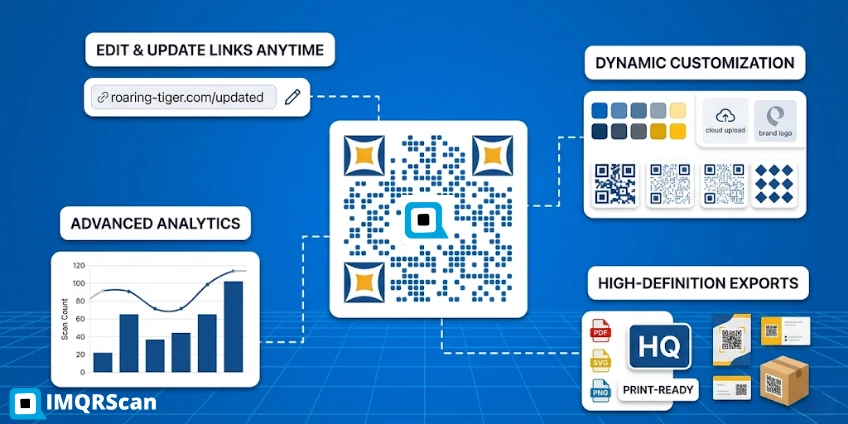
Dynamic QR Code Generator
Create editable QR codes with scan tracking, branding, and no reprinting when links change.
Open Tool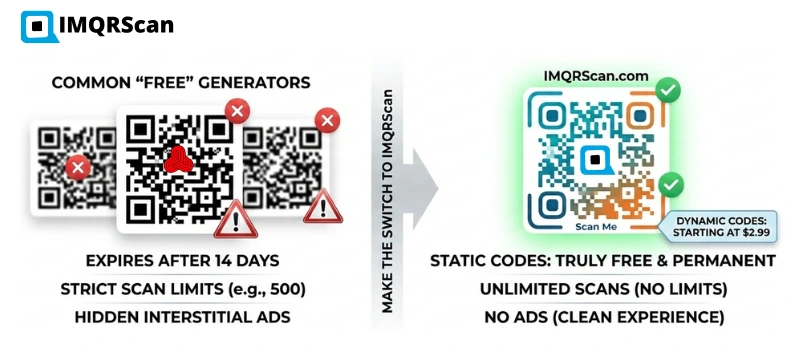
Best QR Code Generator
Compare the best QR code generators for free, dynamic, tracking, and business use.
Read Guide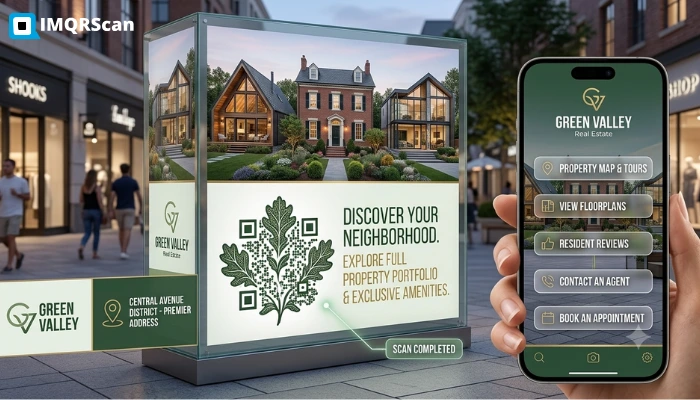
Ways to Share Multiple Links in One QR Code
Compare multi-link generators, link-in-bio pages, custom landing pages, and smart redirects.
Read Guide